

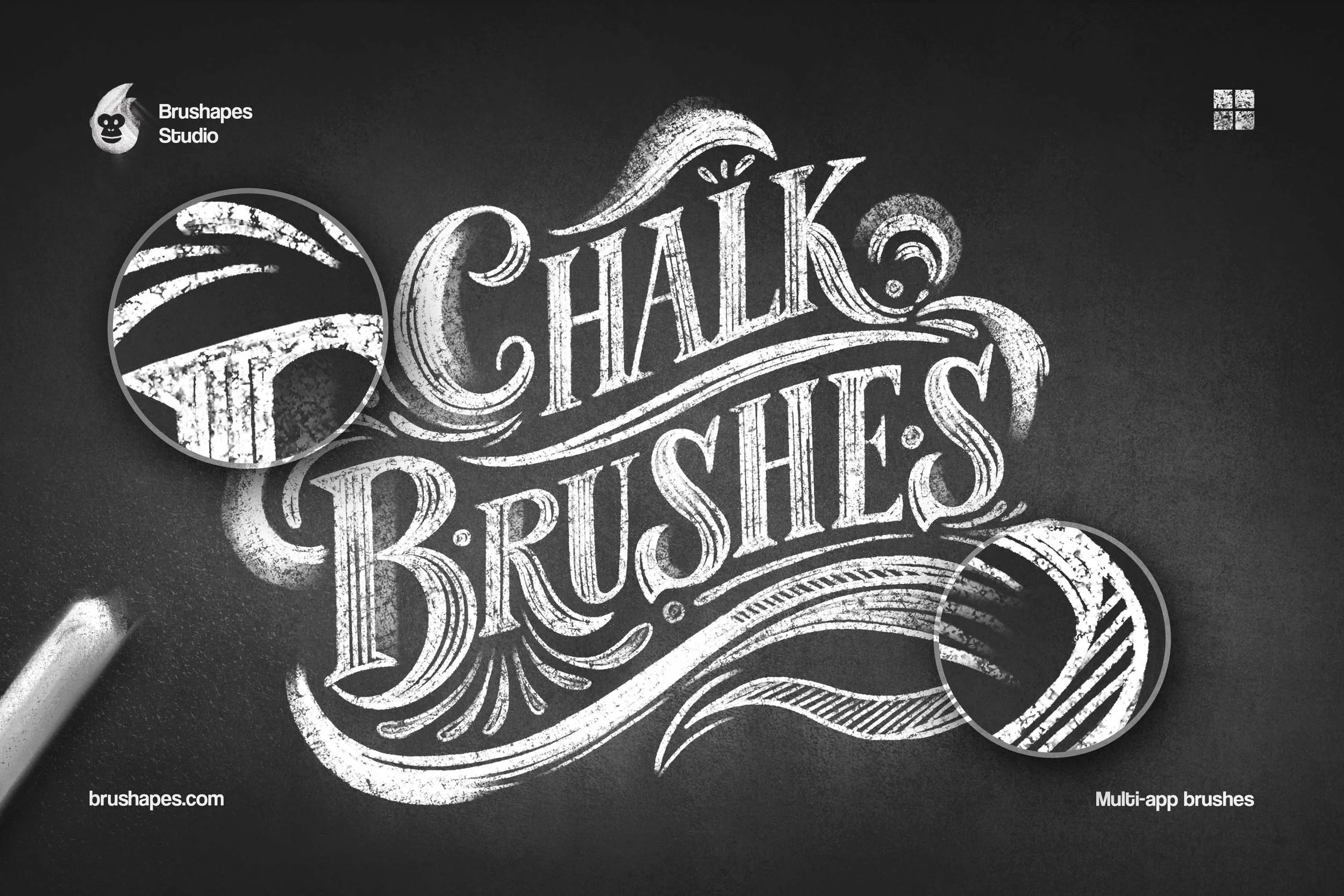
 Image 1 of 8
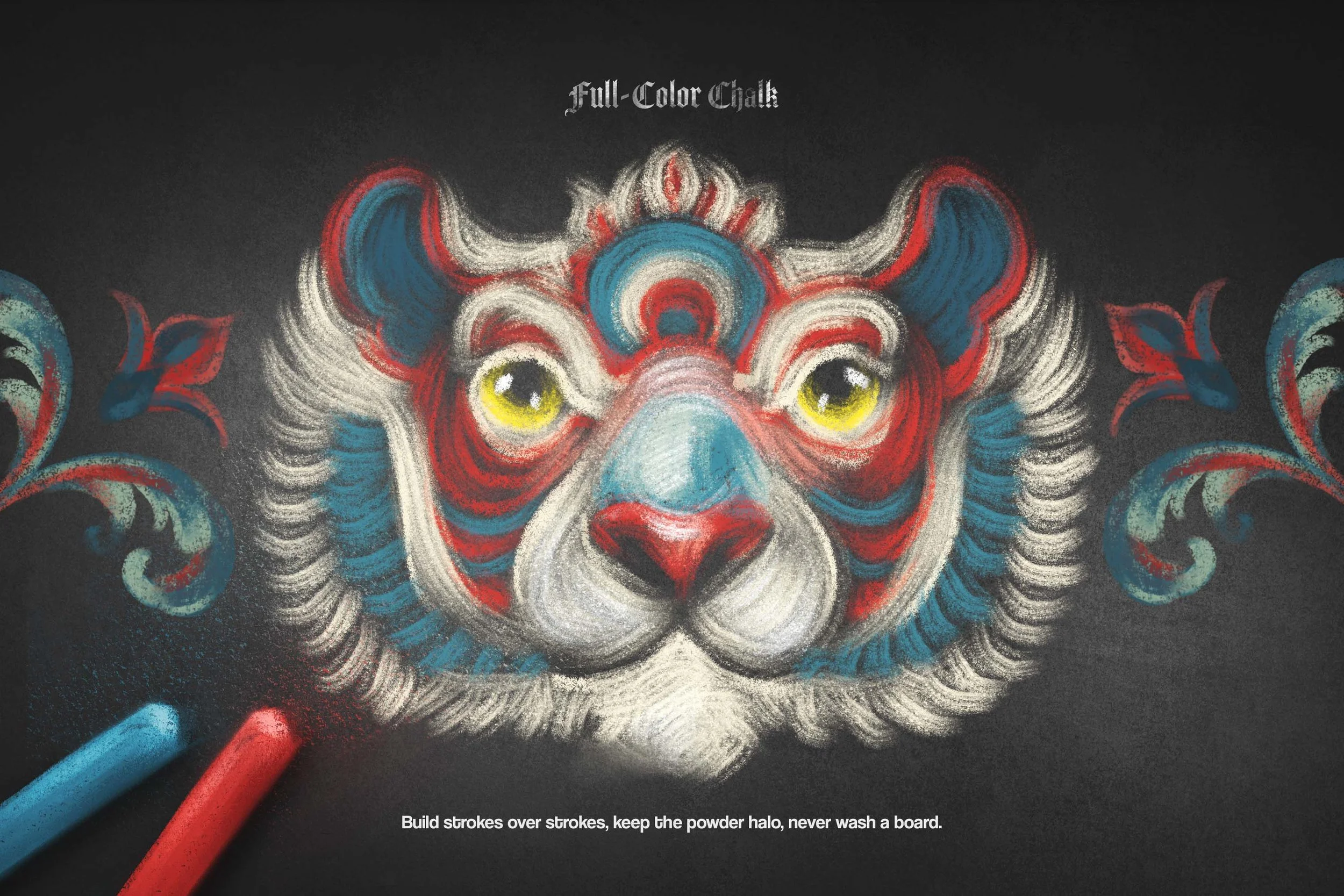 Image 2 of 8
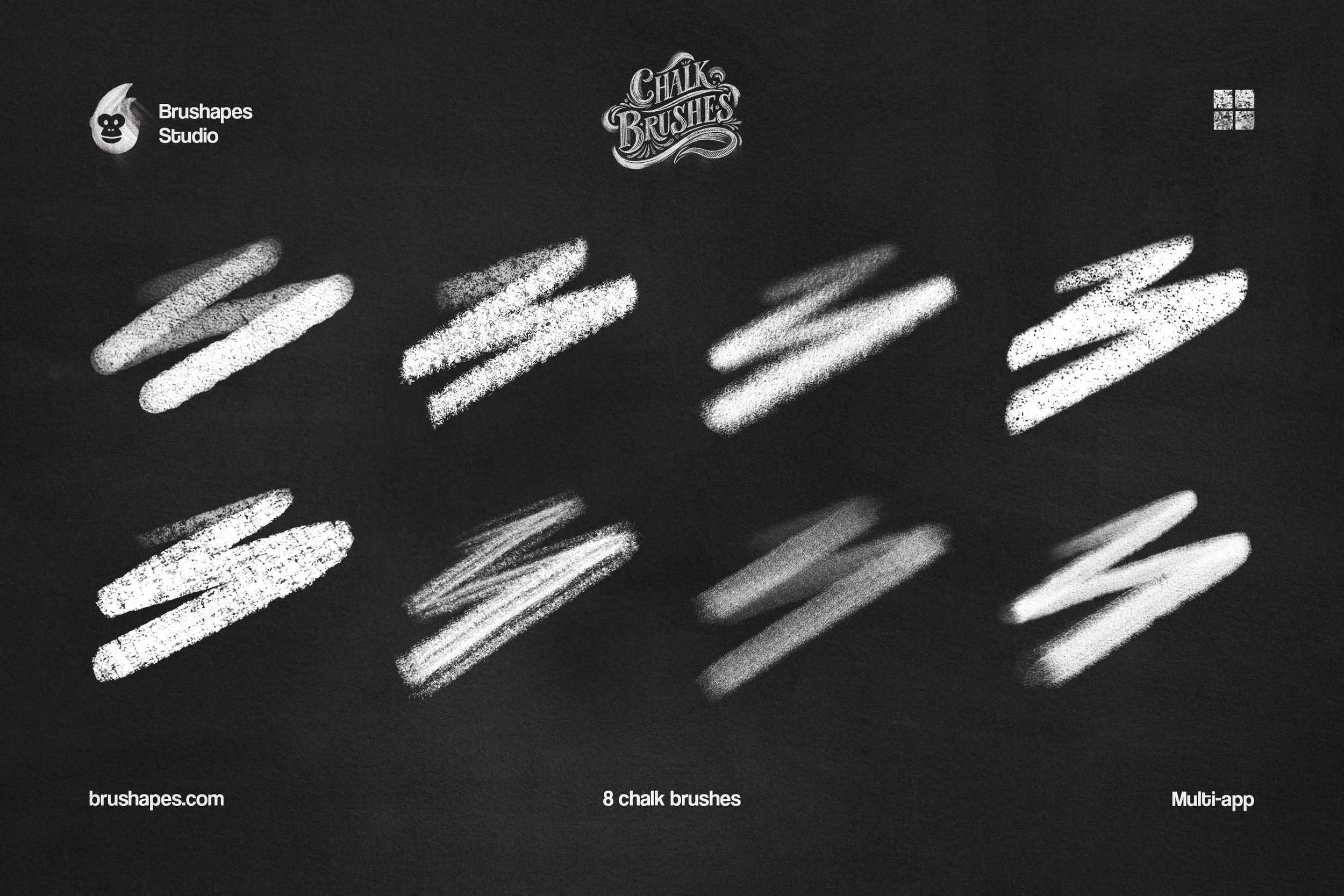 Image 3 of 8
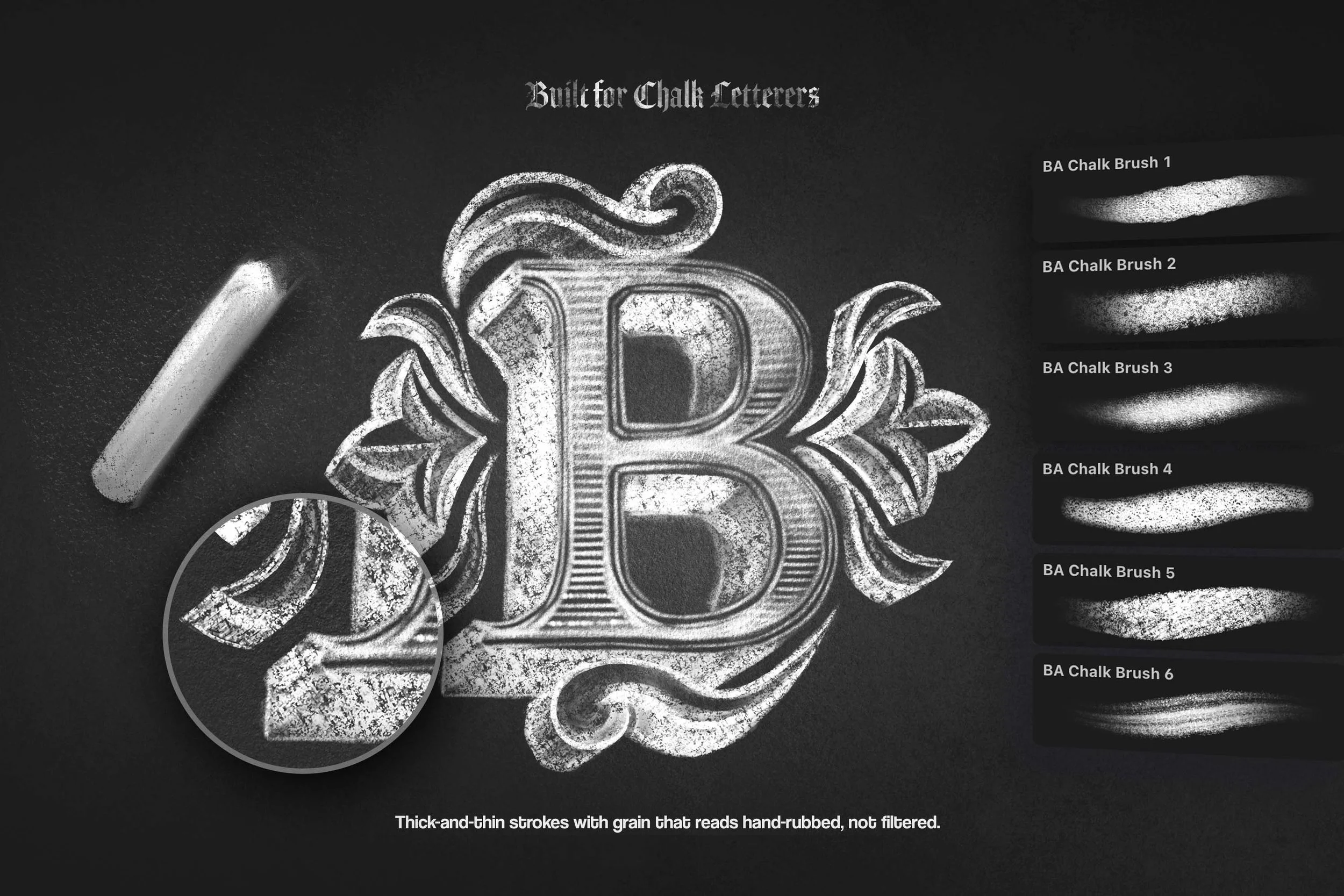 Image 4 of 8
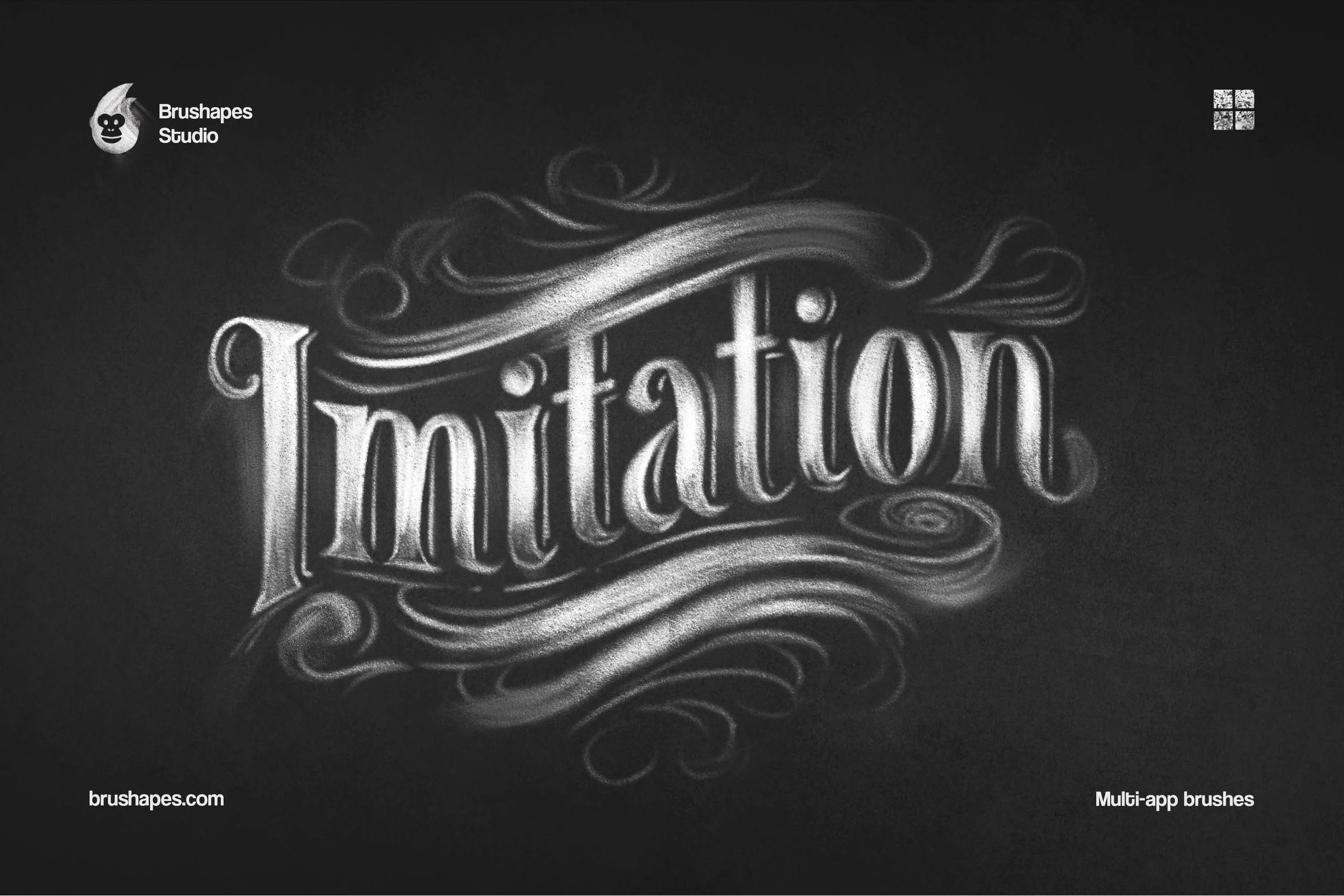 Image 5 of 8
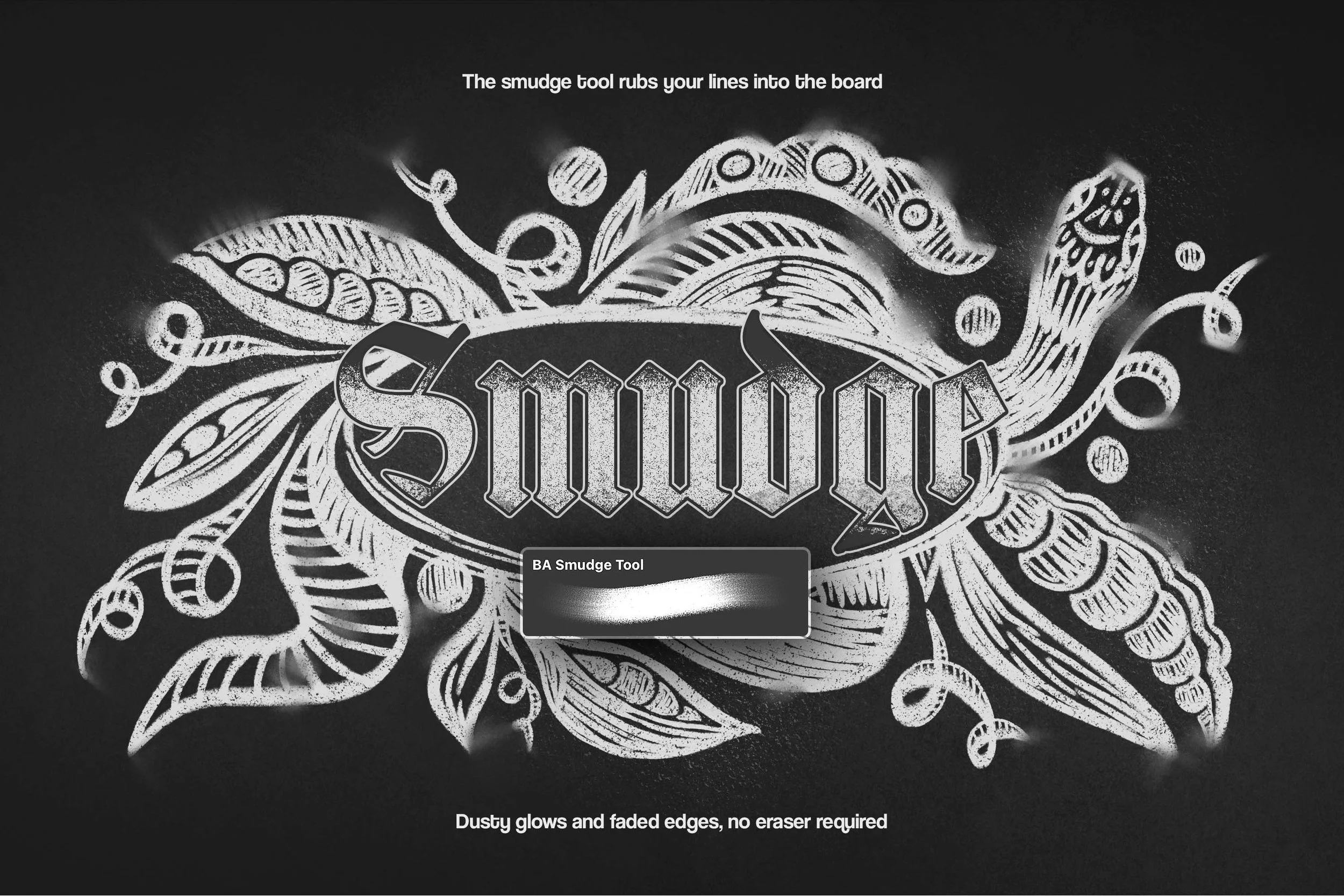 Image 6 of 8
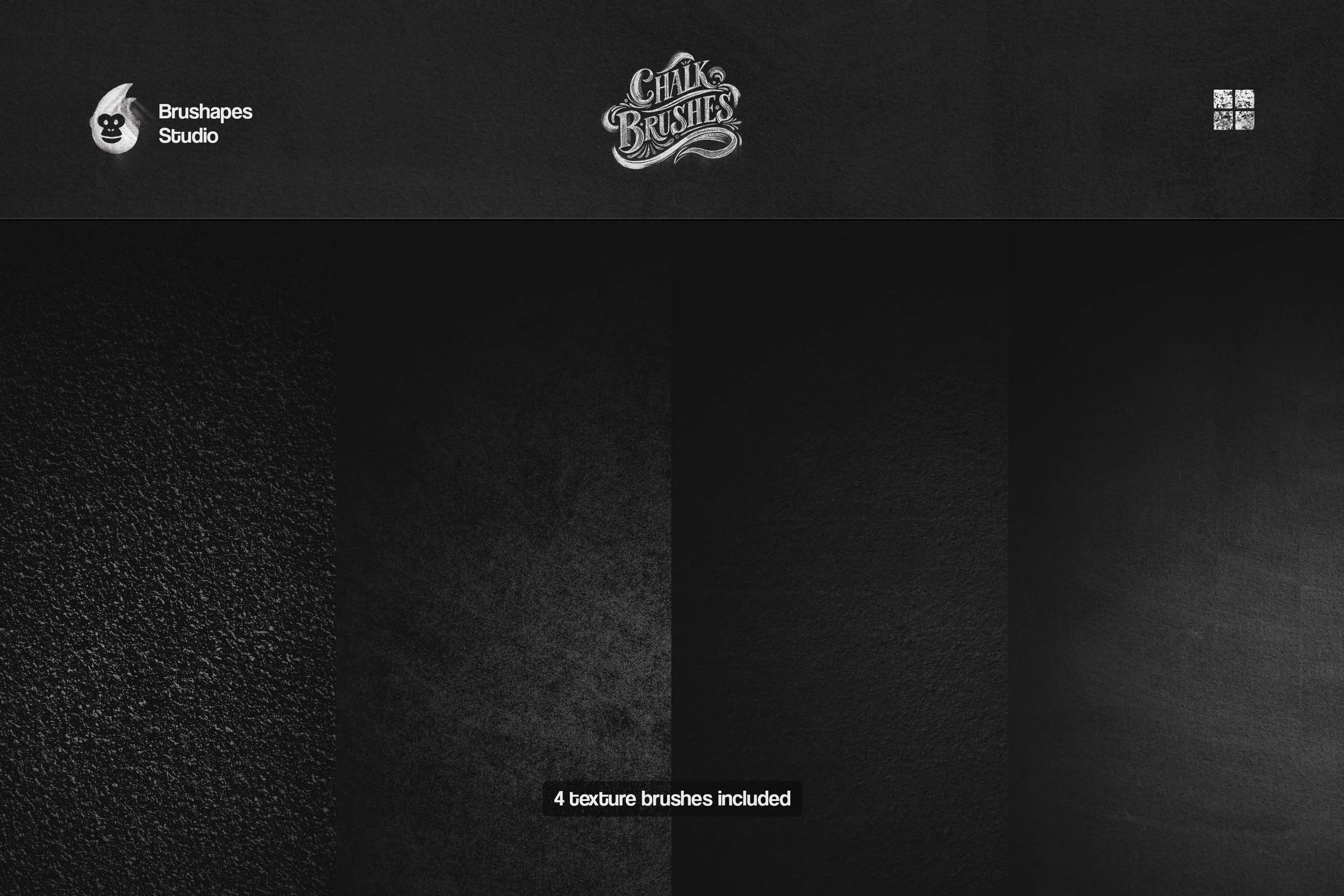 Image 7 of 8
 Image 8 of 8
Midnight Chalk Multi-App Brushes

We like chalk when it's unreliable. This bundle puts the same chalk in every app you work in — Procreate, Photoshop, Illustrator, Affinity, Clip Studio Paint — so a board you rough out on iPad finishes in Photoshop with the same grain, the same broken edges, the same white dust on your fingers. Café boards, classroom diagrams, old pub menus, bakery signs, sidewalk lettering: one medium, whichever app is open.
Together with Olga Lysenkova, we built a set around how chalk behaves, both on screen and on heavyweight paper stock. There are dense sticks that lay down bright, confident marks for lettering and illustrations, plus soft brushes for dusty trails and backgrounds. Between those extremes are brushes that respond to pressure the way real chalk does, widening, thinning, breaking apart, and leaving dry grain inside the stroke.
“I borrowed an actual board for this. I drew, wiped, drew again, mostly to catch what my hands were doing when I wasn’t paying attention. Turns out I was rubbing constantly. Thumb, knuckle, or index finger as an art tool, heh. I suggested we build a rubbing tool, then asked what surface it needed to rub against, then hand-tested how far dust should travel from a line.”
75 chalkboard brushes for Photoshop, Procreate, Illustrator, Affinity, and Clip Studio. Save $36 on the full bundle. $39.
Products included:
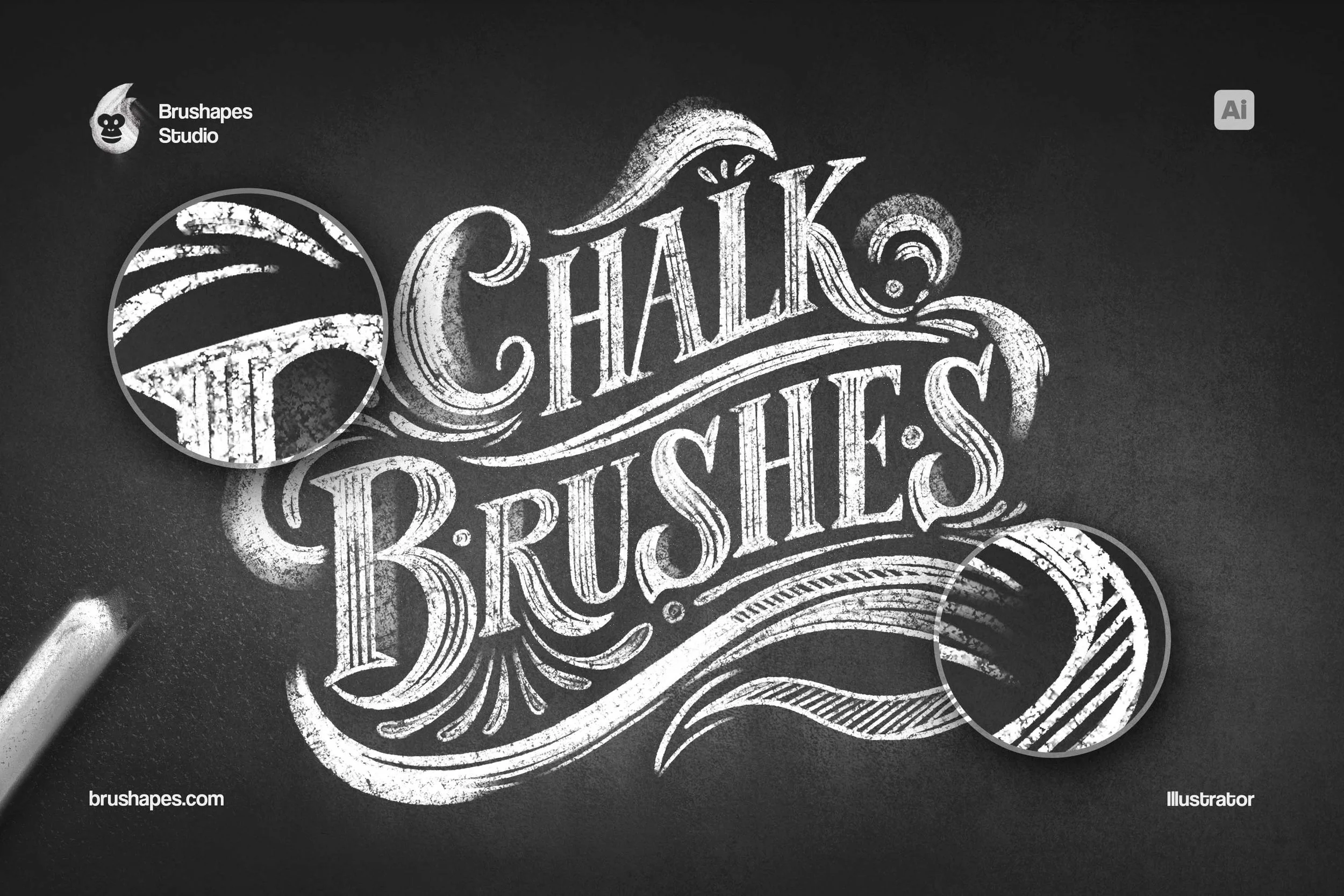
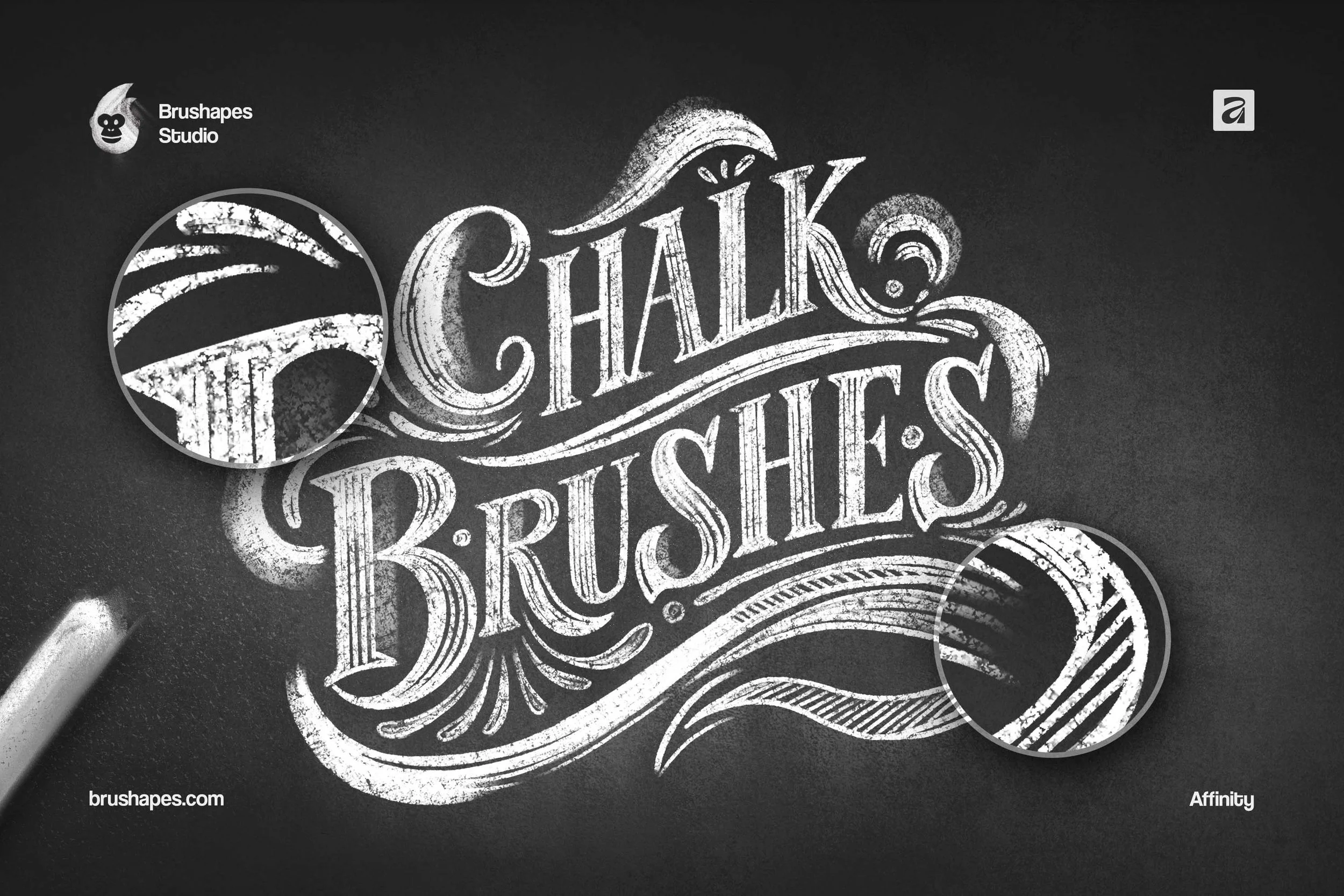
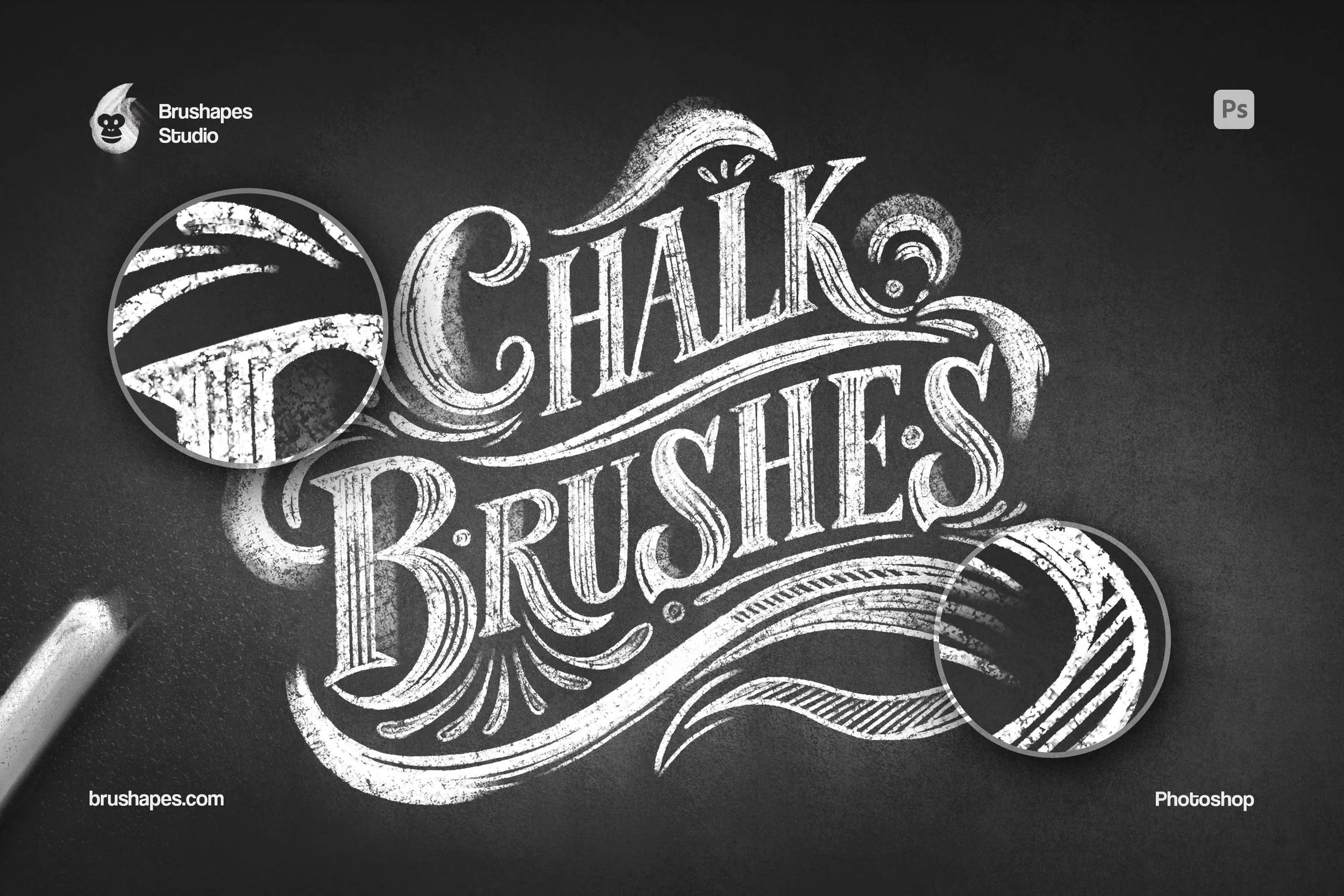
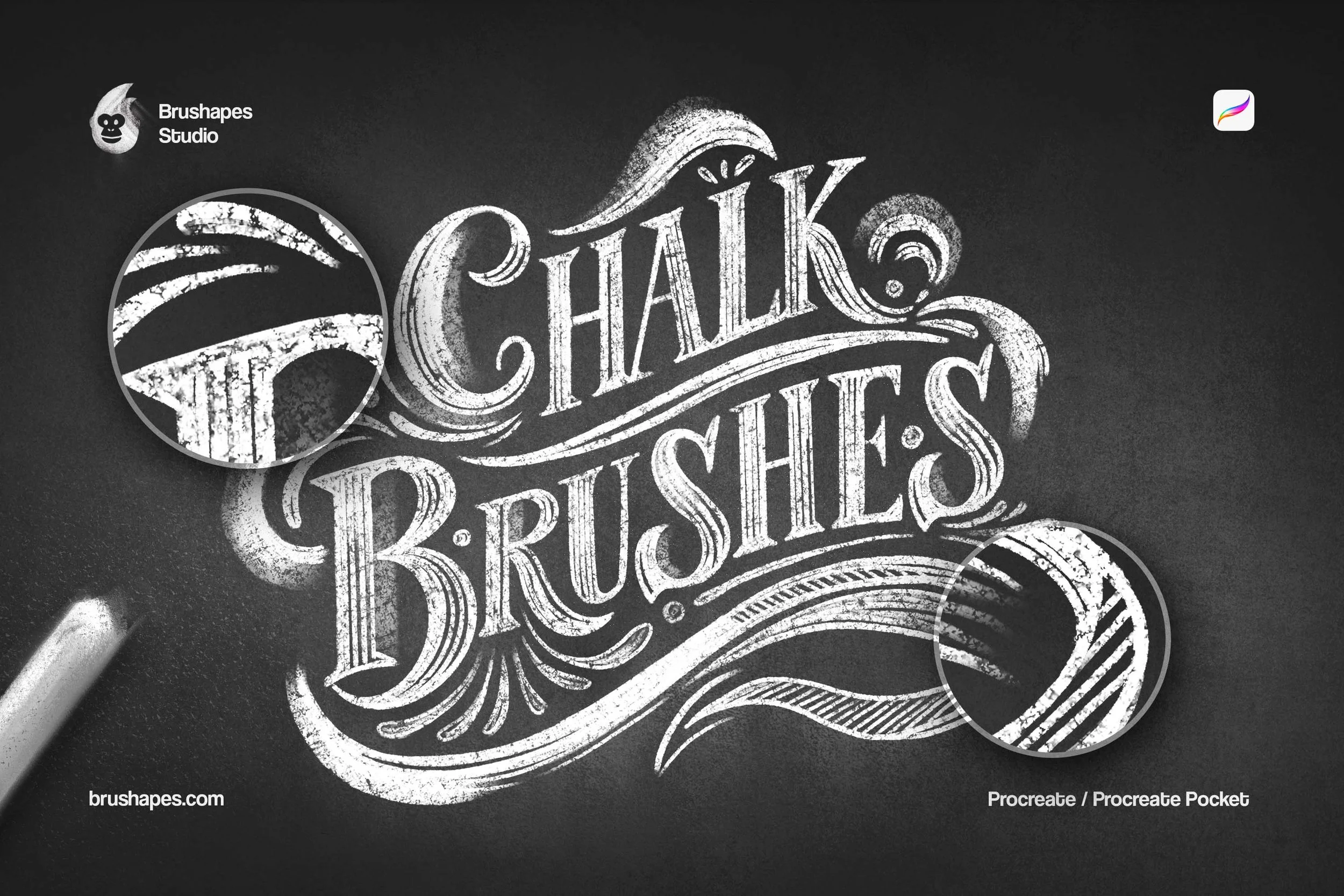
The supporting tools matter just as much. The scatter brush handles the loose half of the medium, dropping powder and stray speckle along a path so a line frays outward. Ready-made chalkboard textures provide convincing surfaces, with a grain that answers back from the very first stroke. Together, the toolbox covers the range that stylized illustration and retro typography run on: thick-and-thin lettering with ornament packed around it, powdery shading, dusty halos, and the surface holding it all together. Nothing here needs supplementing from another pack, which is the point.
Chalk Brushes FAQ
-
Digital brushes that behave like a stick of chalk on a board: broken coverage, powder scatter along the edges, and strokes that build up instead of printing flat.
-
The chalk brushes are for drawing and lettering, from dense strokes to loose powder. The background brushes fill areas with board grain when you need a surface. The smudge tool adds nothing: it rubs what's already there into the board for glows, fades, and soft shadow.
-
Both. Full-color chalk sits cleanly on a dark ground, and the powder halo behaves the same in red or blue as it does in white.
-
No. If you can draw or letter at all, the brushes supply the chalk logic: coverage, drag, and dust do the convincing.
-
Not at all. They're there to save you a step. The background brushes let you build a board at any size and tone you like, and every brush works over your own scan or photo.
-
Vector software handles brushes on its own terms, so the Illustrator build is rebuilt natively as Art and Scatter Brushes. Same strokes, same grain, delivered in a format Illustrator can actually run — and it goes back to CS6.
-
Yes. They're tuned for high-resolution work, so the grain stays chalk instead of turning to mush on posters, menu boards, packaging, and editorial spreads. Start on a large canvas for the best result.
-
A tablet or Apple Pencil is strongly recommended. Pressure and tilt produce the thick-and-thin and the build-up, and the smudge tool in particular wants a hand behind it. A mouse will get you through flat fills and stamps, but not much further.
Includes: All five formats in one download — .brushset, .abr, Illustrator Art & Scatter Brushes, .afbrushes, .sut + 4 chalkboard textures. Install per app, one license covers them all
File size: 450 MB
ZIP package, Dropbox download
How to Install Procreate Brushes
How to Install Photoshop Brushes
How to Install Illustrator Brushes




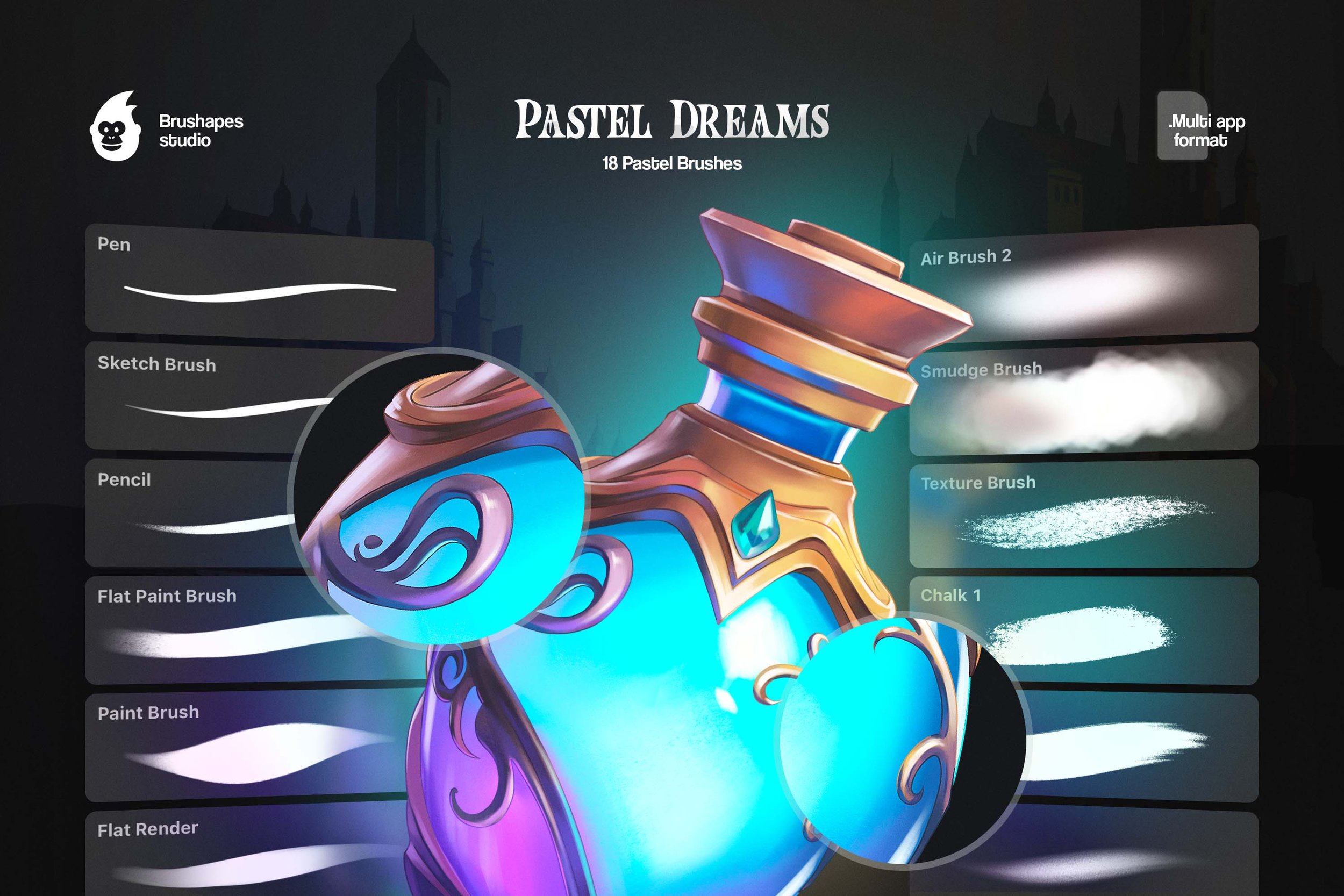
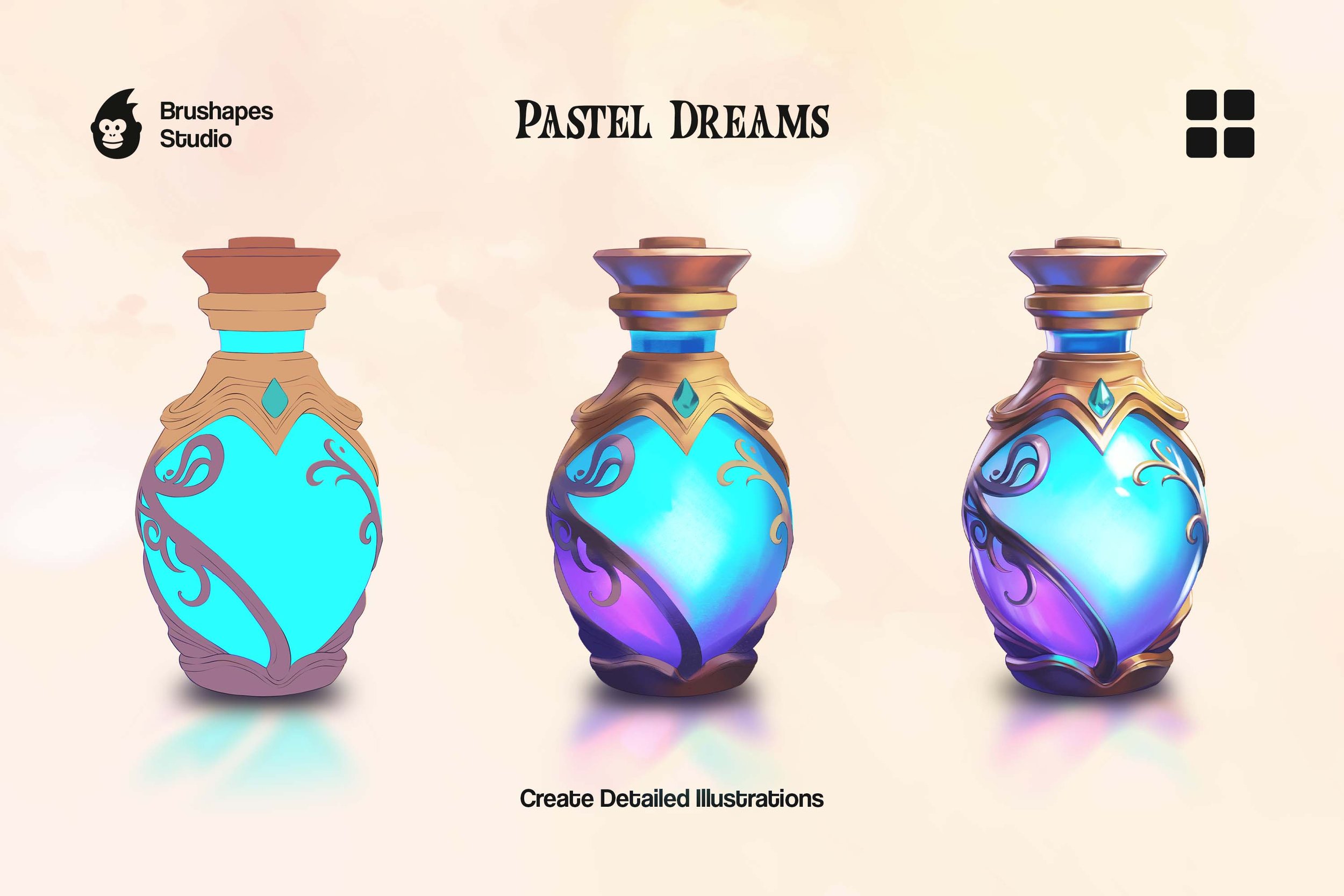
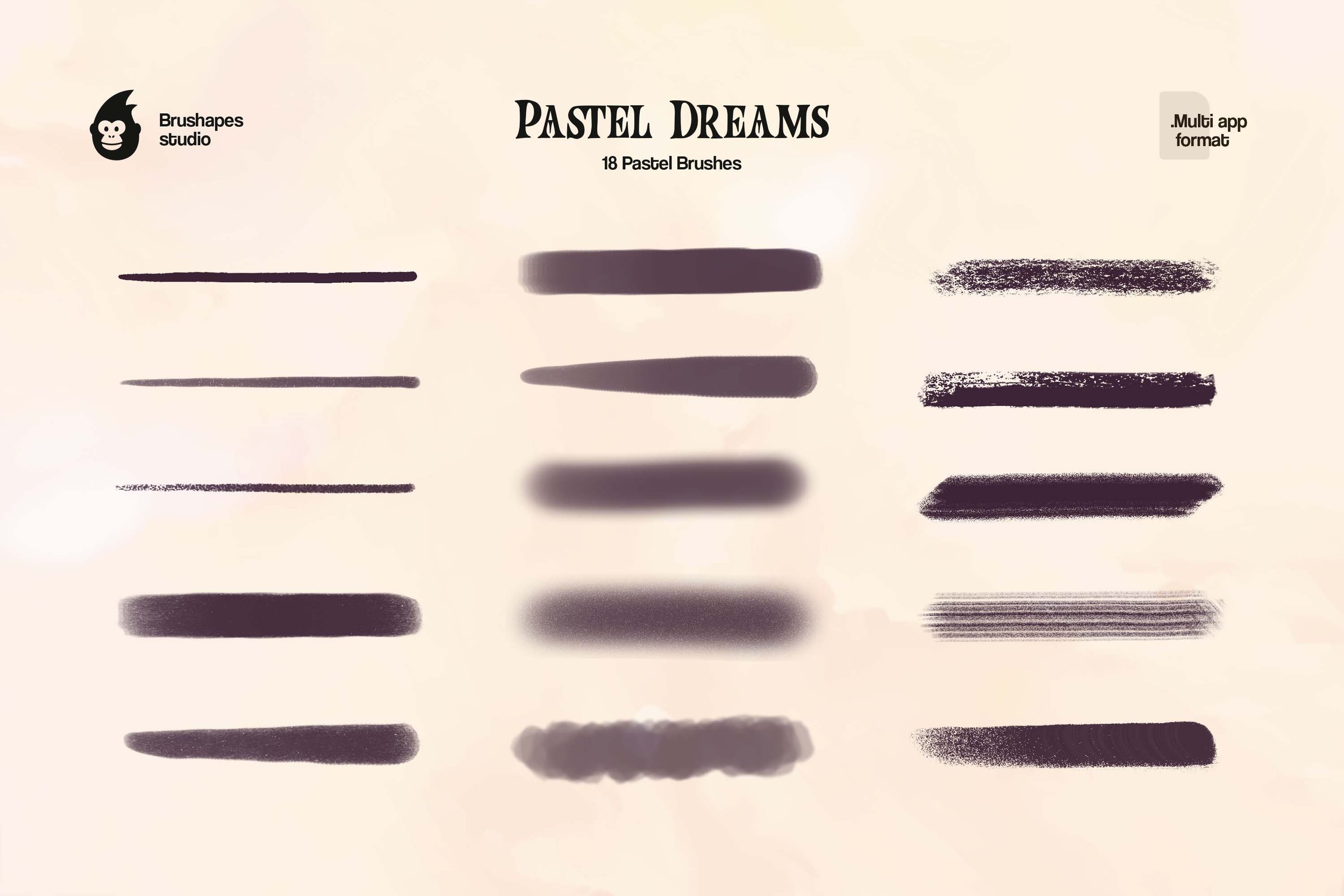
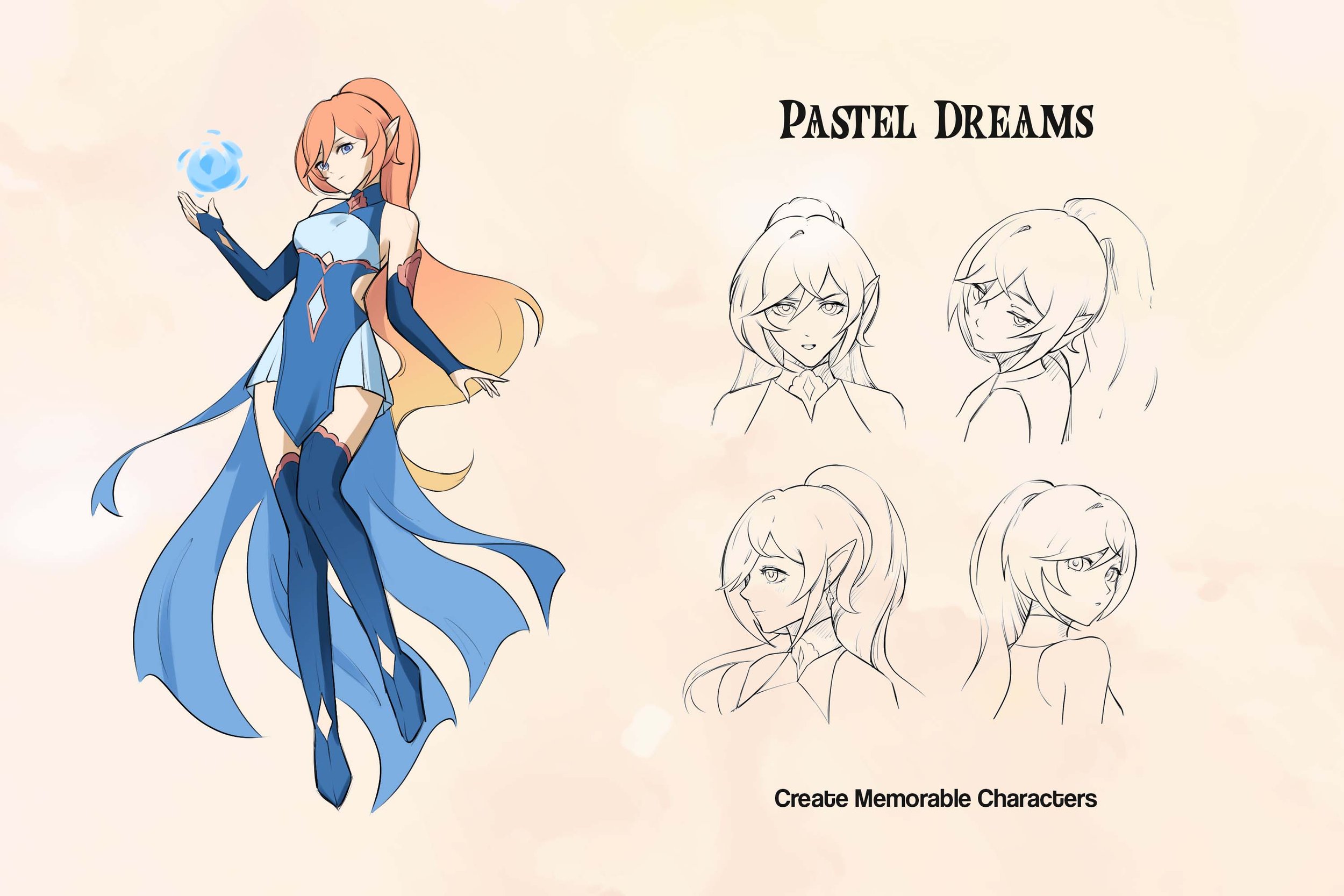
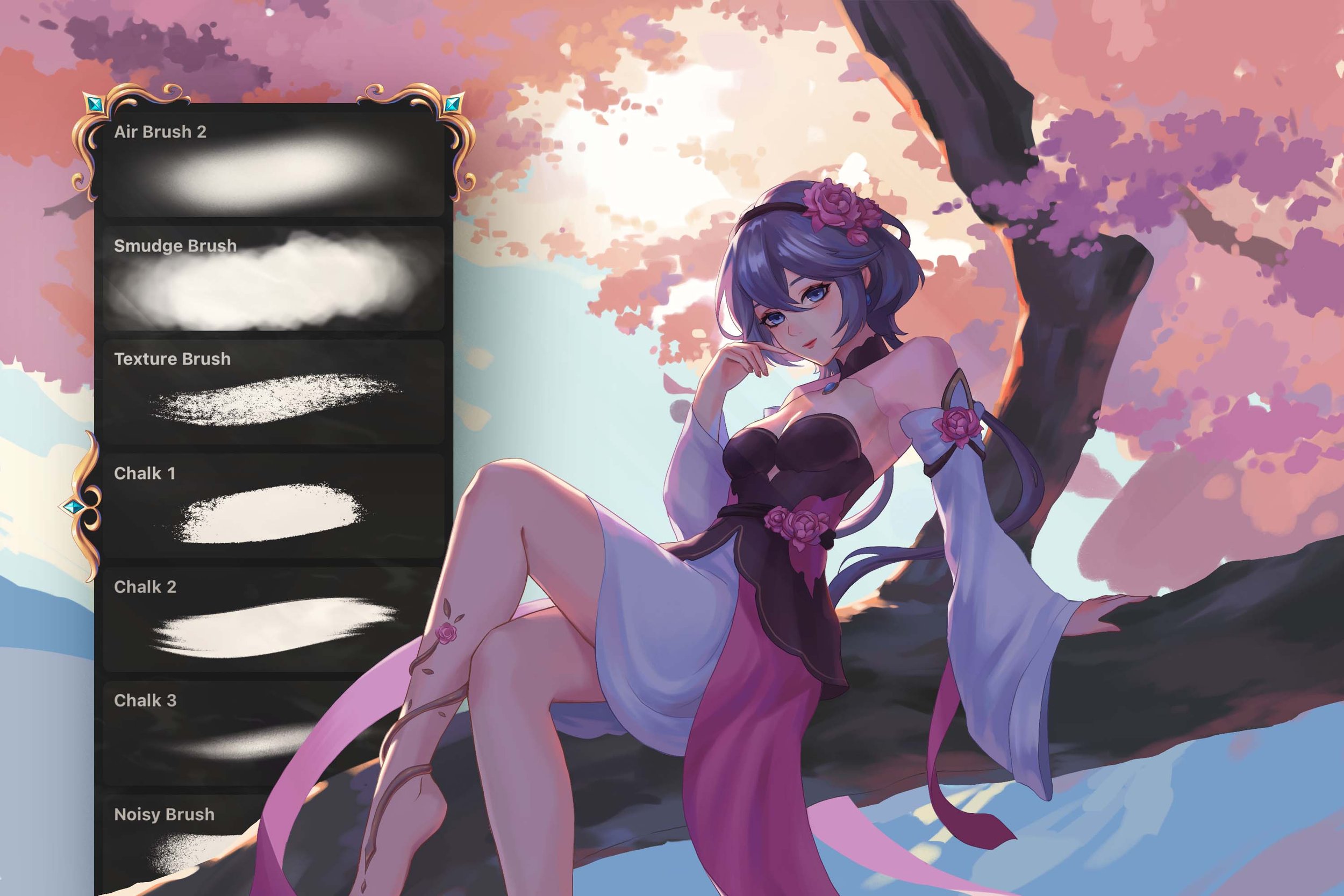

Everything real chalk gives you in Clip Studio, minus the squeak. 13 chalk brushes, a smudge tool for the thumb work, and four boards to ruin.