 Image 1 of 10
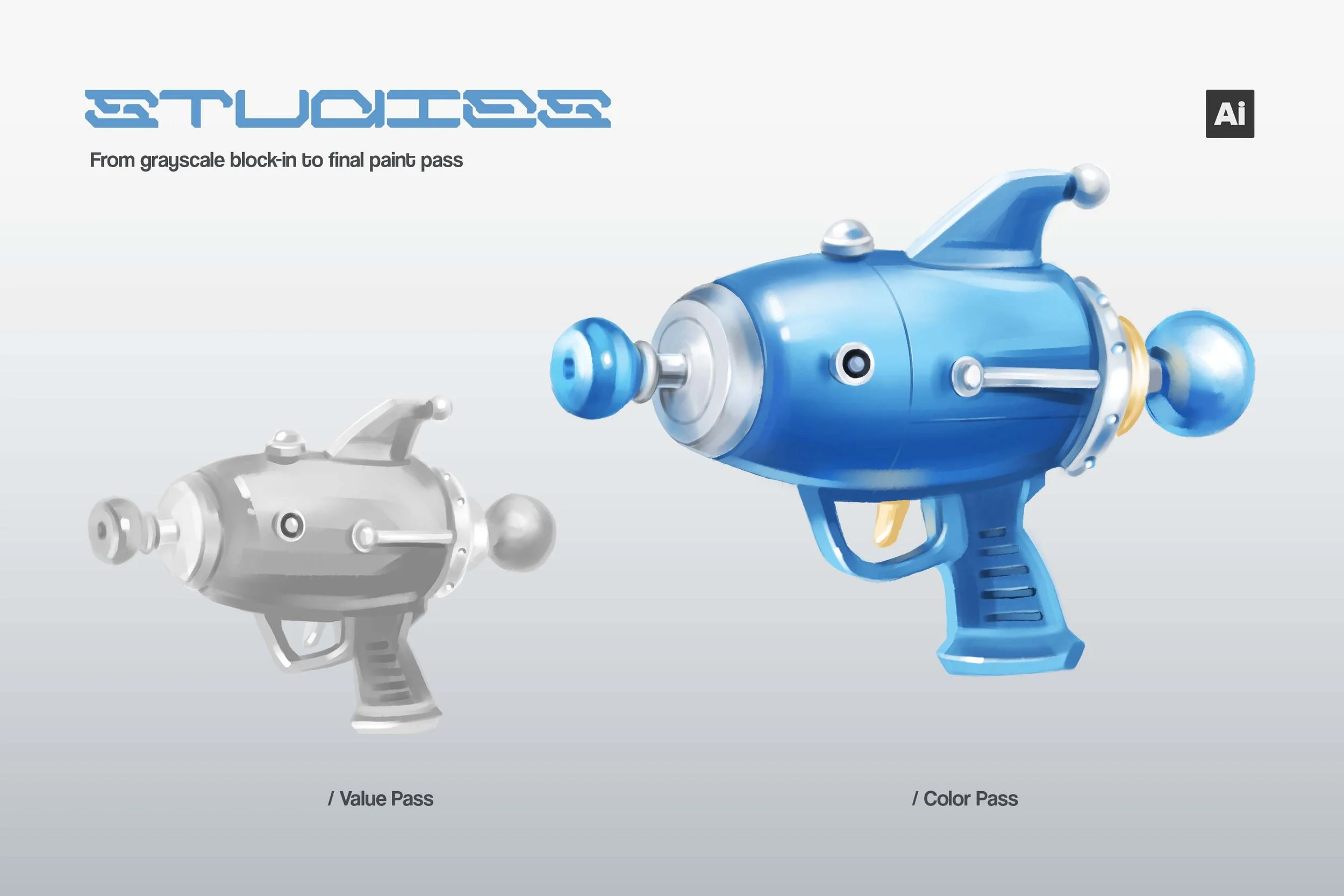 Image 2 of 10
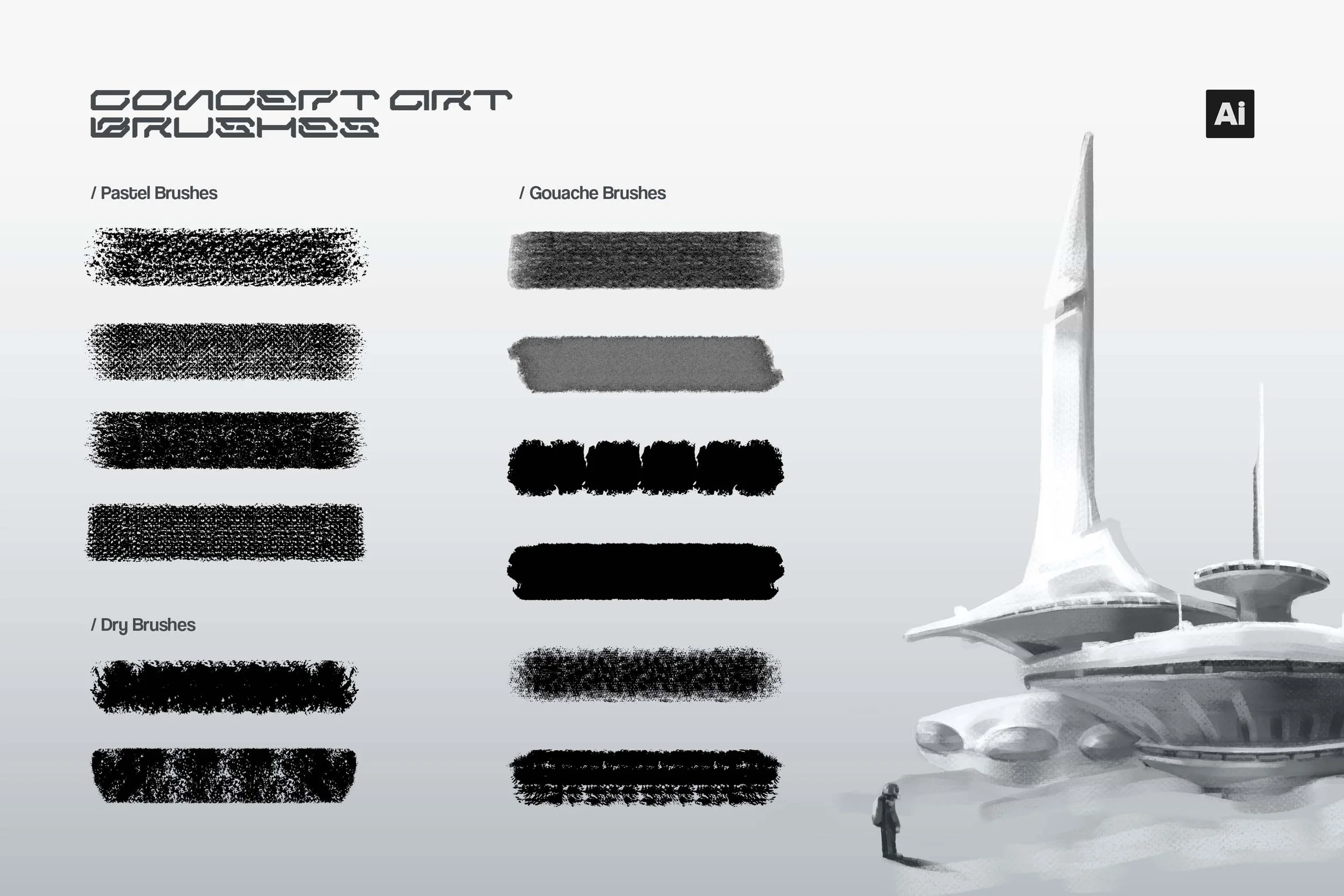 Image 3 of 10
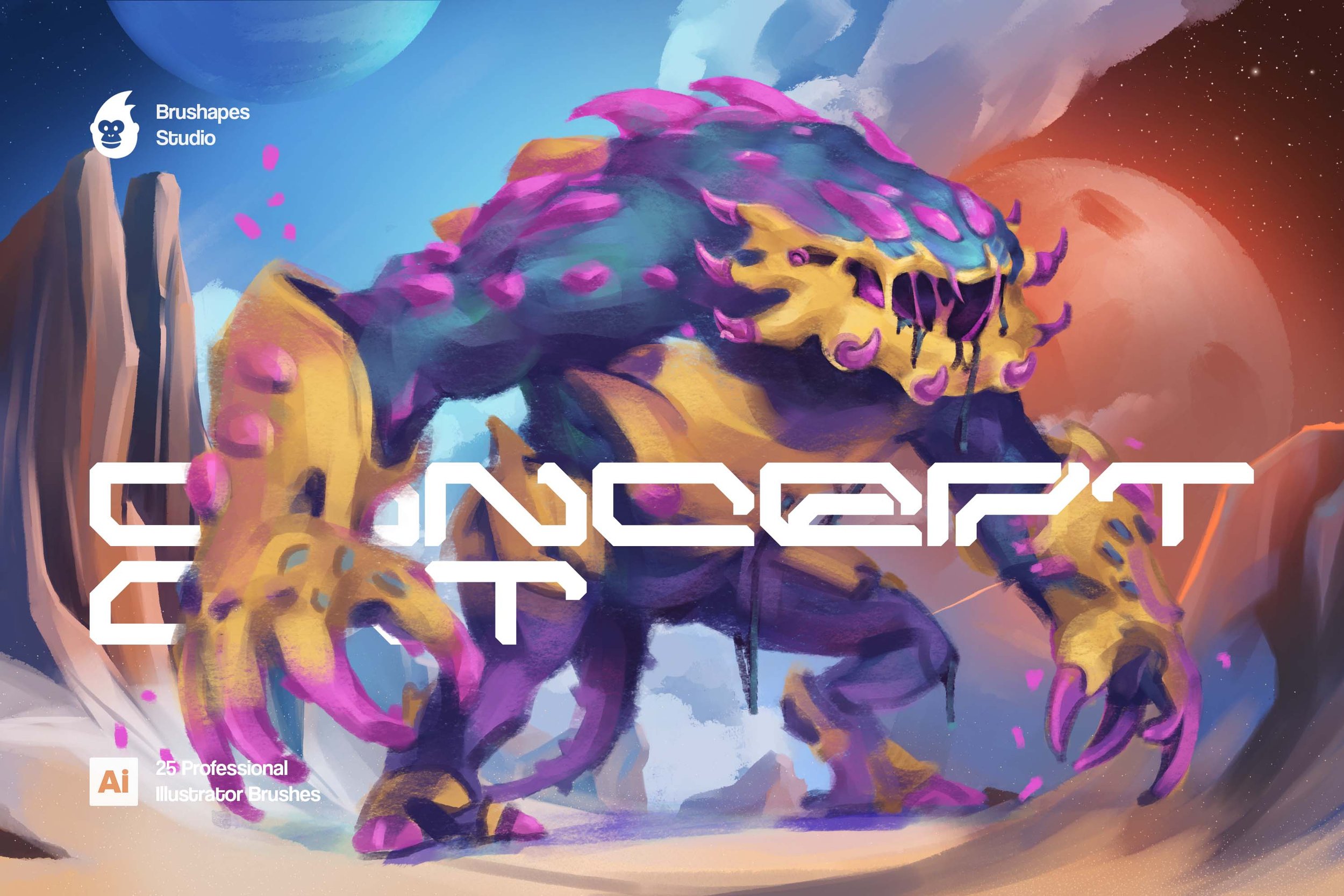 Image 4 of 10
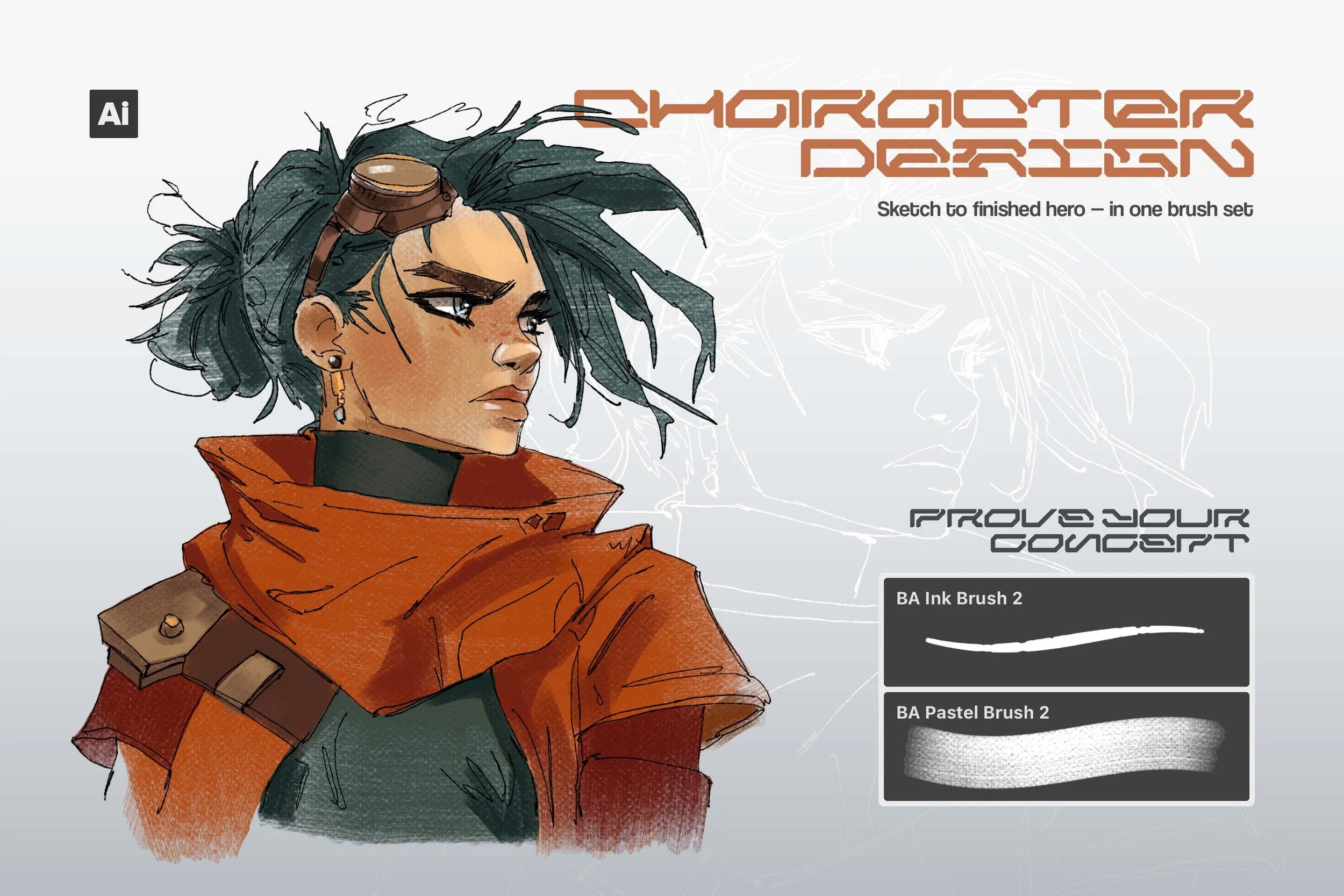 Image 5 of 10
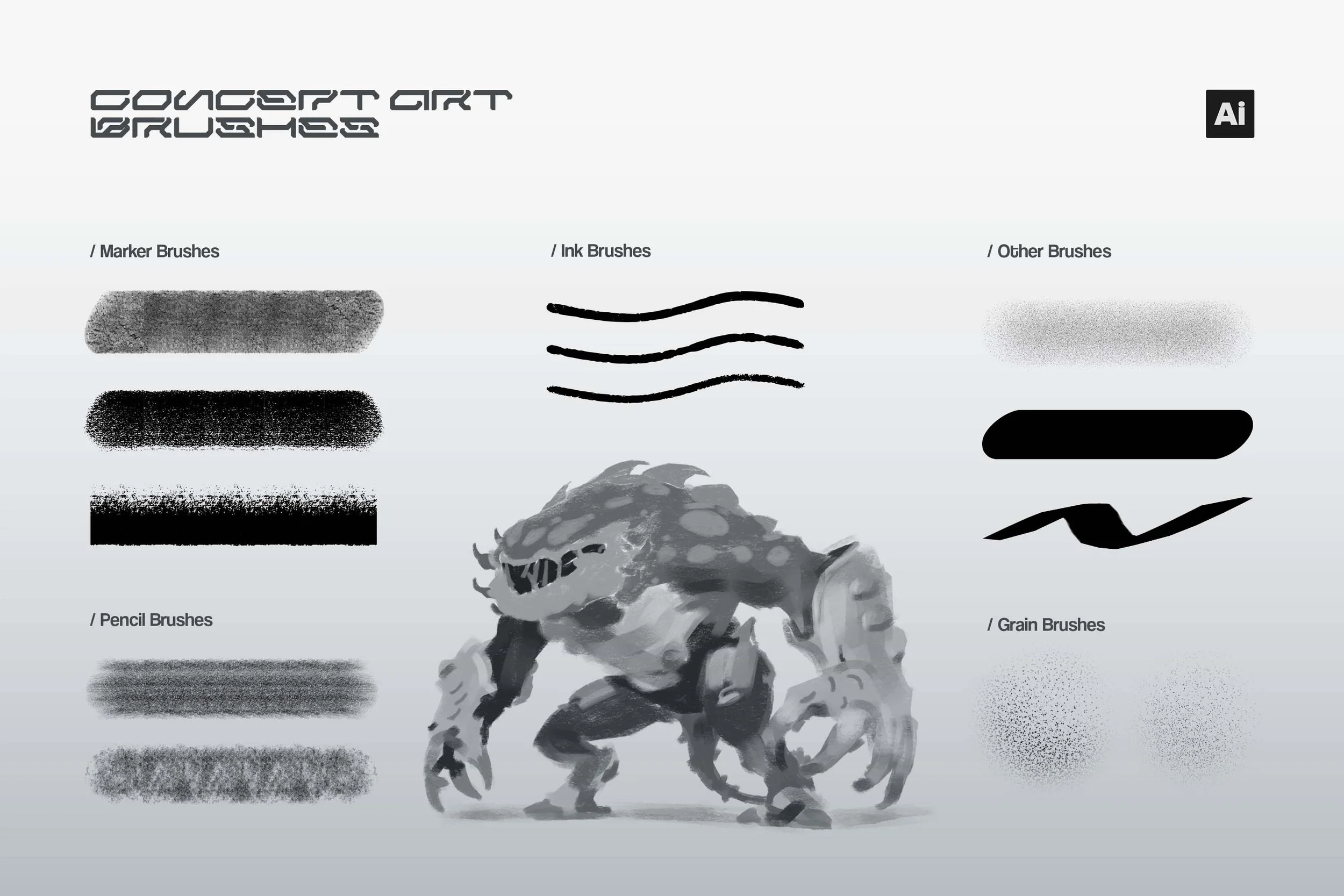 Image 6 of 10
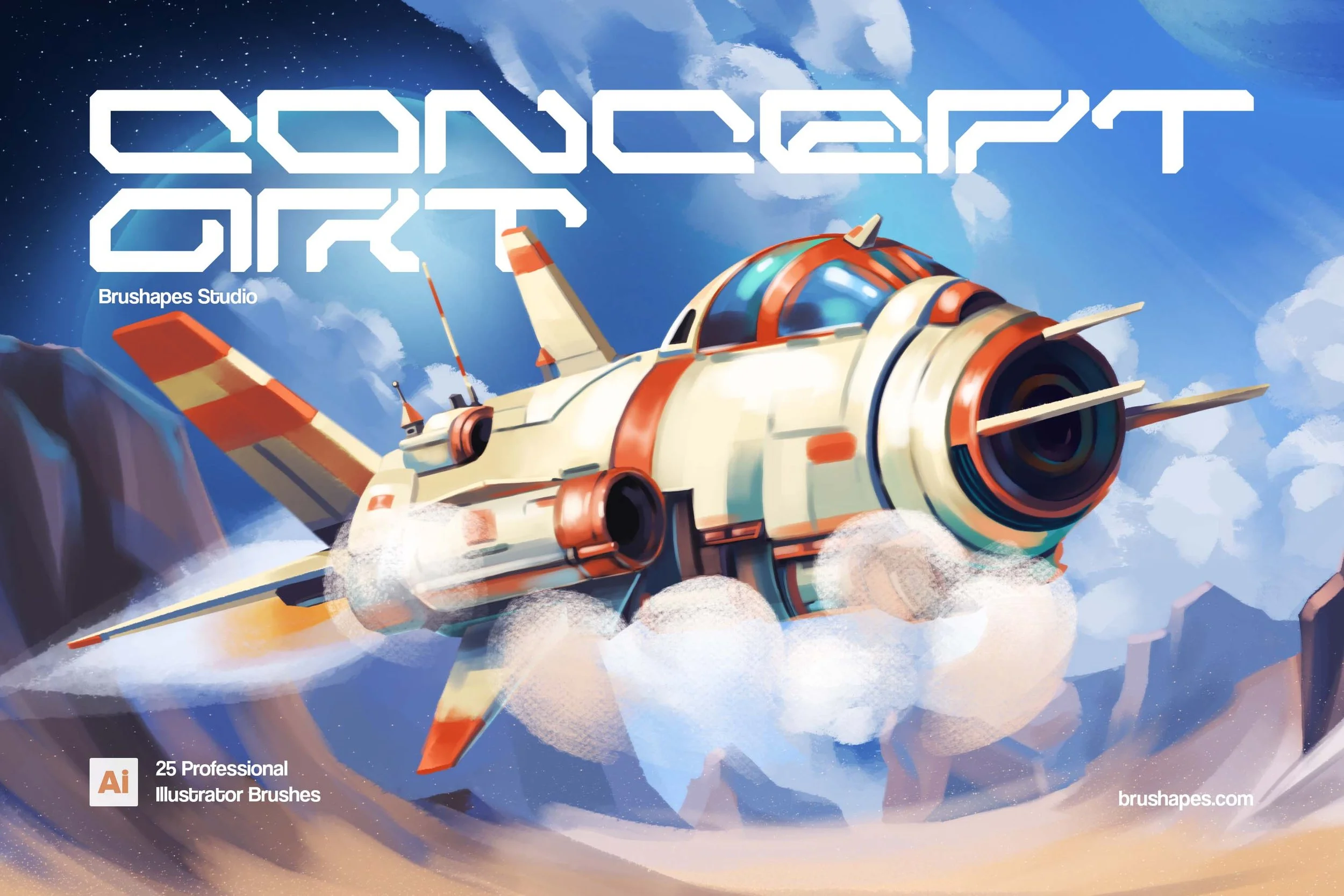 Image 7 of 10
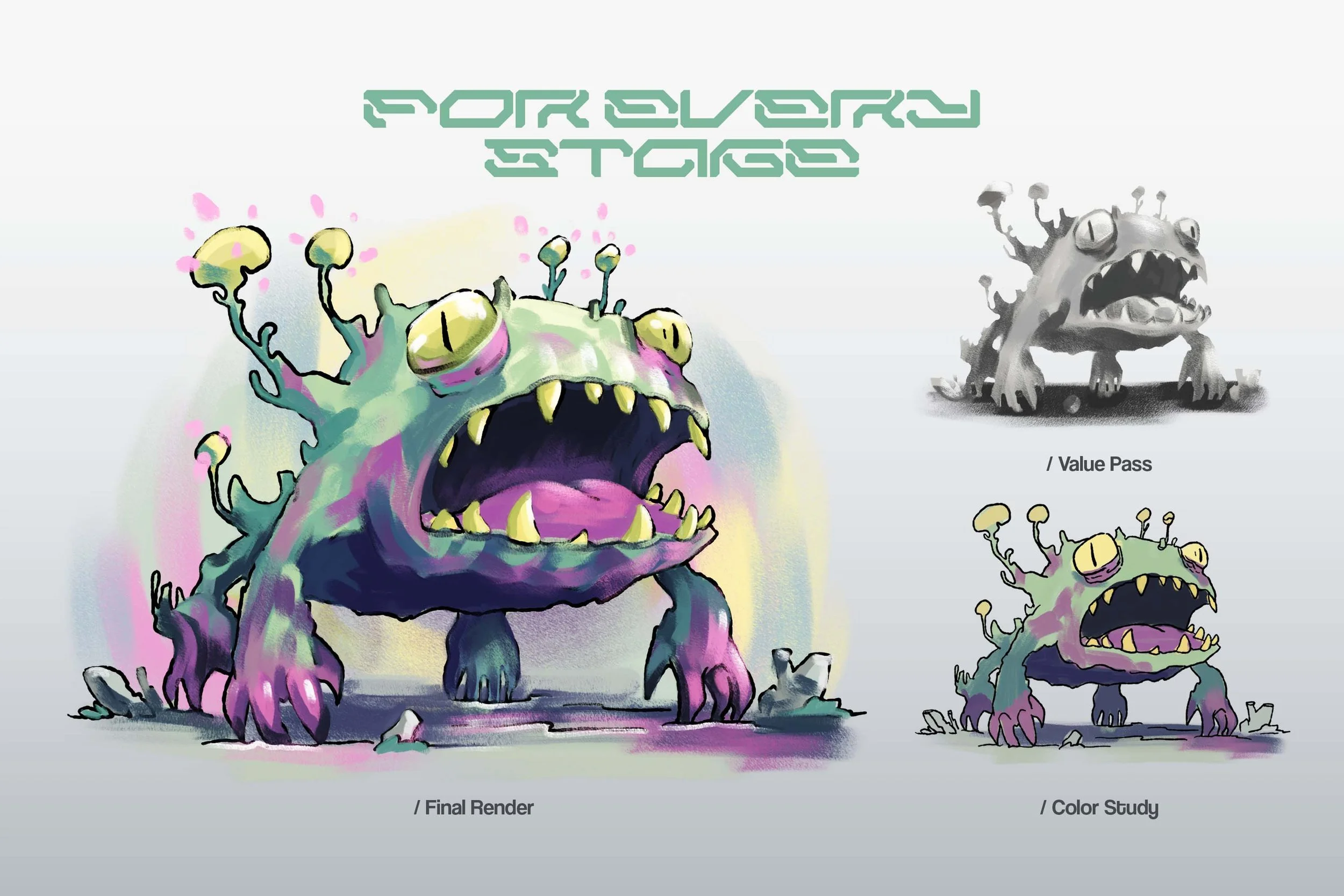 Image 8 of 10
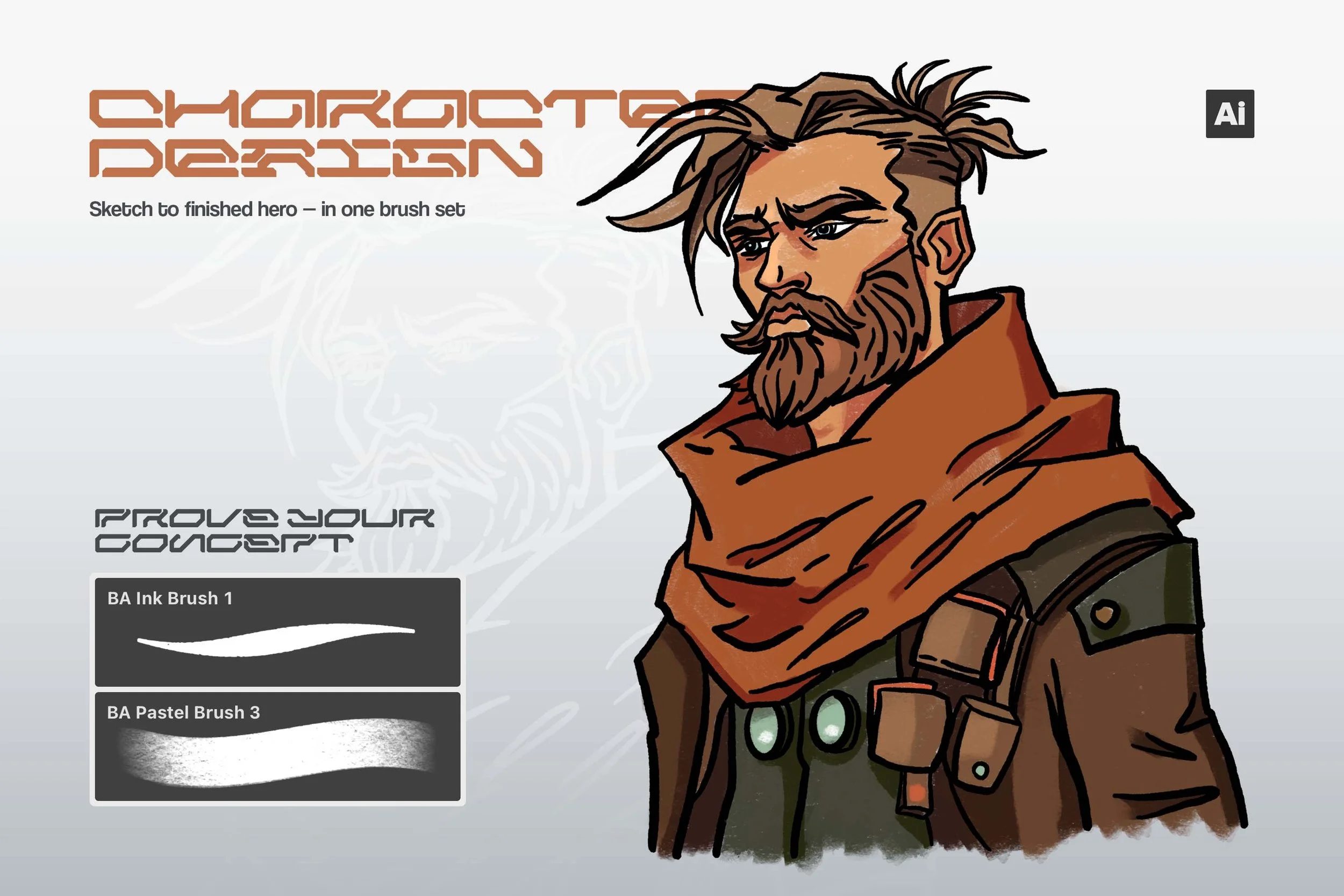 Image 9 of 10
 Image 10 of 10

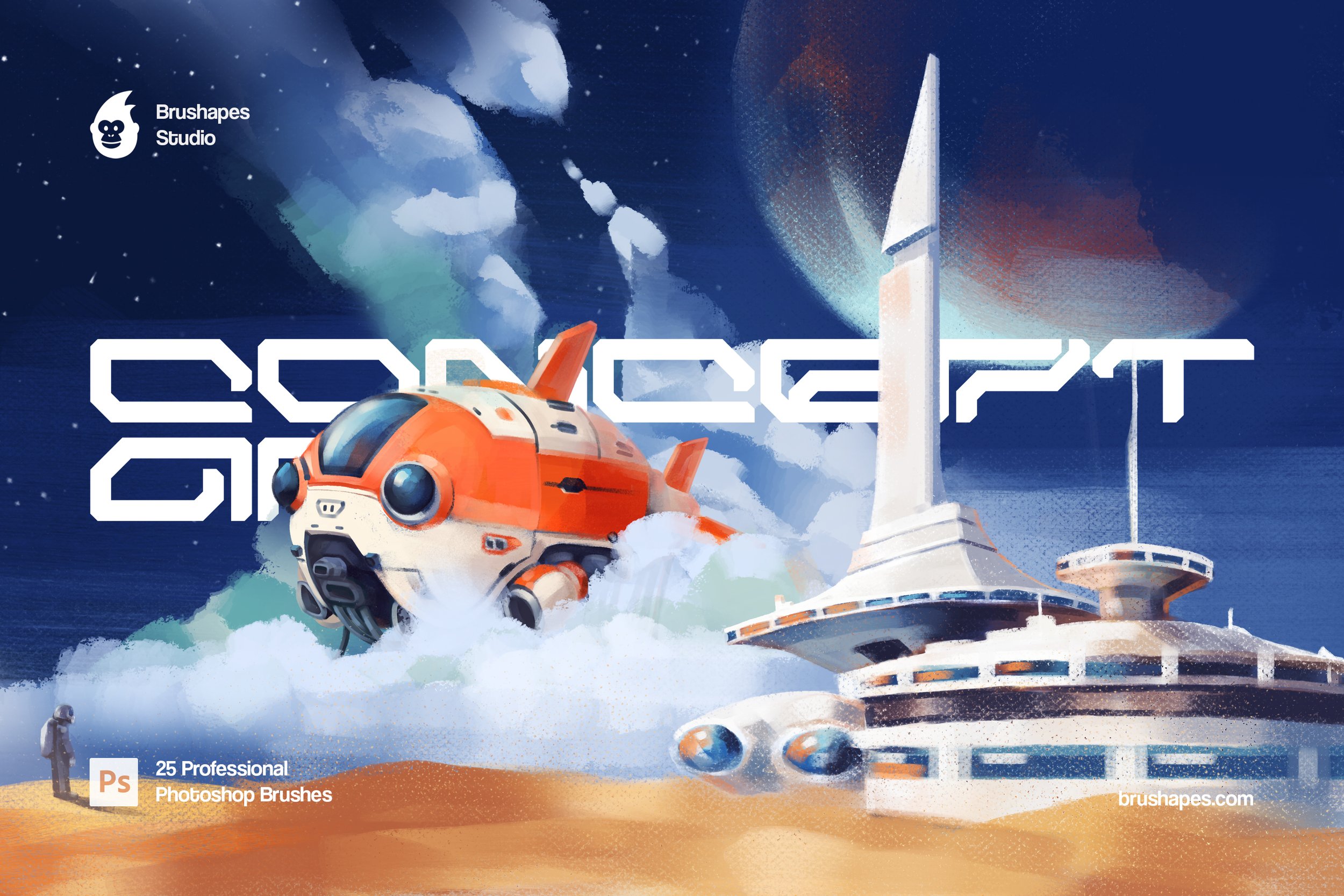
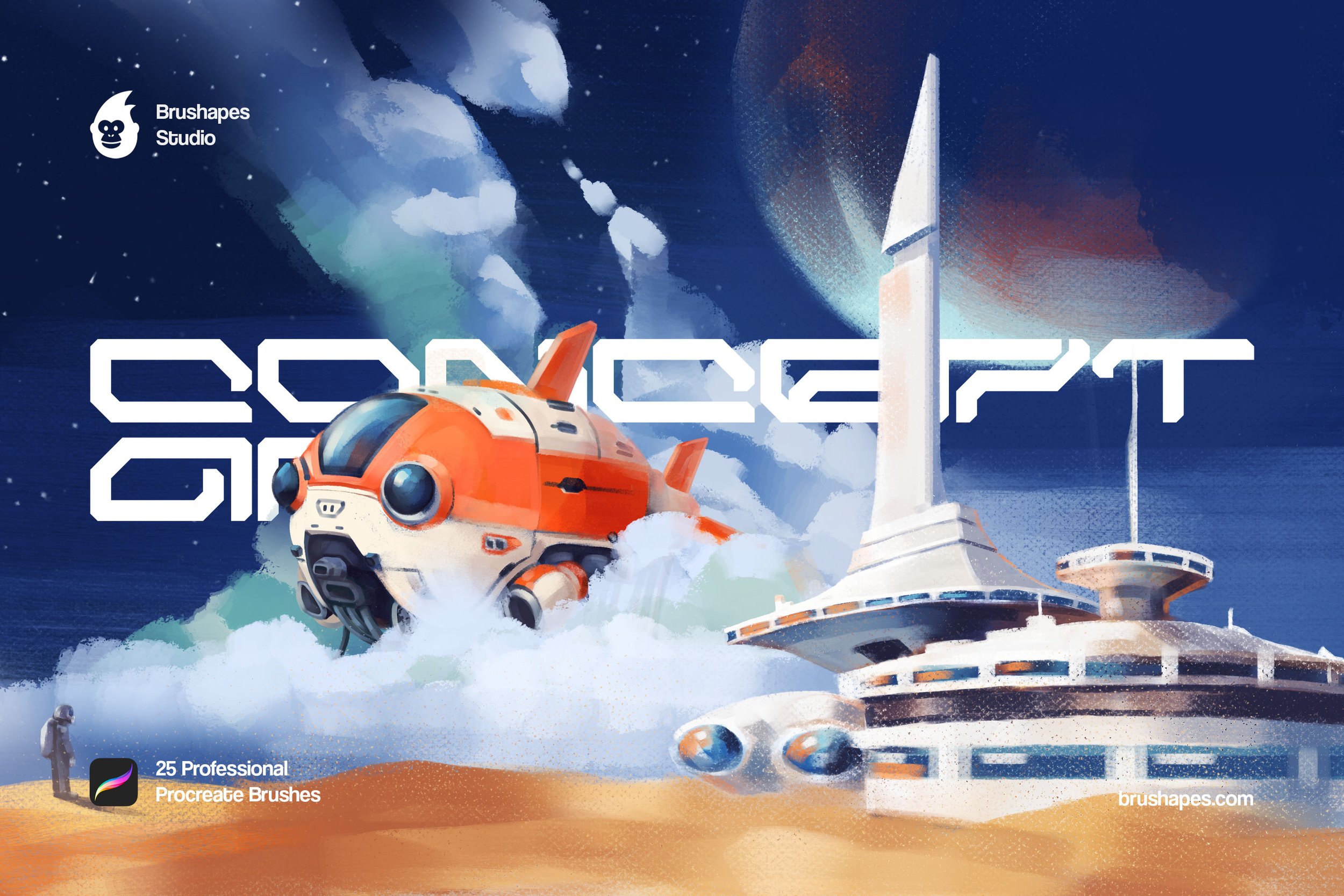
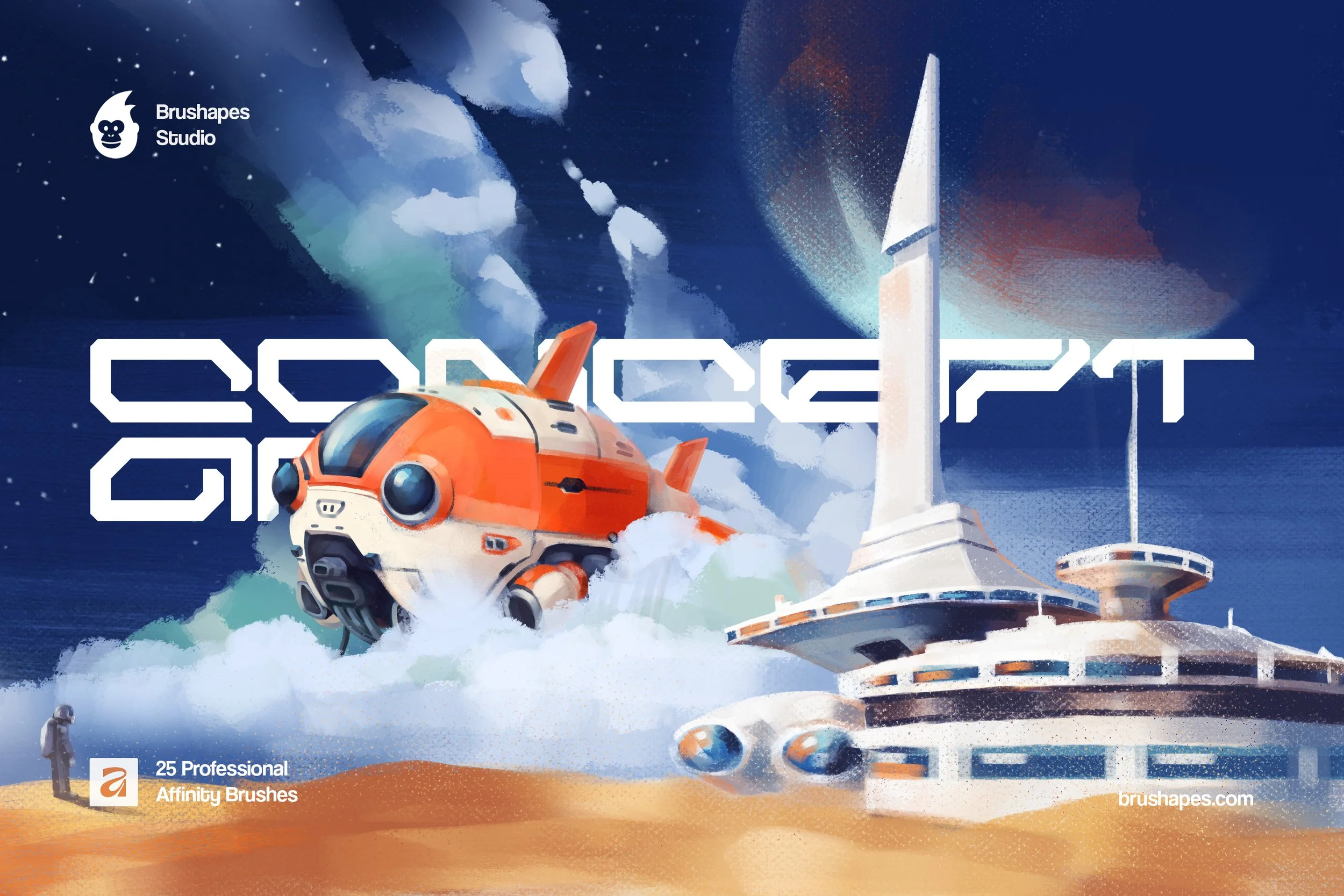
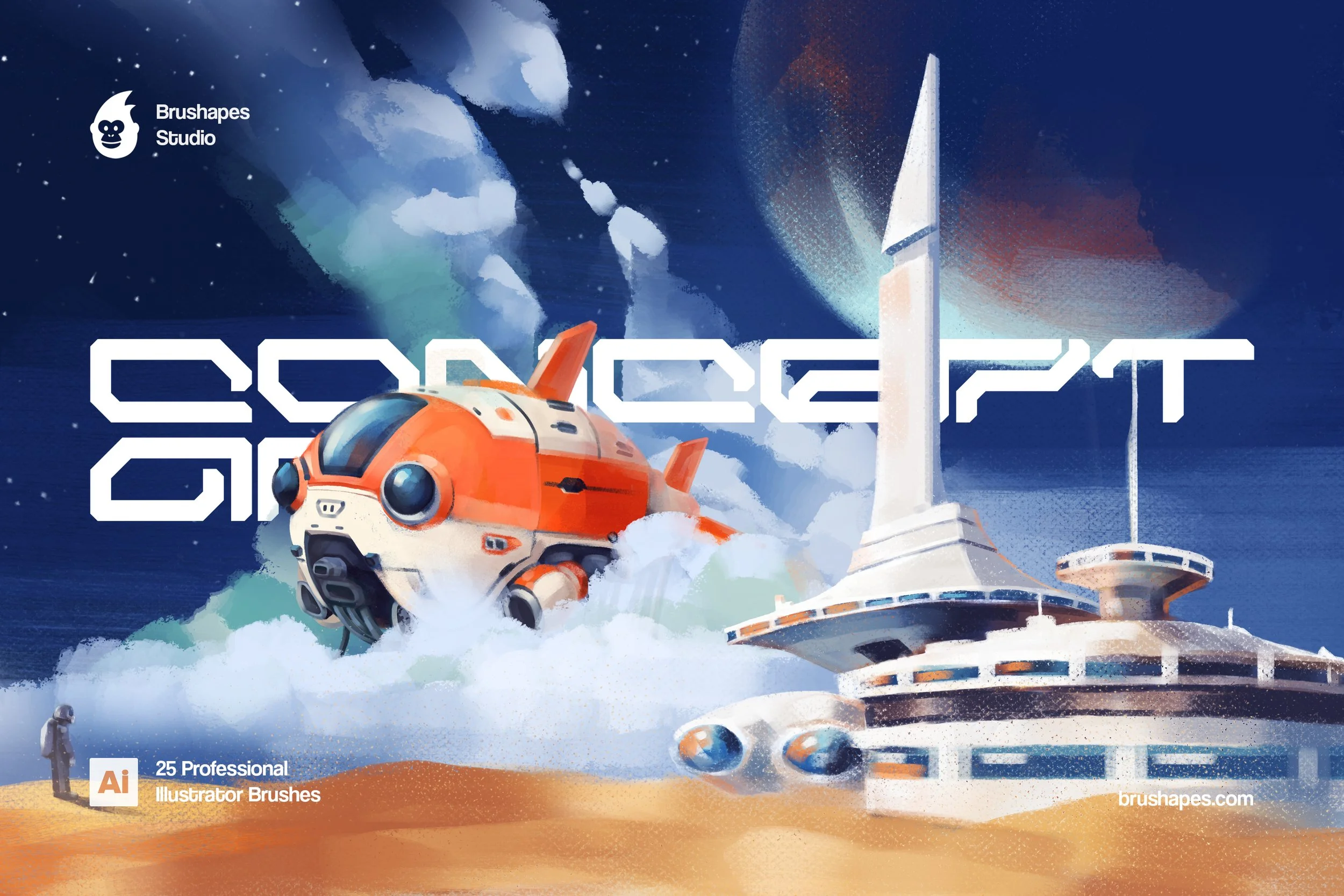
25 Illustrator concept art brushes — vector, infinitely scalable — built for the full concept workflow. Sketch, block-in, color, render. Adobe Illustrator 28+. $18.
We spend most of our time staring at the first hour of a painting. It's the pass where a ship is just a silhouette, a creature is just weight, and the whole frame is held together by guesswork and a few big, confident value shapes. You already have a name for it: the block-in. It's ugly, fast, and the most important hour you'll paint — because that's where the concept actually gets decided. And that's exactly where this set goes to work.
Then the fun part: you don't have to stop there. The same brushes carry the file all the way to a finished illustration, so your block-in and your final render finally speak the same language. (Yeah, we figured out how to pull that off — took a minute.)
If you bill by the hour, a brush set either earns its place or wastes your time. This one is built for the hours that actually decide a concept — the block-in, the value pass, the first color — and makes them fast and confident. Then the same brushes carry the file to a render you can hand off, so the pitch and the deliverable share one look. Fewer tools to wrangle, fewer do-overs, more ideas proved per day.
This is a kit for designing stuff that doesn't exist yet. Ships that never flew, fauna that never evolved, ray guns, outpost domes, and the grumpy bearded pilot who got stuck flying the thing. The brushes keep up the whole way, so you can block it in, rough it out, or render it clean.
Inside, 25 brushes cover the whole arc. Pencil and ink to chase the idea and lock the drawing. Flat, gouache, and pastel to slam in big opaque shapes and chalky transitions. Dry and grain to break up edges and add tooth, so nothing reads as plastic. Markers for fast, clean value and color studies. An airbrush for atmosphere, glow, and soft falloff, and a render brush to tighten it all and bring it home. The gouache family does the heaviest lifting — six variants, because it's the one you'll grab most.
Concept Art Brushes FAQ
-
One toolkit tuned for the whole concept workflow: fast blocking-in, loose searching, and clean rendering — without swapping brush sets between stages.
-
The block-in is the first stage of a painting: composition laid in, the big value shapes established, and form roughed out in simple masses before any detail or color. Nail it and everything after gets easier; rush it and no amount of rendering will save the piece. This set is built to make that stage fast and confident — then carry the same brushes through to the final render.
-
Pencil and ink are for sketching and line. Flat, gouache, and pastel are for blocking in and painting big shapes. Dry and grain add texture and break up clean edges. Markers are for crisp value and color studies. The airbrush handles atmosphere and soft light, and the render brush is for blending and final polish.
-
No. The set is built to make the process easier. A basic comfort with layers helps, but the brushes do a lot of the heavy lifting: use one or two as finishing touches, or build a whole environment from a blank canvas.
-
Sci-fi and fantasy environments, character designs, creature concepts, vehicle and prop sheets, key art, game assets, book and poster illustration, animation backgrounds, or a personal sketchbook full of spaceships and monsters. It's not locked to sci-fi, either — portraits, landscapes, and abstract work all sit comfortably inside it.
-
Yes. Lay your values on a grayscale layer, then add a color layer on top using Color or Multiply blend mode (Window → Transparency). Because the brushes are vector, you can also recolor stroked paths after the fact with the Color Guide or Recolor Artwork — useful for fast palette explorations.
-
Better than pixel brushes ever could. Because these are vector, they scale infinitely without quality loss. Crisp at any output size — postage stamp to billboard.
-
A mix of Art, Scatter, and Calligraphic brushes — chosen so the same brush types can do tight linework, painterly fills, and textured strokes. All vector. Live-editable strokes, infinitely scalable, no resolution loss.
Compatibility: Adobe Illustrator 28 and newer
File size: 108 MB
Format: ZIP, direct download
Includes: 25 brushes (4 Pastel Pattern Brushes, 6 Gouache Pattern Brushes, 2 Dry Pattern Brushes, 2 Pencil Pattern Brushes, 2 Grain Scatter Brushes, 3 Marker Pattern Brushes, 3 Ink Art Brushes, Air Grain Scatter Brush, Render Scatter Brush, Flat Scatter Brush) all live-editable, infinitely scalable.