

Illustrator Brushes
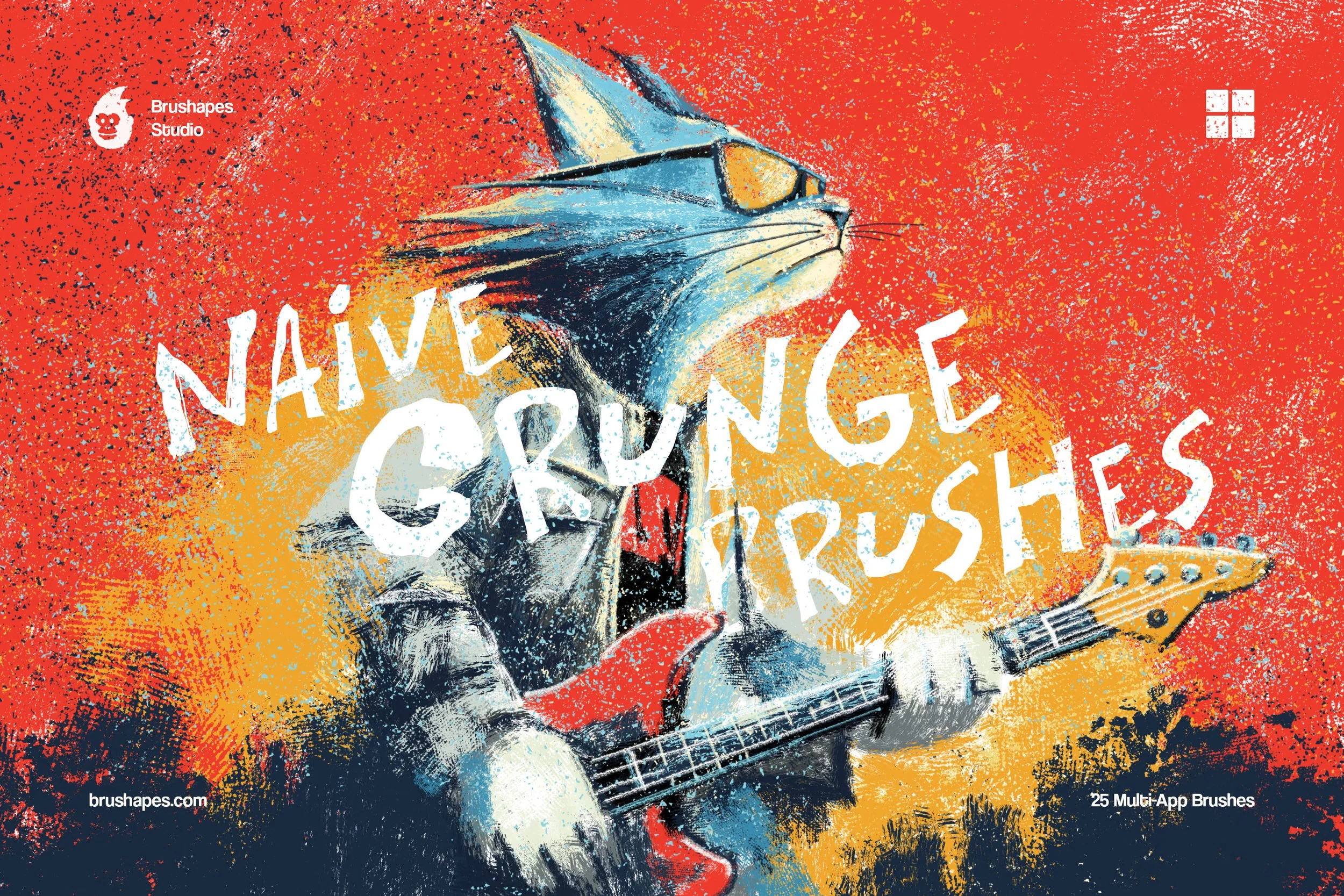
Make grunge texture brushes, but make them naïve and amateur in the best sense. The collection balances between urban mural painting, colourful slums & suburbs, and pastel scribbles that your art teacher would disapprove of.
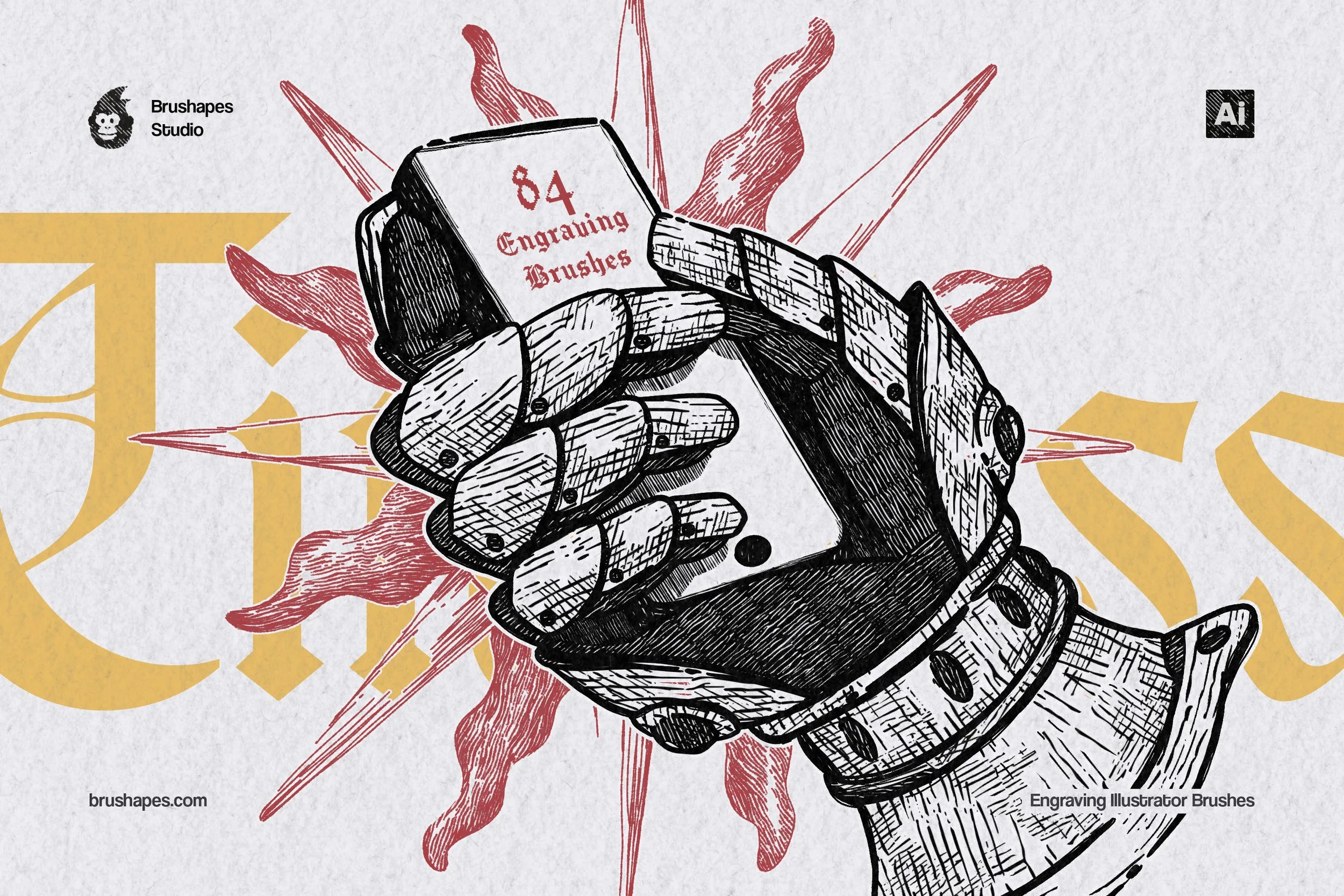
Copper plates, banknotes, atlases — maybe you can design those anew with a full-fledged toolbox. The 80+ brushes work perfectly for those fond of engraving, yet a little less diligent when it comes to painstaking stuff.
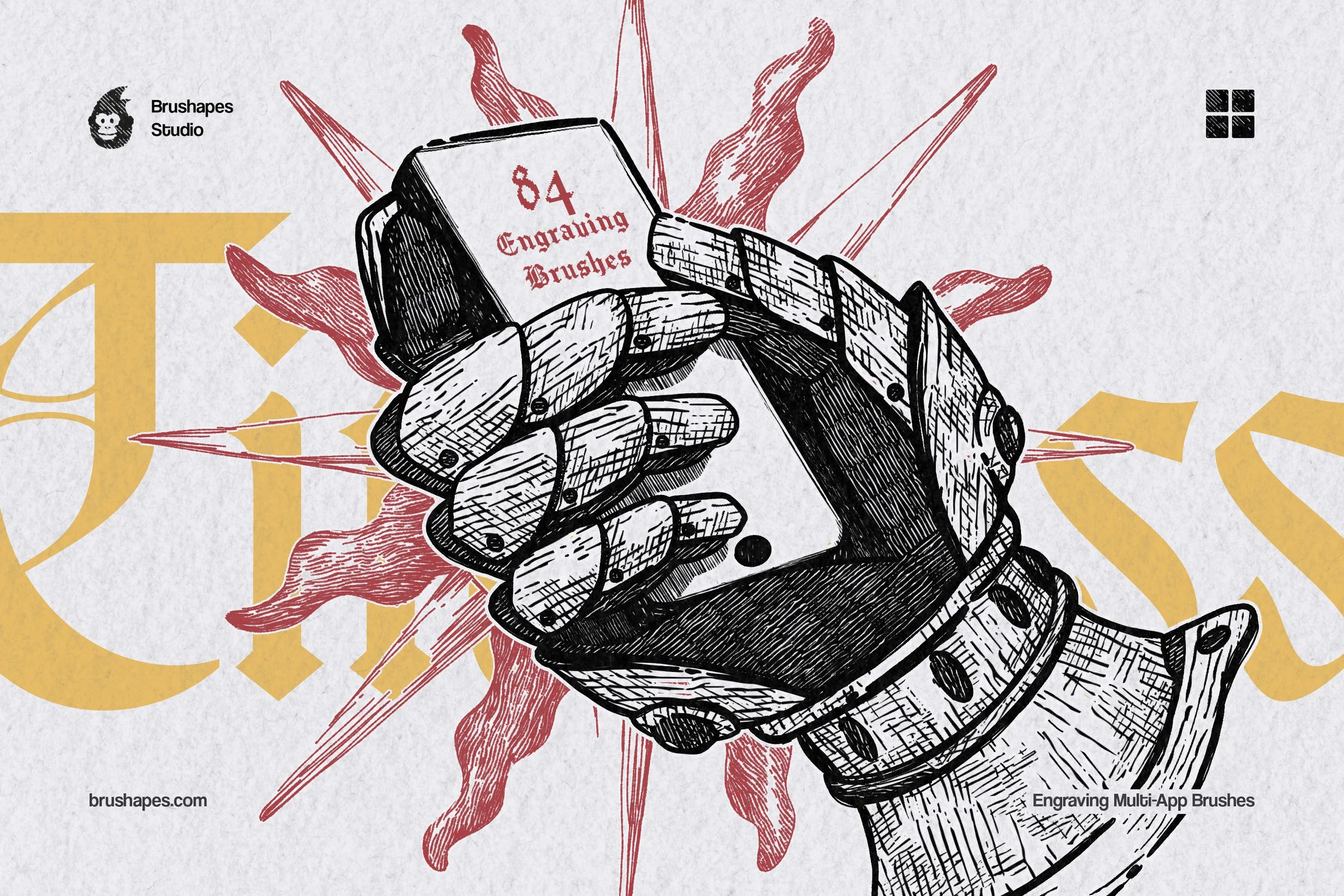
Copper plates, banknotes, atlases — maybe you can design those anew with a full-fledged toolbox. The 80+ brushes work perfectly for those fond of engraving, yet a little less diligent when it comes to painstaking stuff.

Make it exist first, you can make it good later. Not in the notepad this time, but in the drawing app — with the same fluid, expressive strokes and fashionista-style color smudges.

Take the grain of real crayons, digitize it with care and get it a collection of 16 ultra authentic brushes. Tooled for children's illustrations, naive art, and beyond.

The collection includes 20 brushes for various graphite techniques: crisp sketching lines, soft shading, dense hatching, glare effects, and subtle texture overlays.

Selecting the finest paper may or may not be your personal kind of joy. But having the choice — where every piece (even a digital one) is an example of texture and tactility — definitely is. That’s what this collection is: 20 brushes to complement your watercolor, oil, pastel, acrylic, chalk, or pencil artwork.

Tattoo linework as vectors. Inkcraft's 12 brushes rebuilt for Illustrator, where a sleeve design scales from wrist to full back without redrawing a line. Clean liners, confident shaders — every stroke stays editable, so the client's "can we make it 20% bigger?" costs you one drag, not one evening.
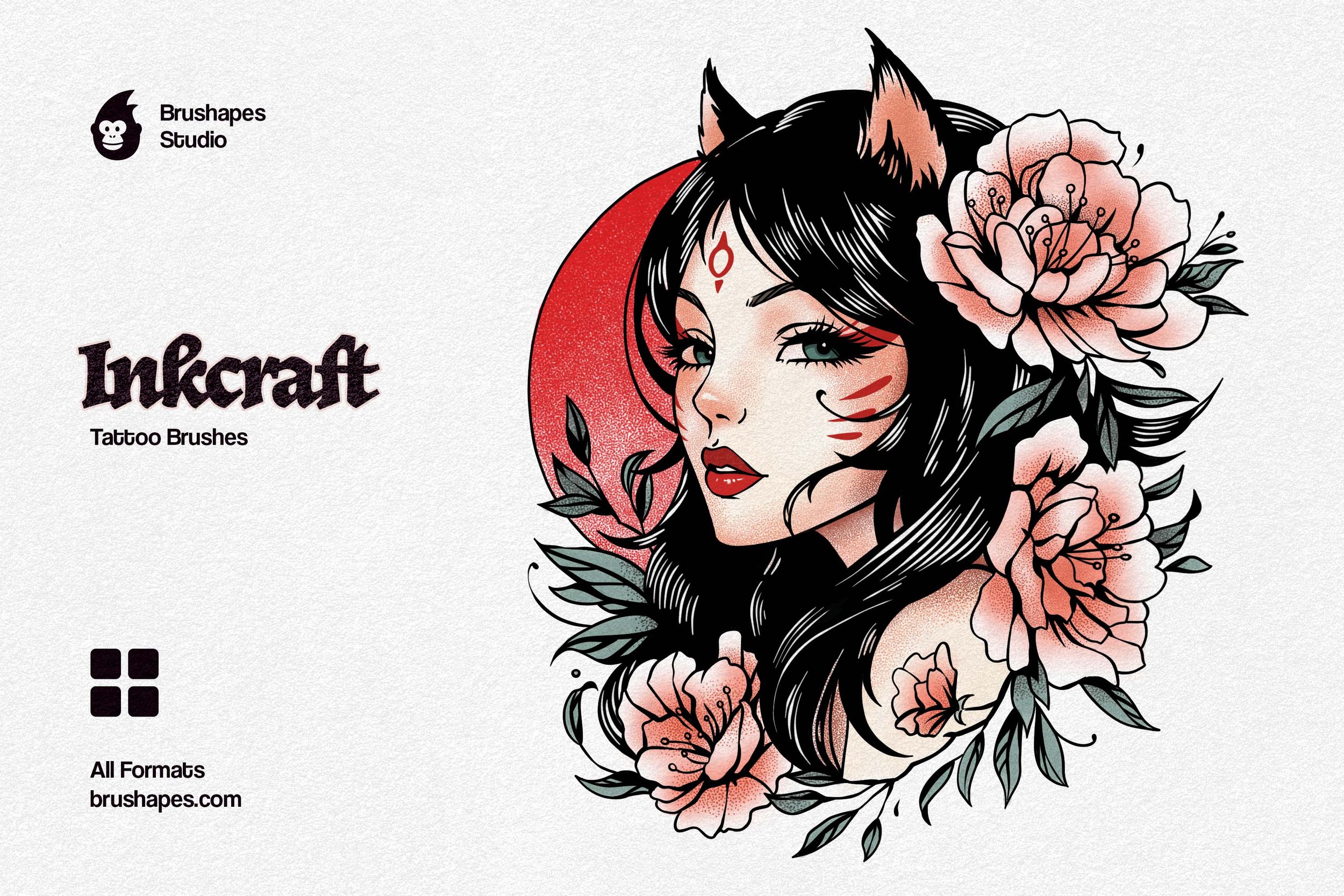
Inkcraft Tattoo Brushes are a love letter scrawled in ink. Some part reverent, some part rebellious. Its 12 handcrafted brushes tell the story of cultures and styles merged, passionately polished, and turned into authentic ink flowing on paper and skin.
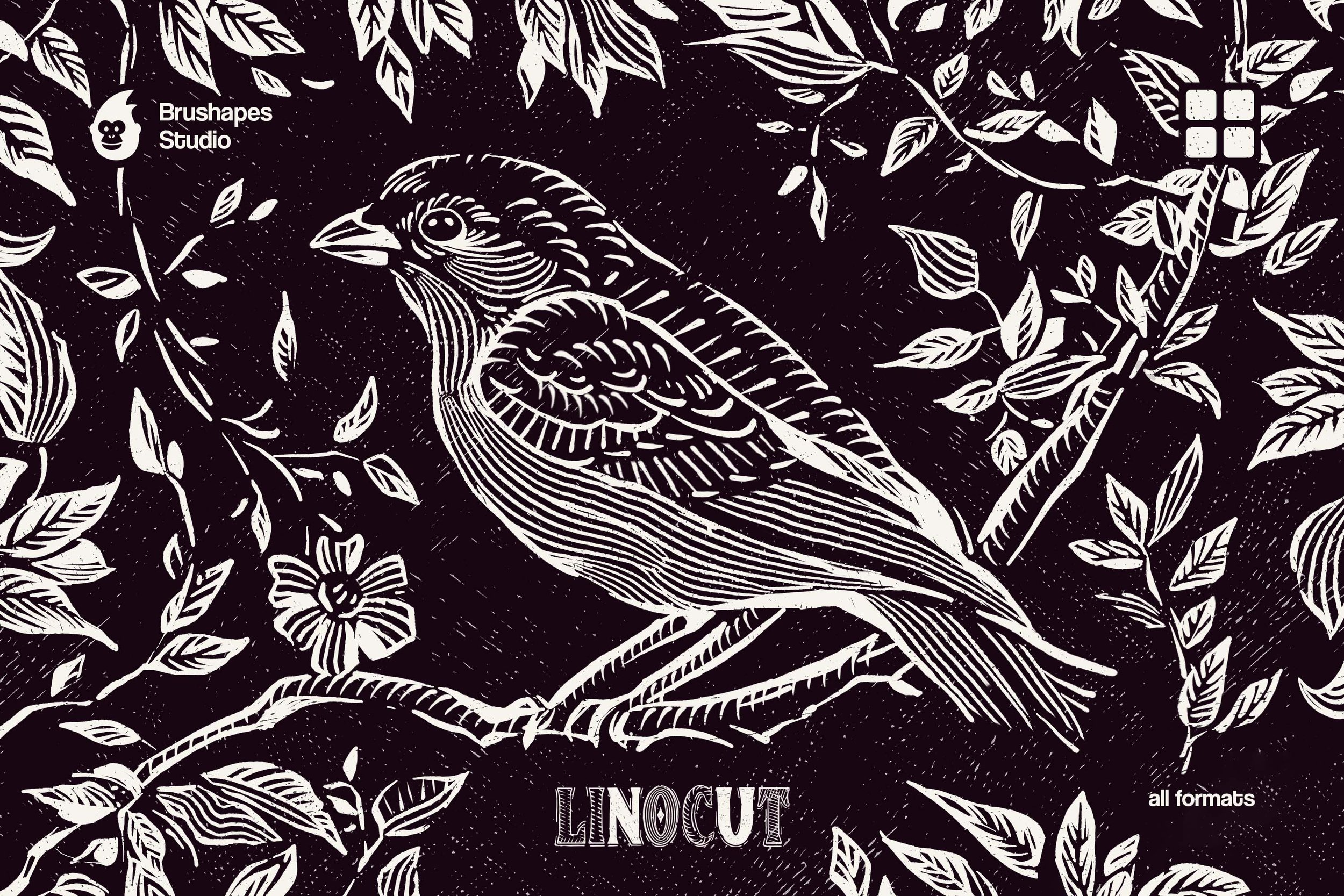
Knives out, it's linocut time. Instead of carving into wood, we've got plenty of linoleum and 12 tactile linocut brushes. Maybe it's not as satisfying as rolling ink over streaked surfaces and transferring the image — but the artistic impact goes far beyond old-school physical printmaking.
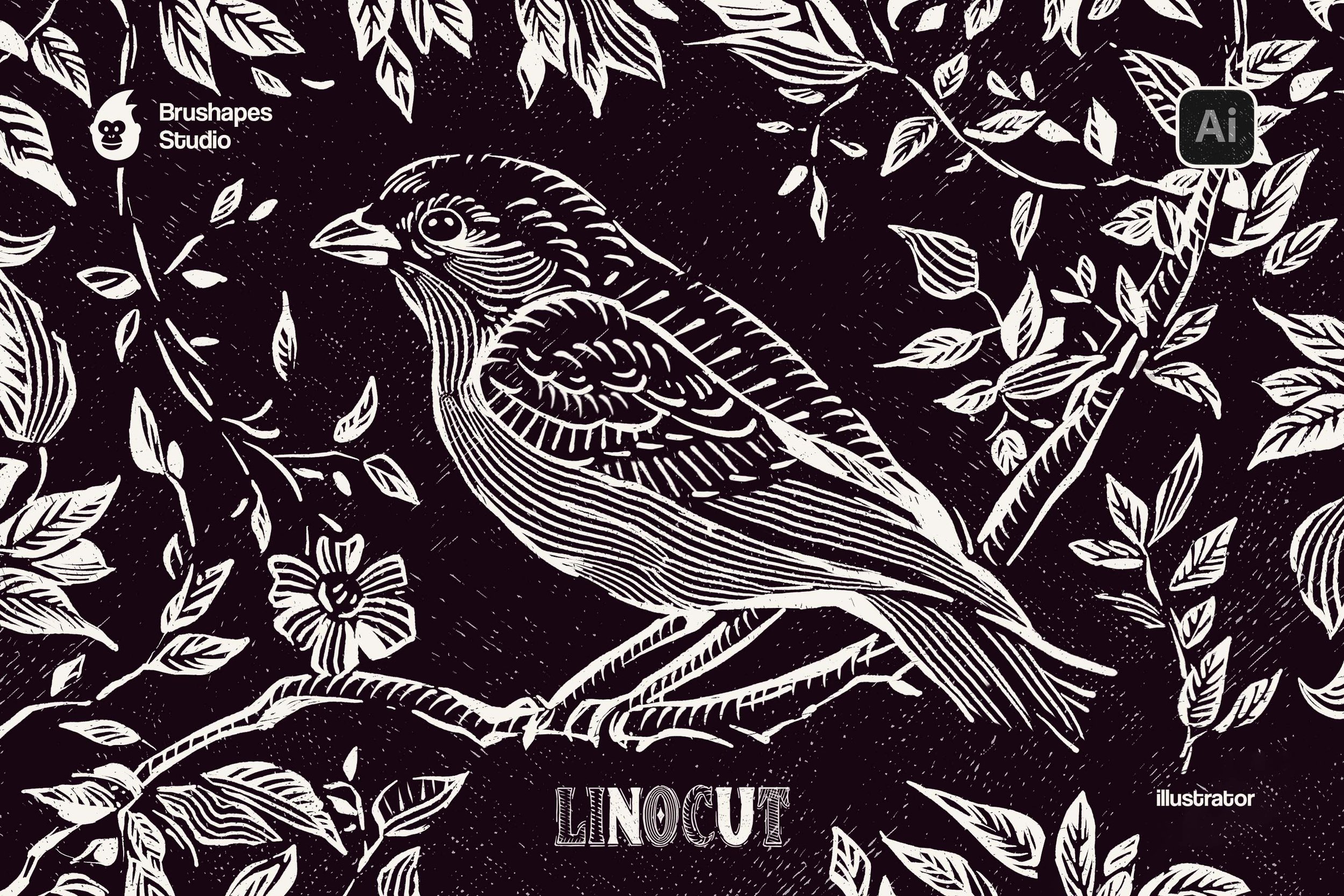
Knives out, it's linocut time. Instead of carving into wood, we've got plenty of linoleum and 12 tactile linocut brushes. Maybe it's not as satisfying as rolling ink over streaked surfaces and transferring the image — but the artistic impact goes far beyond old-school physical printmaking.

We thought it would be fun to have it all: the confident strokes, the buttery textures, the expressive mess of it all. So when we set out to create this brush set, we knew just another digital mimicry wouldn't do. It had to feel like oils: unruly, tactile, and capable of both chaos and control.
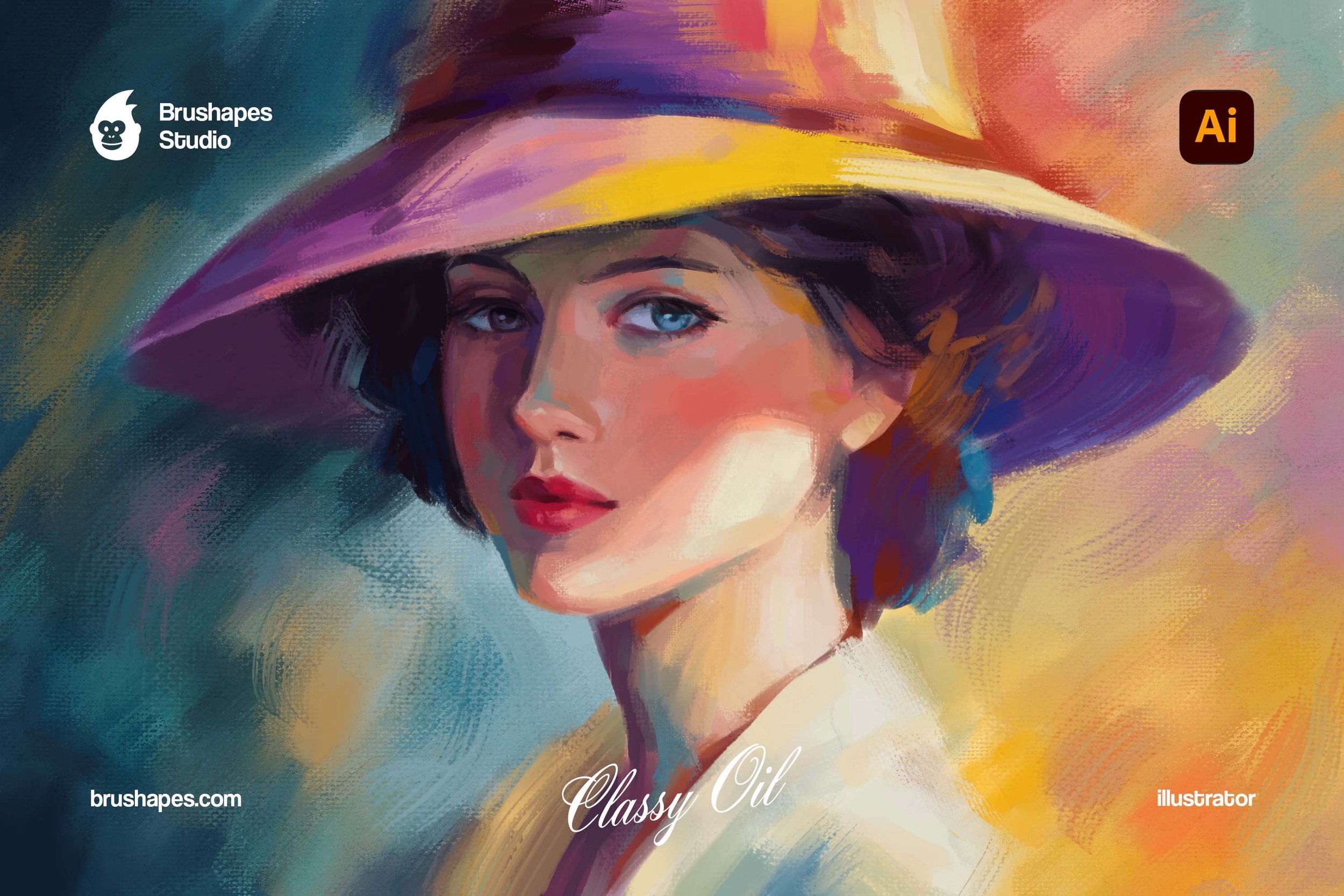
We thought it would be fun to have it all: the confident strokes, the buttery textures, the expressive mess of it all. So when we set out to create this brush set, we knew just another digital mimicry wouldn't do. It had to feel like oils: unruly, tactile, and capable of both chaos and control.
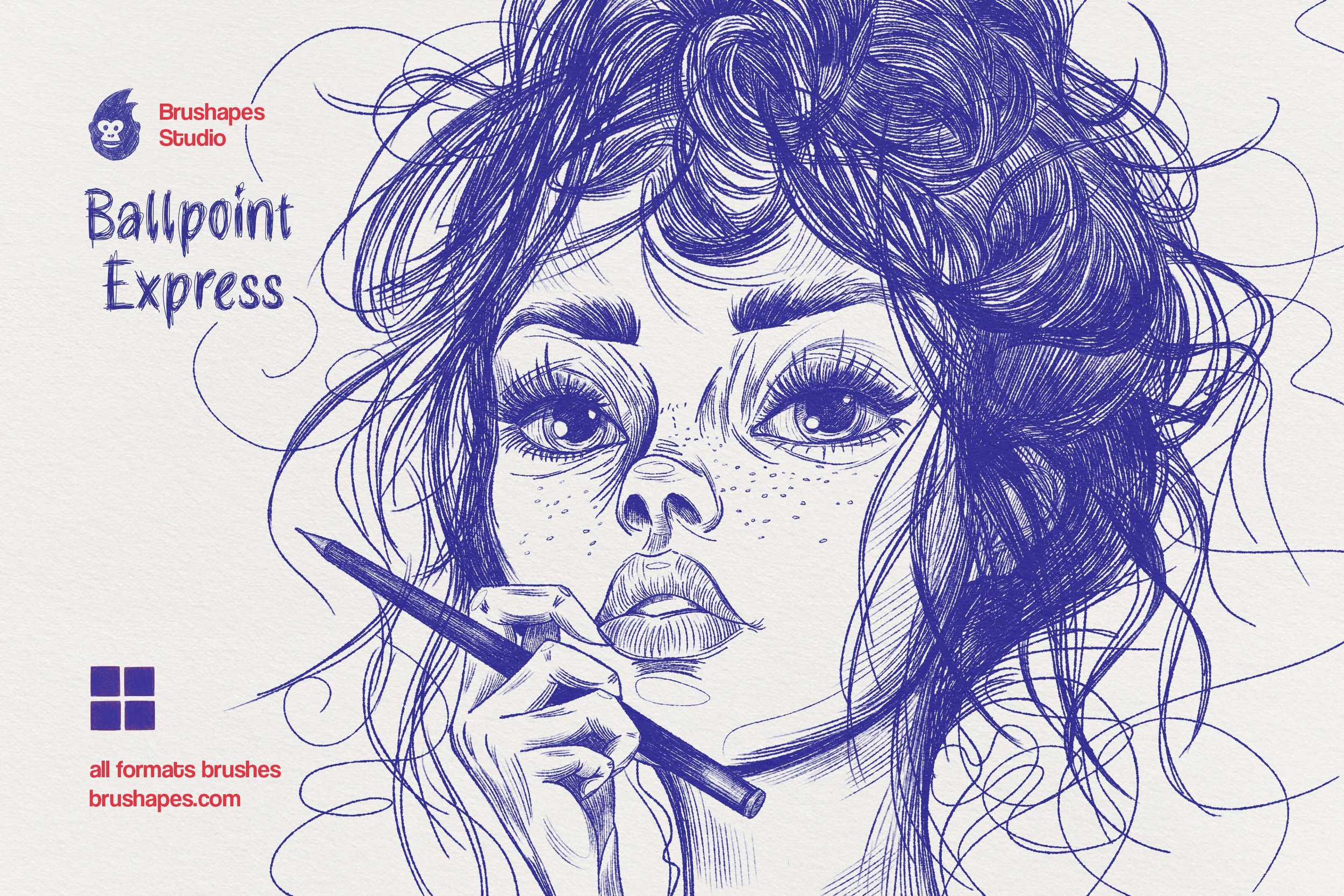
The 10 carefully designed brushes cover everything from liner pens and ballpoints to fountain pens, gel pens, and fiber-tip markers. Some mimic fading ink, creating the effect of a drying-out pen that needs to be scribbled back to life.
Others replicate the subtle ink spread that happens when liquid meets paper — those irregular, flawed edges that give hand-drawn art its human touch.
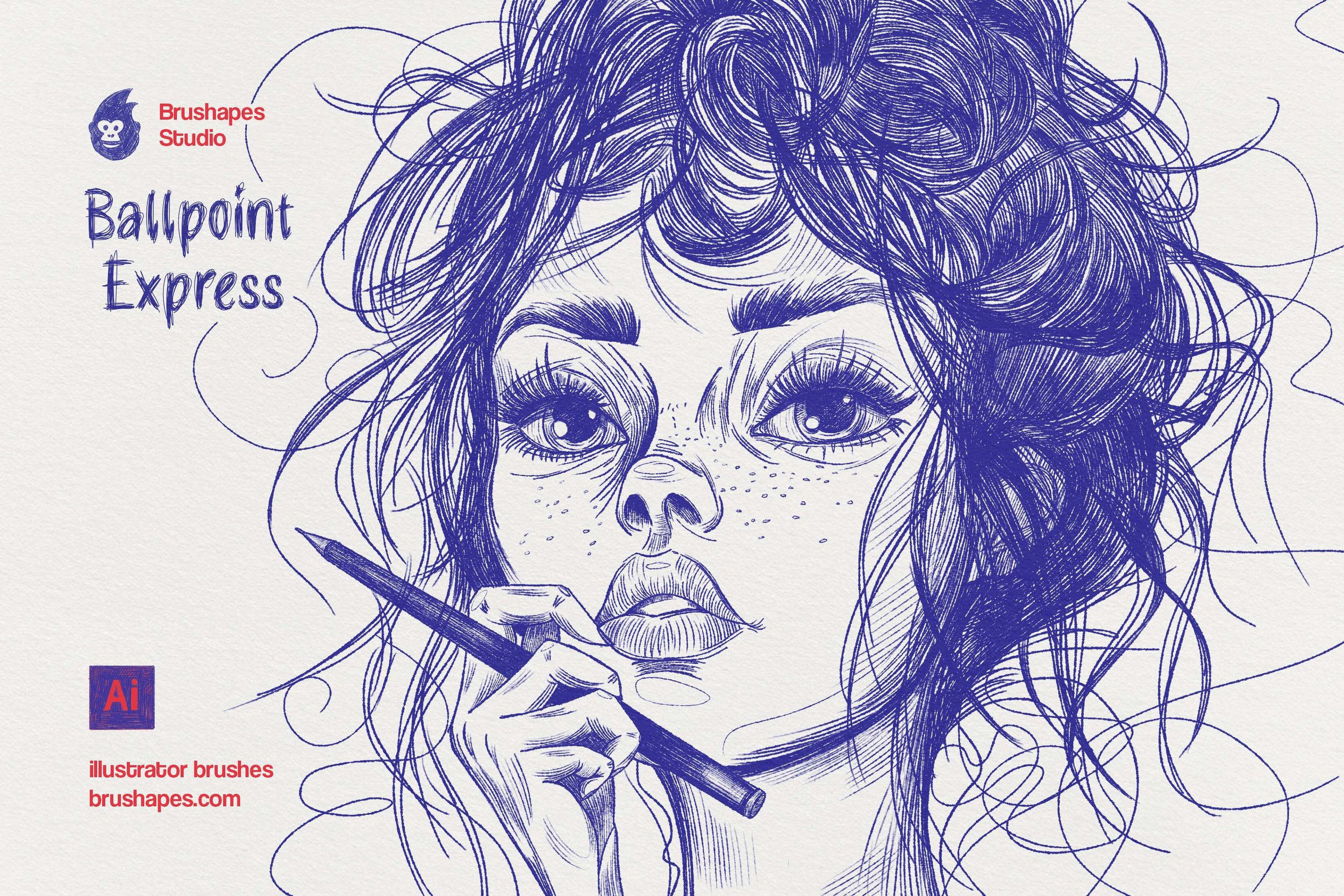
The office pen cup, vectorized. Ten Illustrator brushes covering liner pens, ballpoints, fountain pens, gel pens, and fiber-tip markers — including the fading, drying-out ballpoint you'd normally scribble back to life. Because they're true vector brushes, every doodle stays infinitely scalable and editable: swap a stroke's brush after the fact and watch the whole drawing change its pen.
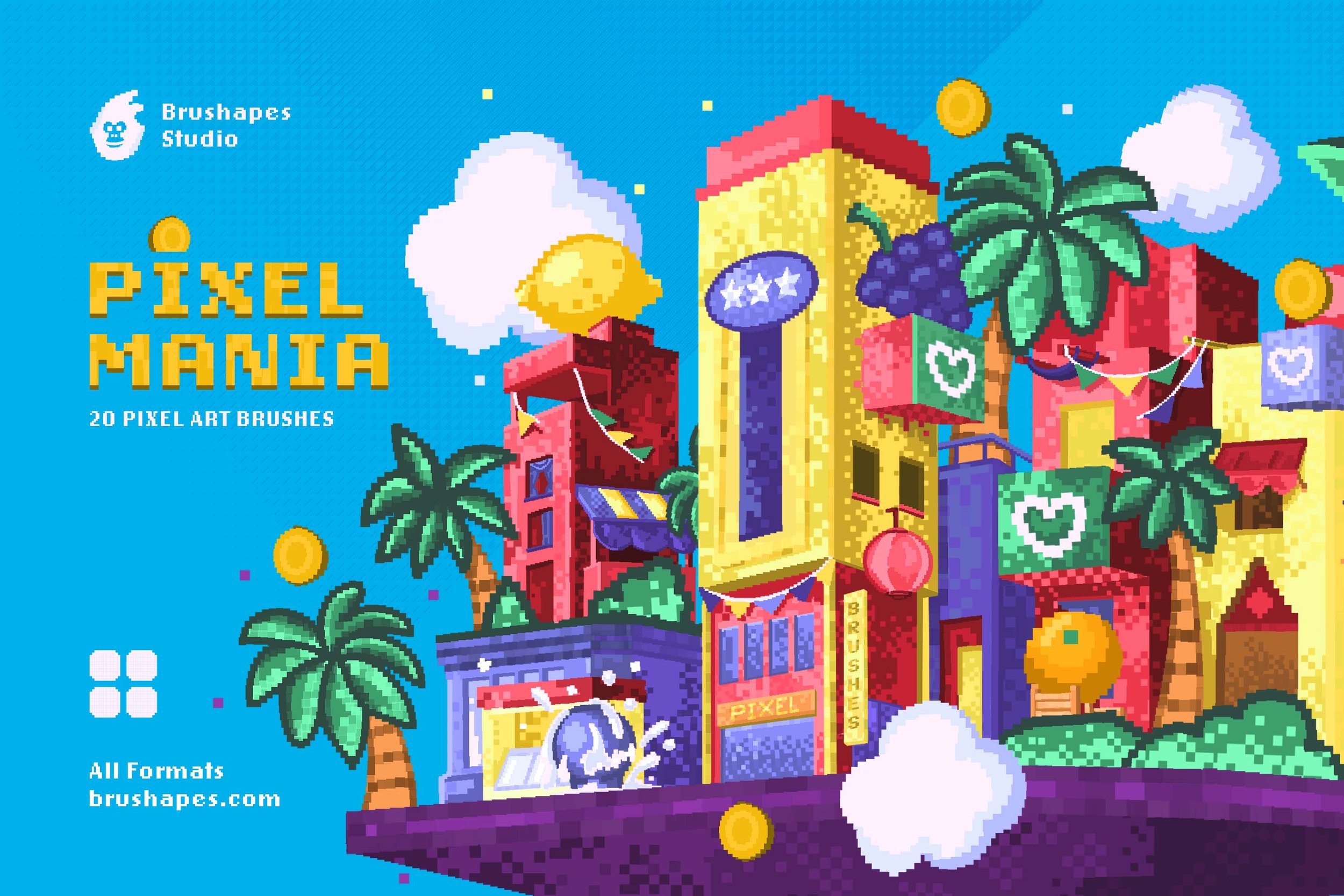
This bundle of pixel art brushes channels various kinds of trends and aesthetics all at once. It covers three decades of design — starting with pixel art of 80’s, following vaporwave aesthetic of the 90’s game industry and finally tapping into the most hot and hype Y2K revival.
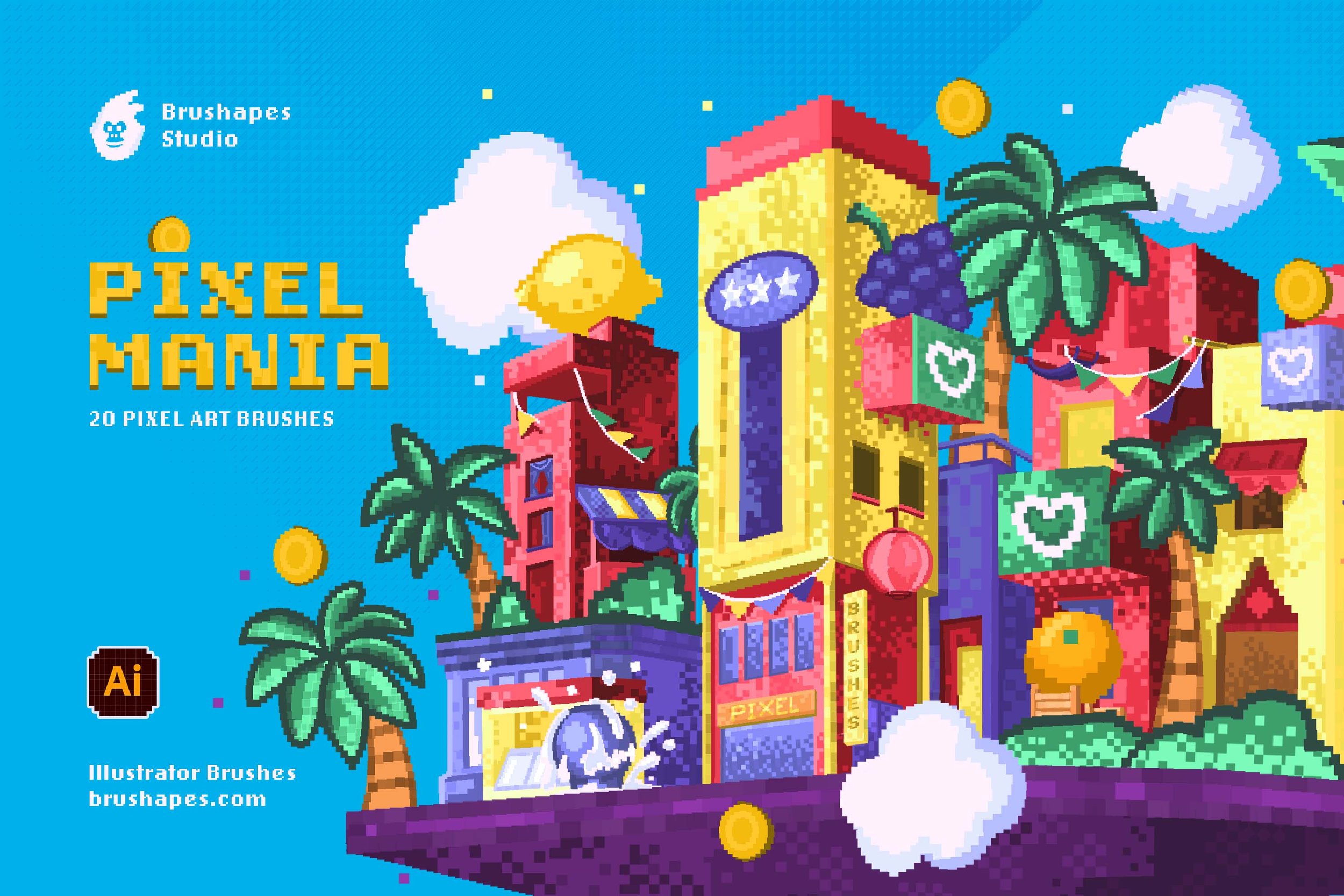
This pack of pixel art brushes channels various kinds of trends and aesthetics all at once. It covers three decades of design — starting with pixel art of 80’s, following vaporwave aesthetic of the 90’s game industry and finally tapping into the most hot and hype Y2K revival.
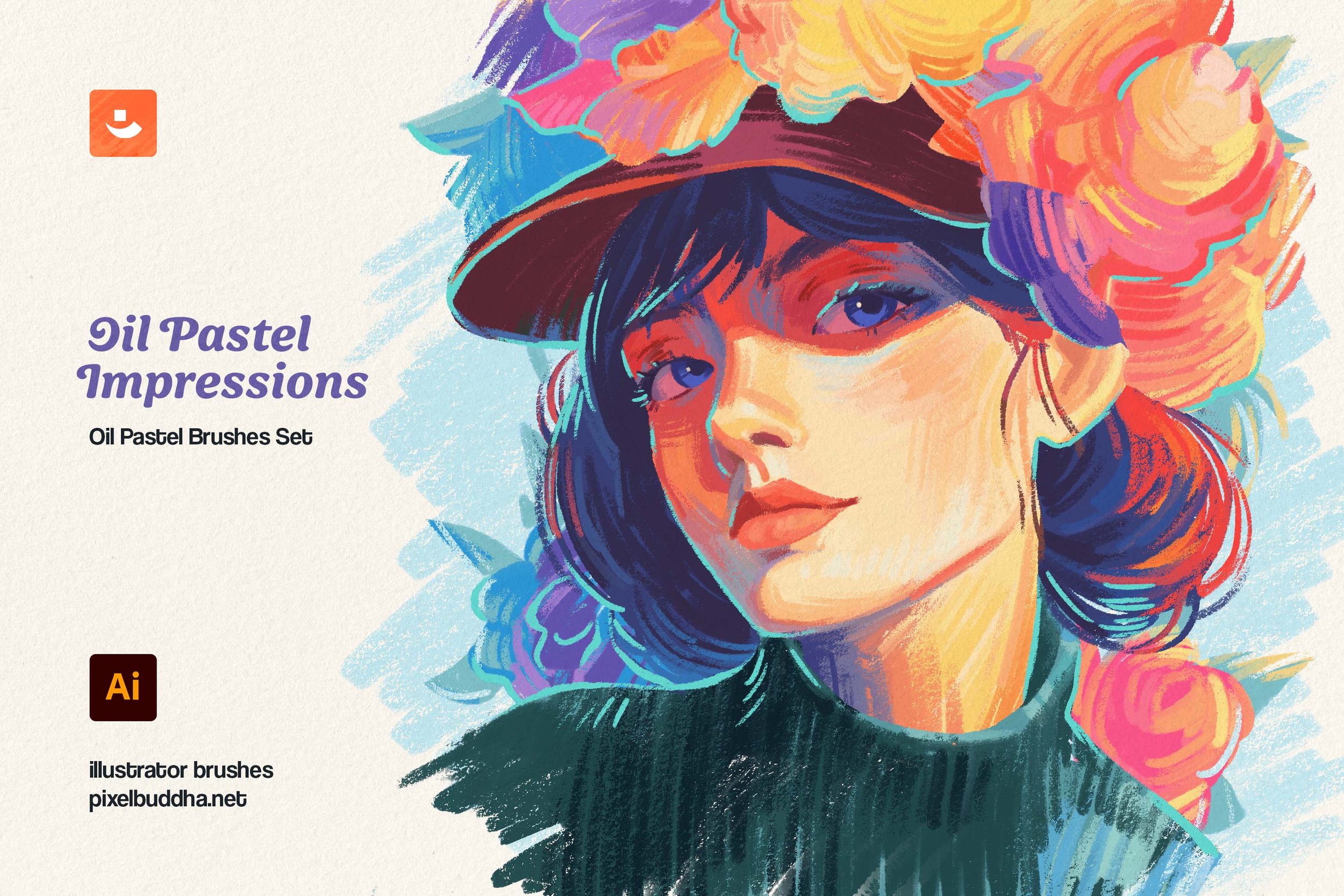
The set features 10 digital brushes celebrating the subtlety and smooth touch of oil pastels. As you layer them over the featured paper texture, you'll get as close to traditional painting as ever: strokes lay softly, allowing for seamless transitions and expressive depth in every stroke.
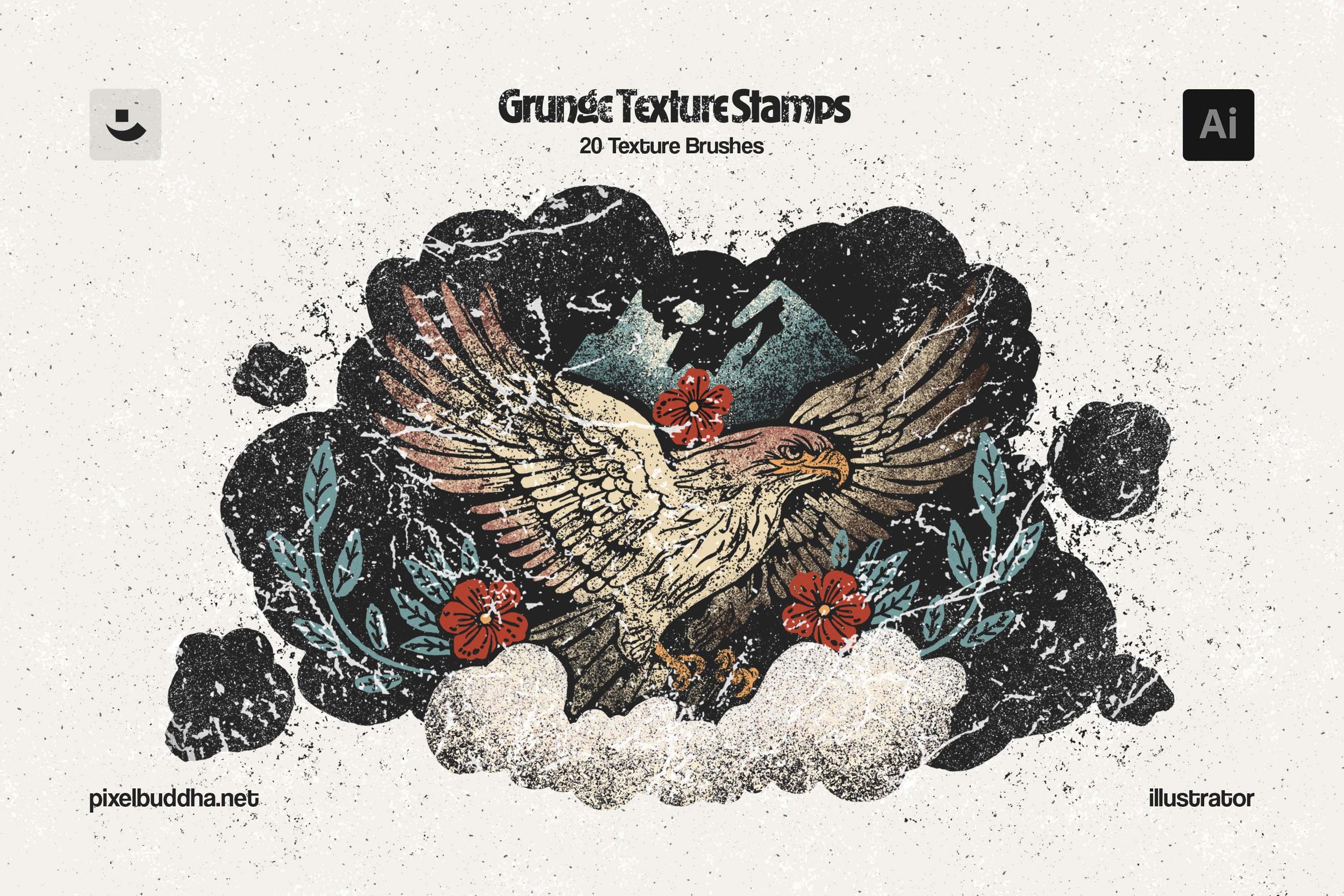
The toolbox of 20 Illustrator brushes comprises all possible flaws, like scratches, paint cracks, speckles, blotches, and cracks, turned into easy-to-use stamps.
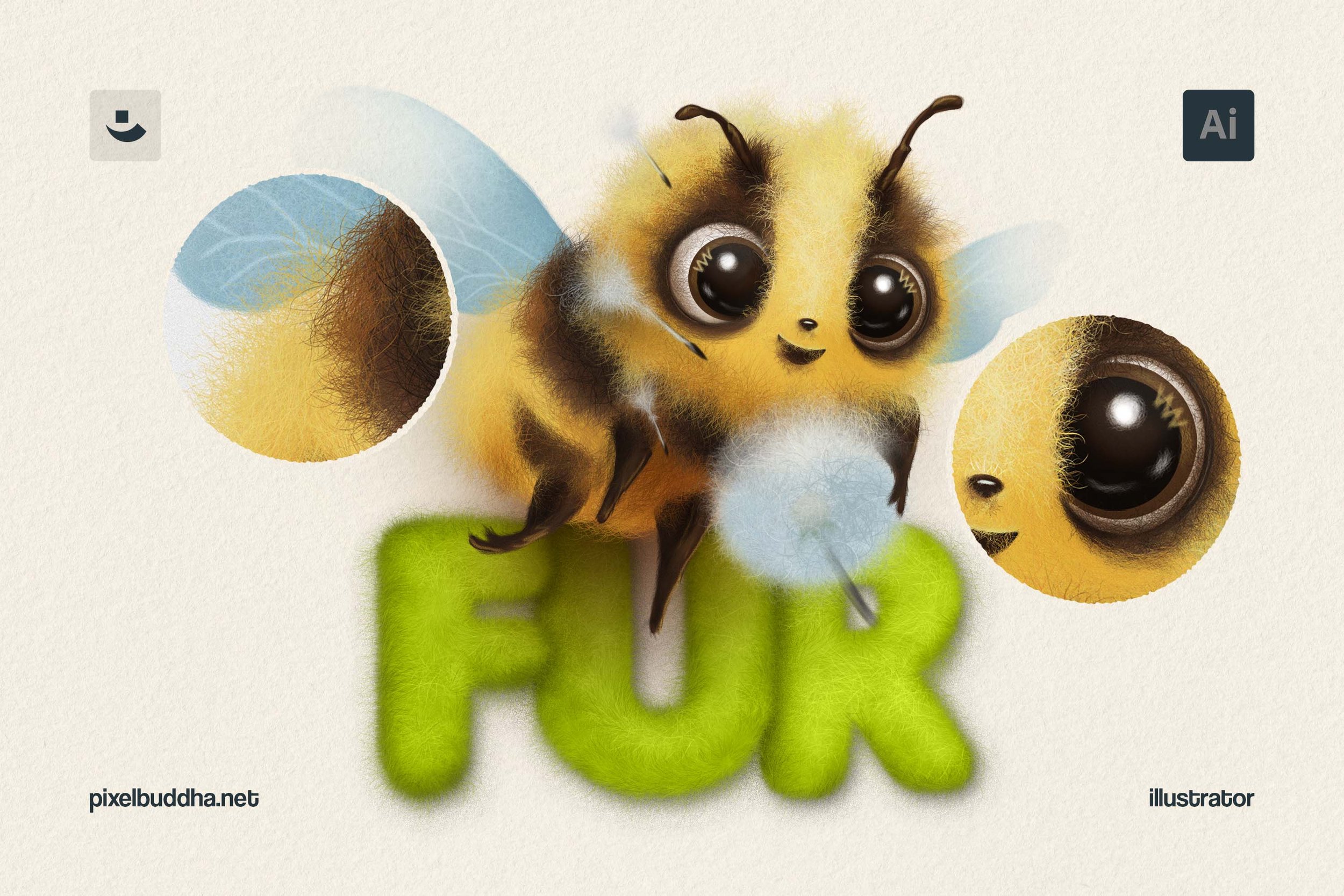
This set includes 12 raster Illustrator brushes that emulate the texture of real fur. Each brush varies in fur direction, texture density, and hair type, allowing for various visual effects.

All the richness of watercolor in your drawing app with an extensive collection for different techniques and needs. It features 50 brushes, mimicking all possible watercolor strokes, from rigger brush's thin lines to paint splashes.

All the richness of watercolor in your drawing app with an extensive collection for different techniques and needs. It features 50 brushes, mimicking all possible watercolor strokes, from rigger brush's thin lines to paint splashes.
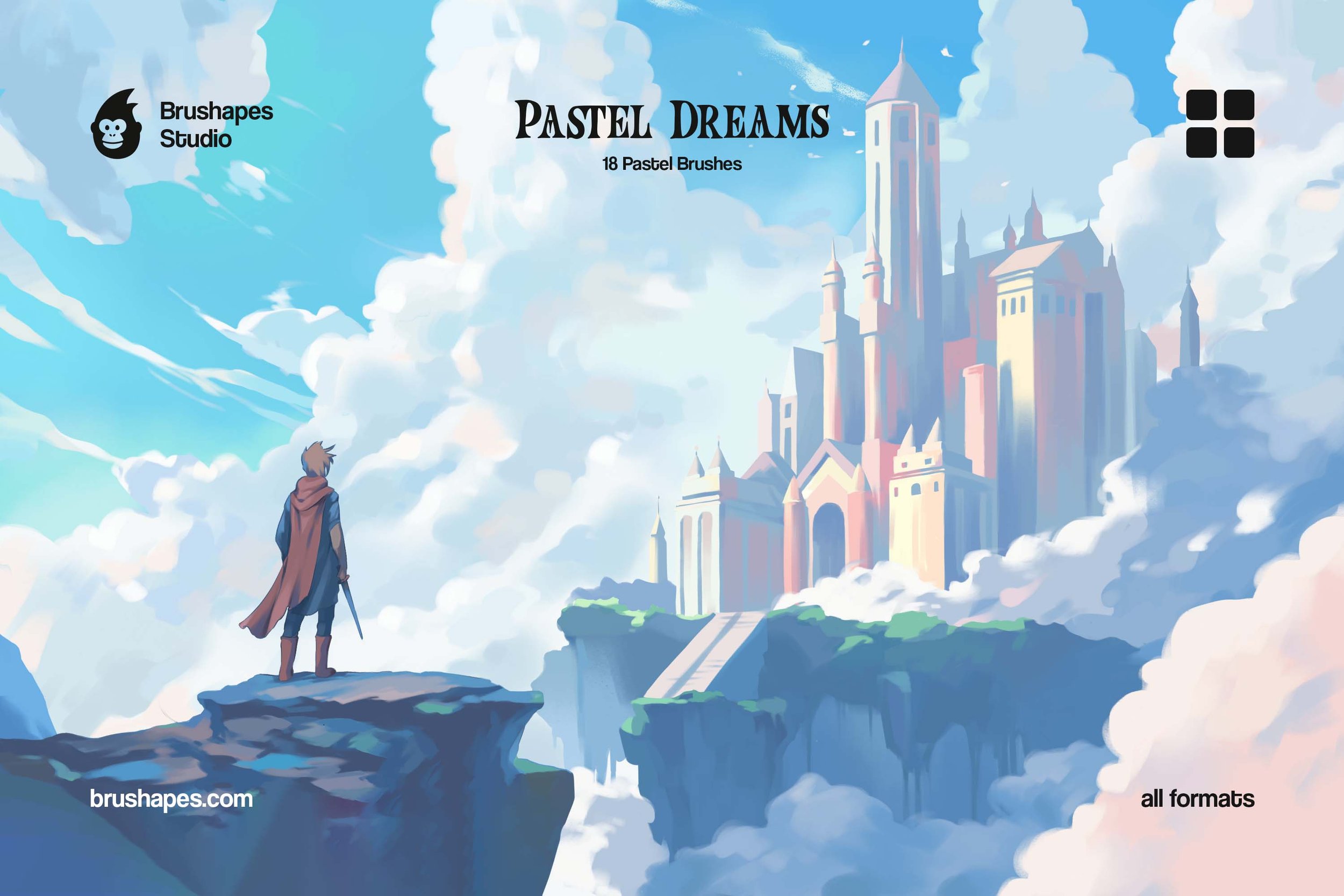
We deeply admire the profound work of concept artists, illustrators, game designers, and creative enthusiasts, so with Pastel Dreams, we aimed to create the ultimate toolbox to meet their needs down to the last stroke.
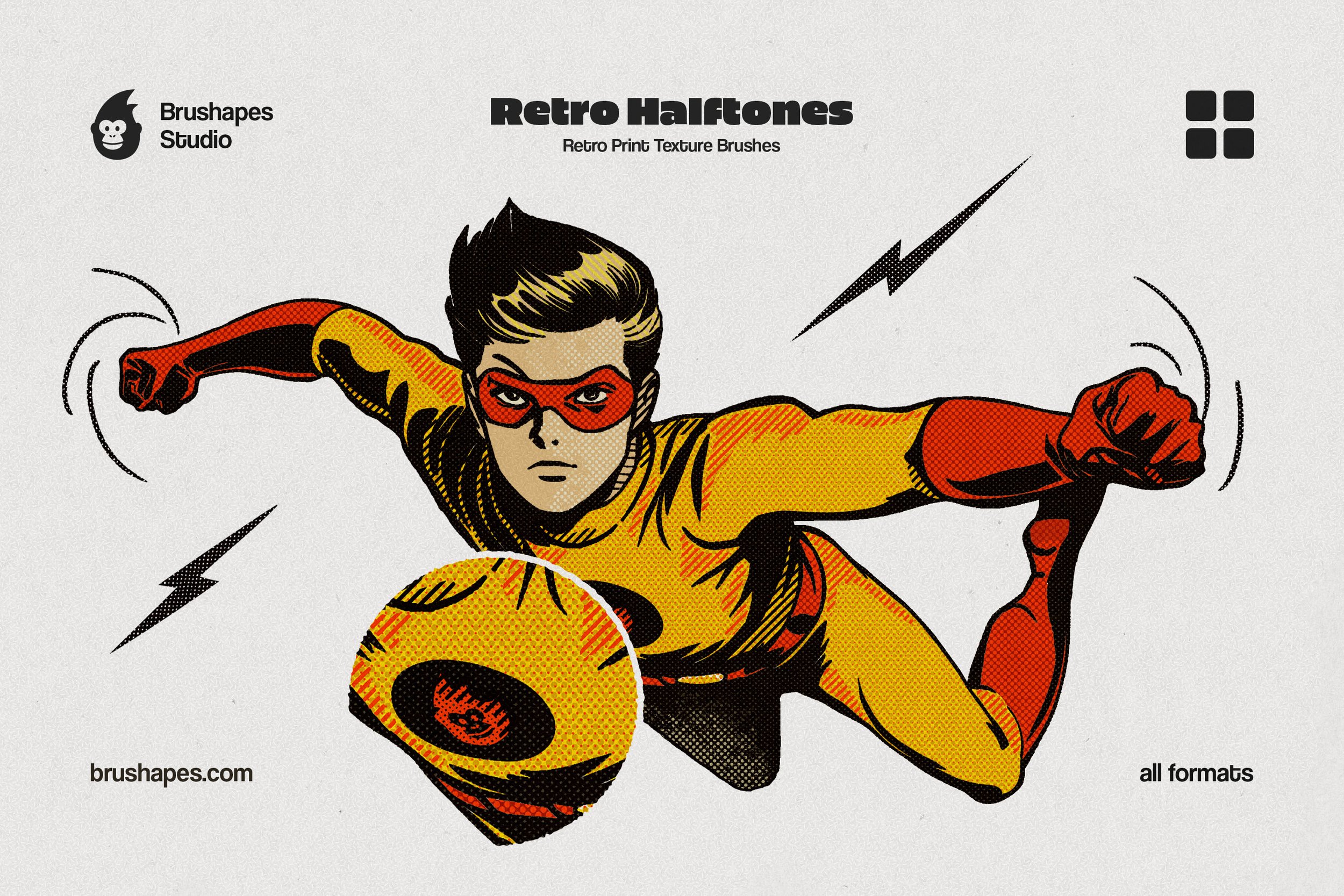
The full halftone arsenal in every format we ship: Photoshop, Procreate, Illustrator, Clip Studio, Affinity. Same 15+ vintage dot patterns everywhere, so the poster you rough out on iPad finishes in Illustrator with identical texture. Retro isn't an app setting — now it doesn't have to be.
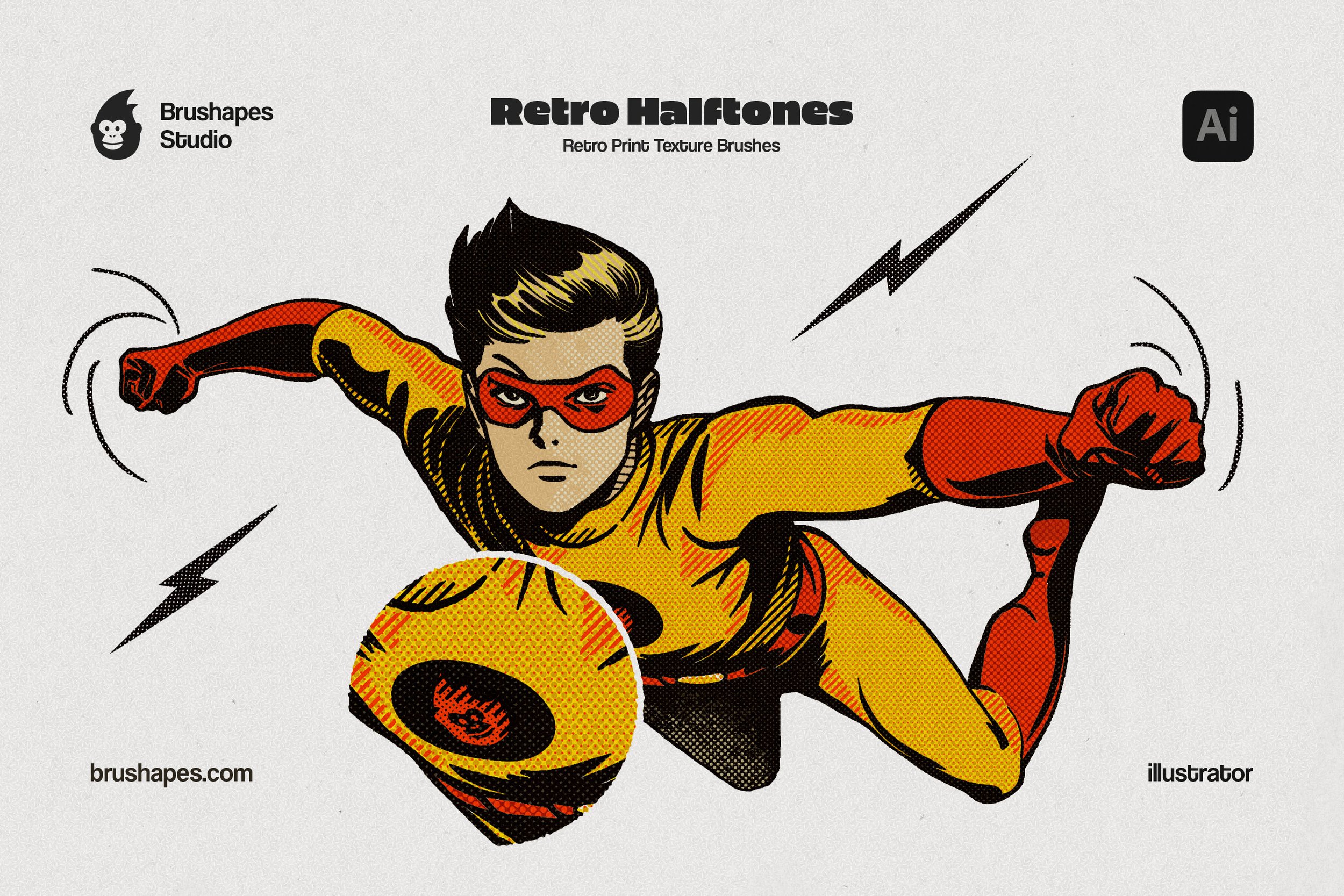
No half-hearted measures in retro art — and no raster smudge either. These Illustrator halftone brushes are true vectors: 15+ dot patterns that scale from sticker to billboard without a single gray blur. Mid-century print texture, comic-ad grit, vintage packaging dots — applied as editable strokes you can recolor in one click.

Let Inktober happen every month whenever you open the Ink Mania collection. We've made it shine with glory and versatility with a ton of inkers, stamps, and textures. Not just for ink art, but for any creation where an ink stroke alone is a highlight.
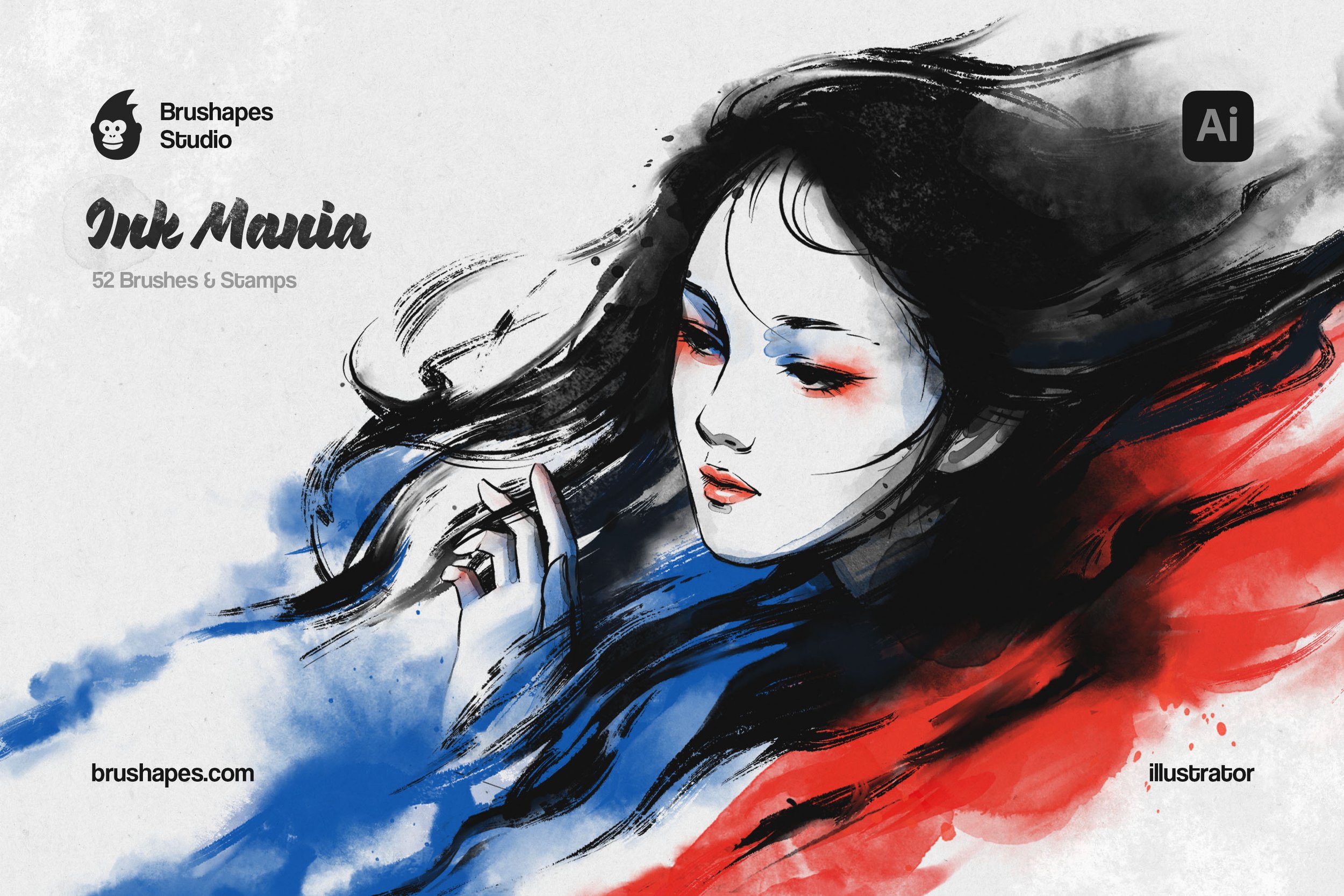
Let Inktober happen every month whenever you open the Ink Mania collection. We've made it shine with glory and versatility with a ton of inkers, stamps, and textures. Not just for ink art, but for any creation where an ink stroke alone is a highlight.
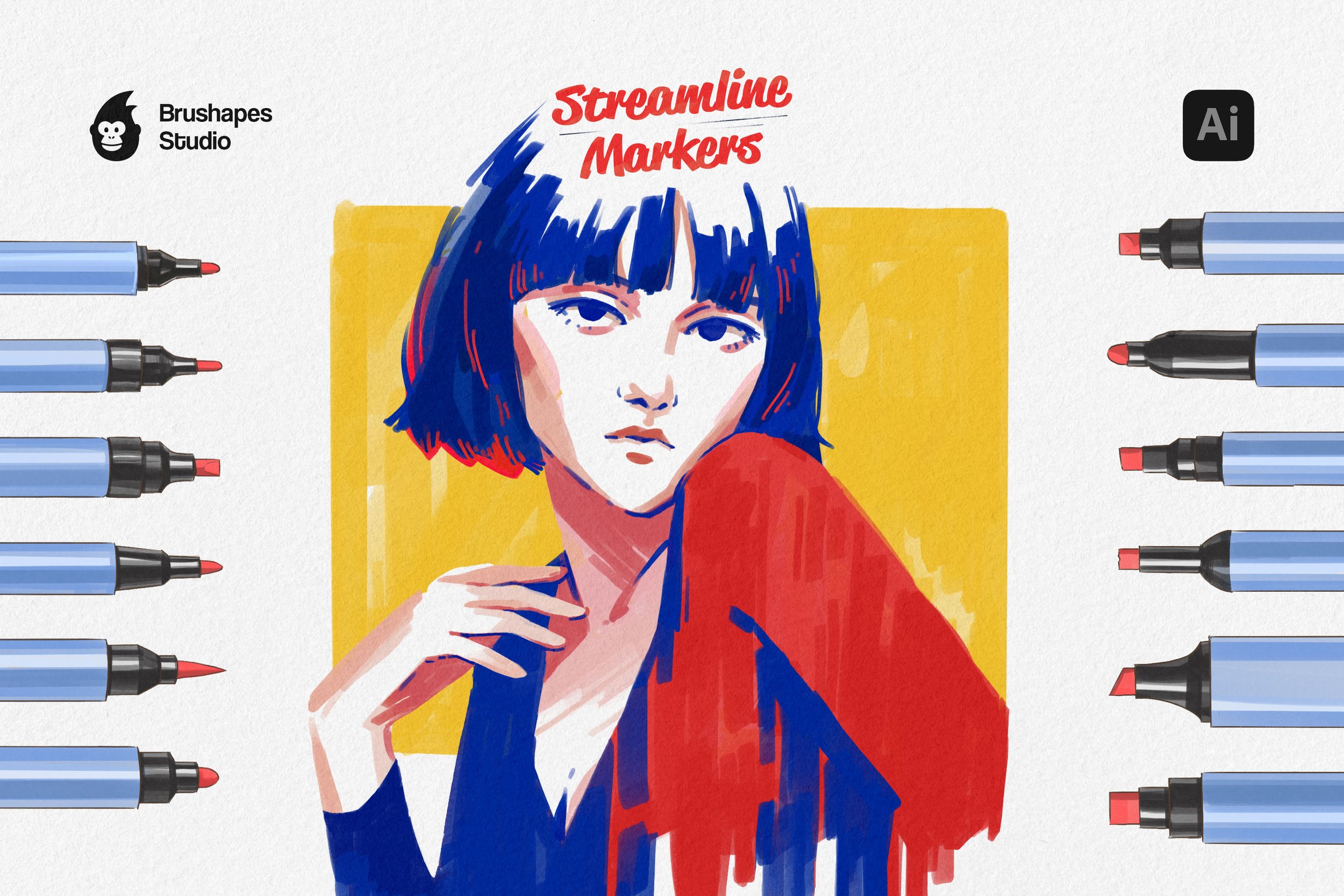
Almost everyone has markers, and we wanted the same to be true for digital brushes. The result: a collection, striking in their realism and ease of use. Honestly, the most hardworking workhorse a creator could ask for.
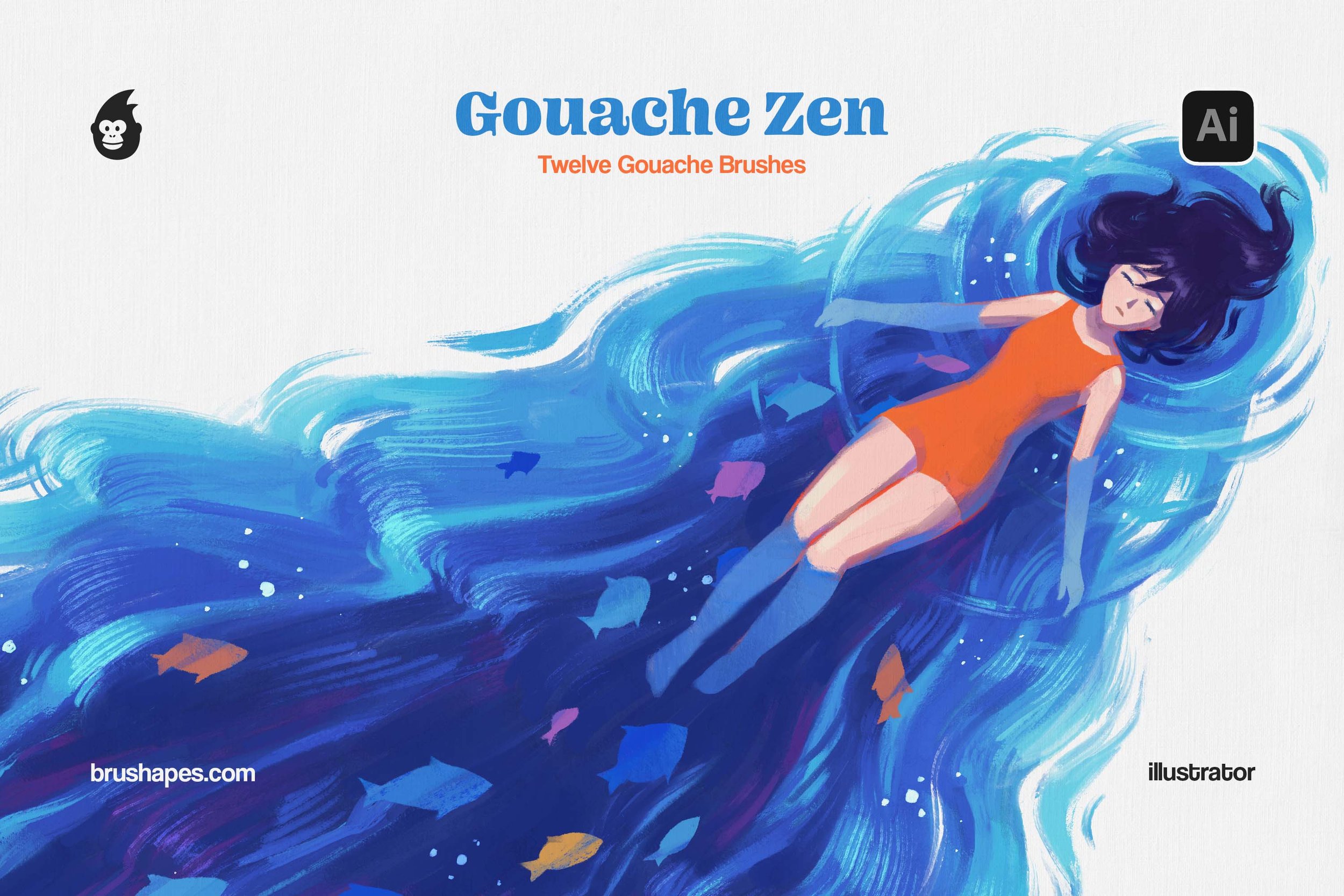
Open your supplies drawer, pick a few tubes of gouache, and sense the temptation to do some meditative sketching or drown in classic painting techniques. Or go digital straight away with a set of 12 digital brushes.
Handcrafted Brushes Collections
Standard vector brushes may feel pretty stiff, demanding time and effort to make a basic path look like it wasn’t made by a robot. Our Illustrator brushes are the solution to that matter — they’re tuned to feel just like actual pens and oil on canvas. If you’re looking to stock up all at once, the bundles are the most efficient way to grab a full range of textures.
The licensing is "no-headache" style — straightforward and flexible. While these specific sets are built to take full advantage of Illustrator’s engine, we also offer multi-app brushes, so you have a kit that plays consistently across different software. There are also some free brushes in the shop so you can see how this tool fits your workflow. Everything comes with lifetime updates, so when Adobe changes things up, your tools won't break.
Install Illustrator brushes in under 1 minute
Follow these quick steps to get your new tools up and running:
Open the zip folder you downloaded from Brushapes
In Illustrator, go to Window > Brushes
Click the library icon (the little stack of books) in the bottom-left corner and select Other Library
Select the .ai brush file from your download
To keep them from disappearing when you close the app, click the library menu again and hit Persistent
Illustrator brushes for every case
Having a specific tool for the job saves a lot of "fudging it" later; that’s why we made sure our collection is versatile. The shader brushes and hatching brushes do the heavy lifting and add depth and intensity. If you want an analog media look, the watercolor brushes, oil pastel and gouache brushes add a nice organic messiness that vectors usually lack. For the comic artists, there are liners, manga brushes, and the whole collection of everyday sketch brushes.
Make grunge texture brushes, but make them naïve and amateur in the best sense. The collection balances between urban mural painting, colourful slums & suburbs, and pastel scribbles that your art teacher would disapprove of.