



About the product
A comprehensive selection of inkers and screentones is an essential foundation, yet they alone are insufficient to create a manga. These tools enable you to create impressive art in the style of classic Japanese, Chinese, or Korean comics, and even elaborate artbooks. However, you will need speech bubbles for this to be a real manga.
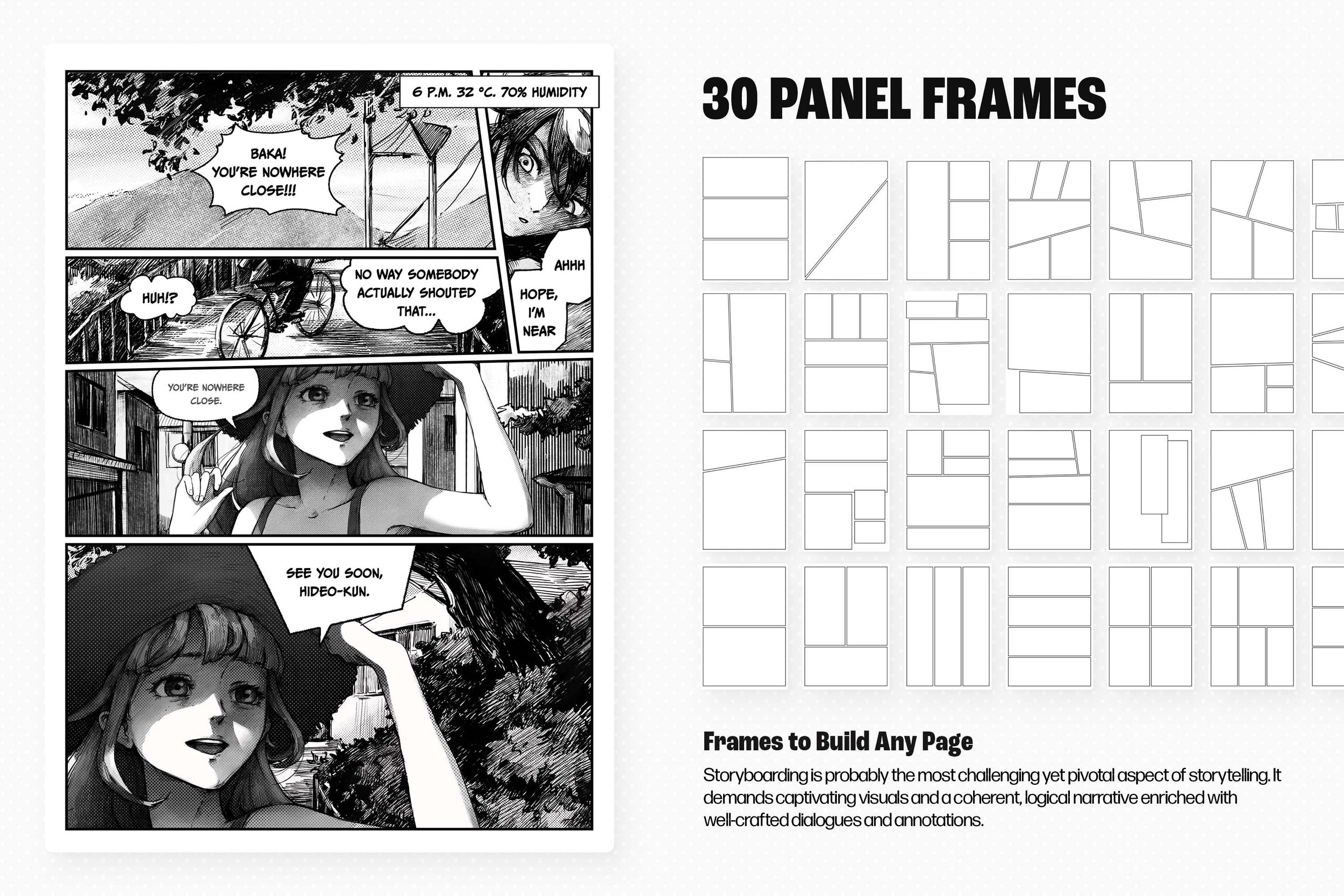
Storyboarding is probably the most challenging yet pivotal aspect of storytelling. It demands captivating visuals and a coherent, logical narrative enriched with well-crafted dialogues and annotations. This process covers meticulous planning, layout design, and the integration of various visual/verbal elements. If you haven't taken up the art yet, we advise you to look at the previous packs of manga brushes, which offer plenty of essentials, including liners, inkers, halftones, and graphite pencils. However, our current focus shifts towards speech bubbles and frames.
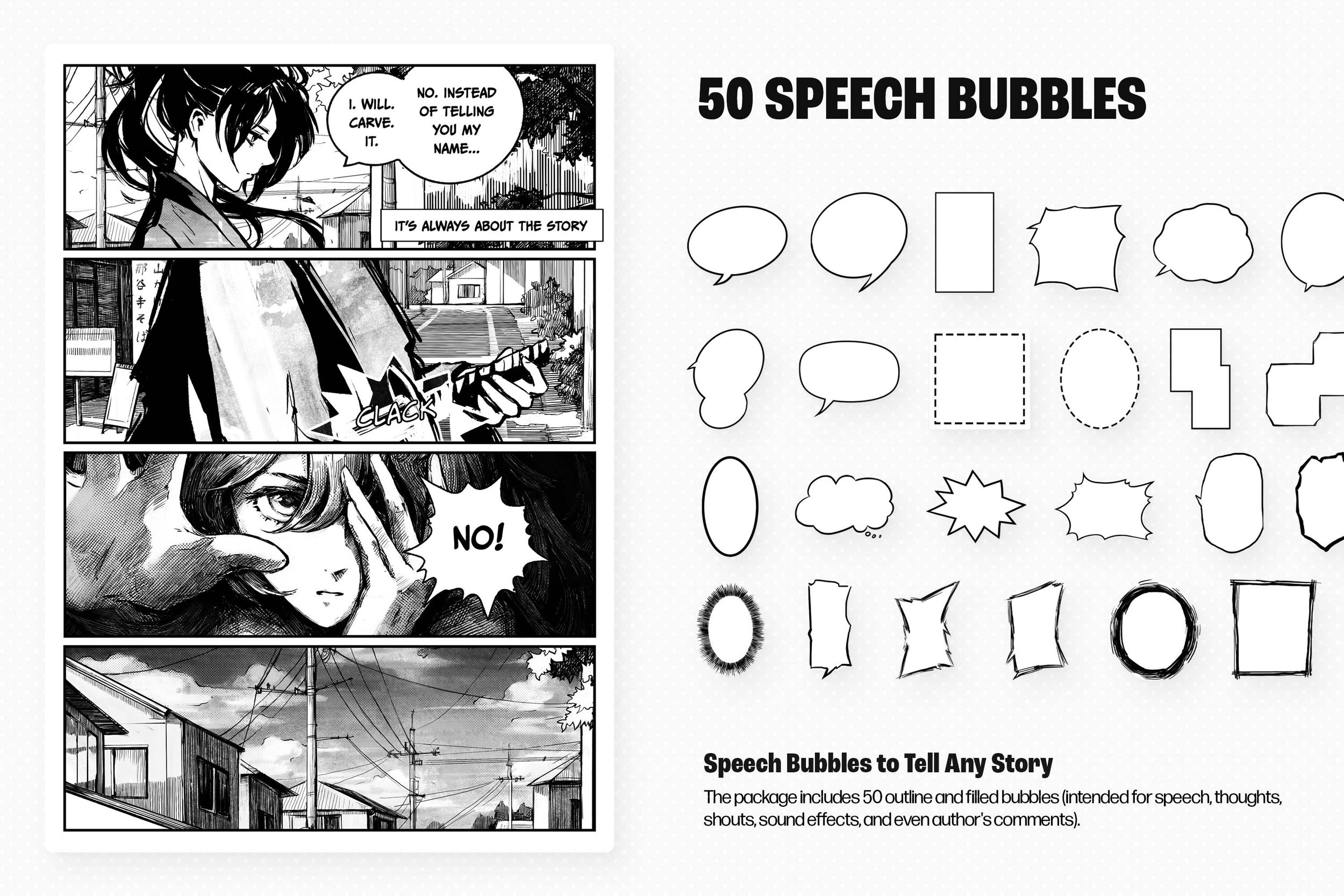
Once again, we've teamed up with Kristina Vorotnikova to release a collection of the most necessary extra elements for drawing manga. It includes 50 outline and filled bubbles (intended for speech, thoughts, shouts, sound effects, and even author's comments), as well as 30 frames. We have thought through all possible options so that you can create exactly the pages or panels you need, with the flexibility to add any amount of text within the speech bubble.
“Mangakas haven’t been doing the whole drawing-every-tiny-detail-by-hand thing for ages—it just takes too much time. So, I thought, why not make a super comprehensive pack? Something that even Isayama could use if he was thinking about dropping a sequel to “Attack on Titan,” or someone just starting out after taking a few classes at Anime Art Academy.
”
This collection is not just a set of brushes. It was made as convenient as possible to work in any application, from Procreate to desktop Adobe Photoshop. There is a PNG version, and individual assets.
Check the process video on our YouTube channel, and learn more about the process from the Gallery.
More Details
FAQ
-
Bubbles are graphical elements that contain text representing the characters' speech, thoughts, or other information within the comic. Along with speech bubbles, there're also thought bubbles, scream bubbles, sound effect bubbles, and narration boxes.
-
While there isn't a one-size-fits-all font for all manga, several styles are commonly used due to their clarity and aesthetic compatibility with manga art. It's CC Meanwhile, Wild Words, Anime Ace, CC Astro City, Manga Temple, Digital Strip, and BD Cartoon Shout.
-
Storyboarding, also known as "layout planning" or "page planning," is a pre-drawing process that manga artists use to organize the flow of their story on the pages of their manga. This stage is about deciding how the story unfolds visually, panel by panel, on each page, ensuring that the narrative is coherent, engaging, and easy to follow.
-
Mangakas use a pen or a digital drawing tool to outline the speech bubble. They can leave it white or fill it with a subtle screentone texture.
-
Please refer to the dedicated product guidelines page for text and video instructions.
-
You can download a native Manga Creator Brushes version for Adobe Illustrator here.
-
You can download a native Manga Creator Brushes version for Adobe Photoshop here.
-
You can download a native Manga Creator Brushes version for Procreate here.
-
You can download a native Manga Creator Brushes version for Affinity Designer here.
File size: 48 MB
Compatibility: Clip Studio Paint (Pro & EX) — stamp-style tools, drag into the Sub Tool palette.
50 outline and filled bubble brushes
30 frame brushes
ZIP package, direct download