

Procreate Tattoo Brushes: Top 5 Packs for Linework, Dotwork & Shading (2026)
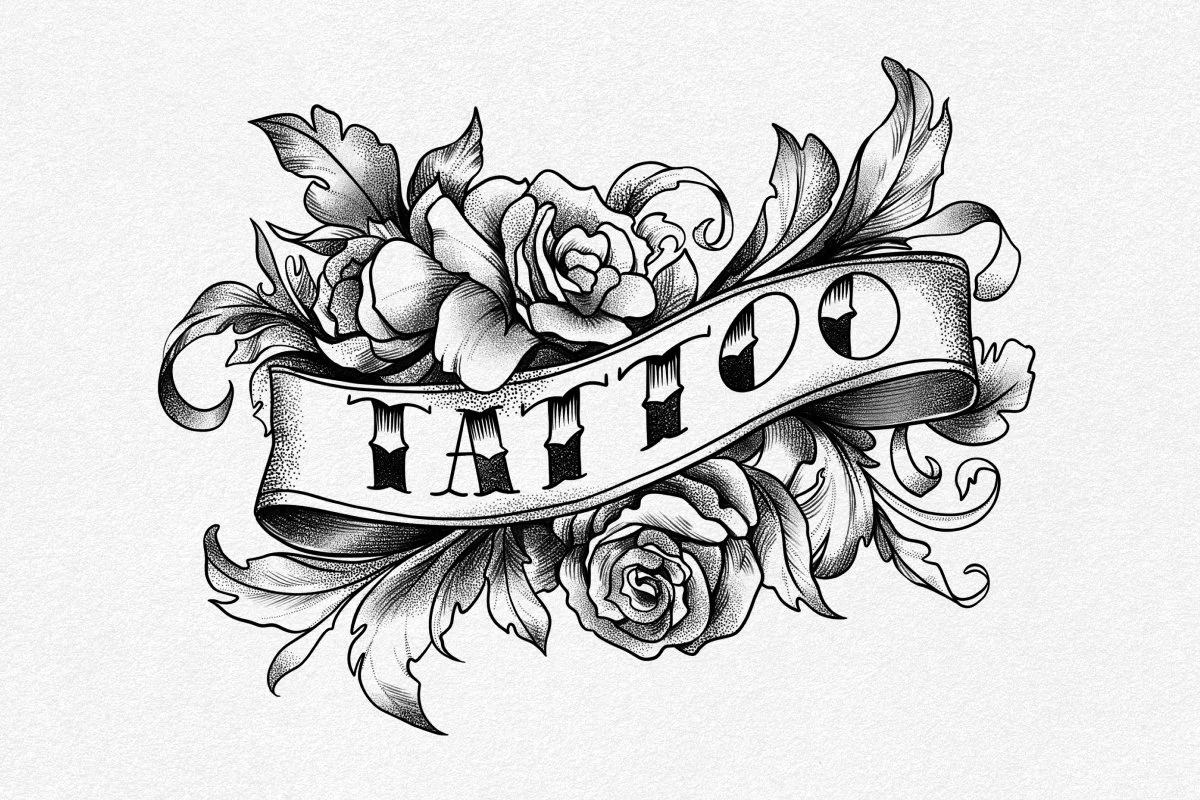
Discover the best Procreate tattoo brushes for 2026. Master linework, dotwork, and shading with expert packs plus essential setup tips for professional artists.
Those who think that a tattoo master's work is mostly about actual skin time are terribly wrong. The preparatory work takes lots of time, as the design phase is where the structural integrity of the piece is won or lost. This way, using high-quality Procreate tattoo brushes helps to solve complex compositional problems long before the needle touches the client.
The shift to a digital-ink workflow makes the synergy between the iPad Pro and the Apple Pencil Pro shine the brightest — enabling tons of sketches, concept visualisations, and corrections. The digital drafting table allows for non-destructive revisions that were impossible with traditional vellum. By the time the client is in the chair, the "heavy lifting" of the creative process is already finished, leaving the master to focus entirely on the technical execution of the skin.
Featured: Procreate Tattoo Brushes
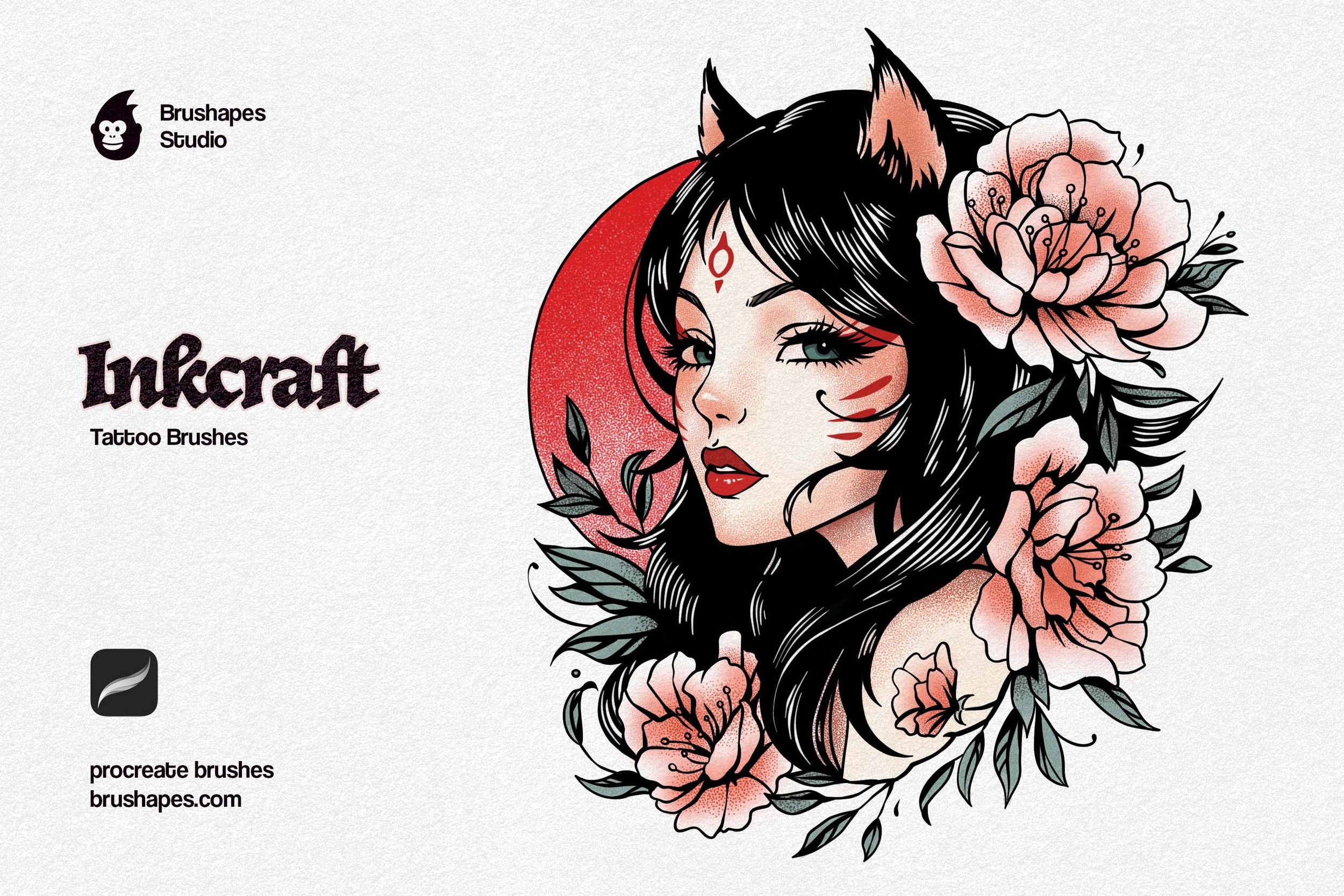
When efficiency is the priority, the Tattoo Art Brushes pack stands as the definitive flagship for professional digital workflows. This tattoo brush set is engineered specifically to help artists move from a loose thumbnail to a polished, "tattoo-ready" digital painting that clearly communicates the final vision to the client. The specialized pressure curves and stipple dynamics within this collection allow a tattooist to simulate whip shading and fine line work with surgical precision, so the flash sheet becomes literally “what you see is what you get”.
What’s Inside: 12 handcrafted brushes, ranging from bold outlines to soft stippling shadows.
Best for: The ultimate tool for all-in-one design mastery. The set excels at taking a client's vague idea and turning it into a high-contrast, professional sketch that is ready to be converted into a stencil in a single tap.
Types of Tattoo Brushes in Procreate
In the design phase, the tattoo brush pack acts as a bridge between the imagination and the client’s expectations. Understanding the mechanics of digital tools is just as vital as knowing the machine. When selecting tattoo brushes for Procreate, you can categorize them by their mechanical function in the tattooing process.
Liners
The drafting phase always starts with the liner. The "taper" and "stabilization" are the key points at this stage. Professional Procreate tattoo brushes for linework keep a consistent diameter regardless of pressure, or offer a subtle taper that mimics how a needle enters and exits the skin. For bold traditional work, look for "power liners" that have a slight grit on the edges, preventing the too-perfect digital look and making the stencil more readable for the artist.
Shading
Effective shading is crucial for client consultations. And hopefully, shading is where the Procreate engine truly shines. Instead of just coloring in, use whip shading brushes to show the client the transition of light and shadow. It helps them see the final result more clearly. Smooth gradient brushes simulate 3D form on a 2D surface, giving a clear view of how a design will wrap around the curves of the body.
Dotwork & Stipple
We believe that manual stippling is a recipe for carpal tunnel. Moreover, modern tattoo brushes for Procreate use a "distance-based" scatter to prevent messiness and overloaded clusters. No matter how fast or slow you move your hand, the dots maintain a mathematically perfect distance. Which is vital for geometric blackwork, where a single misplaced dot can ruin the symmetry.
Blackwork & Solid Fill
During the sketch phase, "blocking in" solid blacks is essential for checking the composition's readability from a distance. High-quality blackwork brushes allow to quickly fill large areas with a solid, non-textured ink, so the artists and the client can evaluate the visual weight of the piece on the body.
For the technical side, when prepping for a thermal printer, "almost black" usually isn't enough. You'll want 100% K-value saturation. Professional blackwork brushes are programmed to ignore pressure for opacity, ensuring that every fill is a solid, punchy black that won't "flake" or fade when run through a stencil machine.
Stencil & Transfer Prep
The stencil brushes are an often-overlooked category. These are high-contrast, zero-latency brushes designed specifically for thermal printers. By using a dedicated stencil brush, you produce pure black lines that are thick enough to be picked up by the carbon paper, preventing the dreaded "faded stencil".
Top 5 Procreate Tattoo Brush Packs from Brushapes
Essential Liner Procreate Brushes
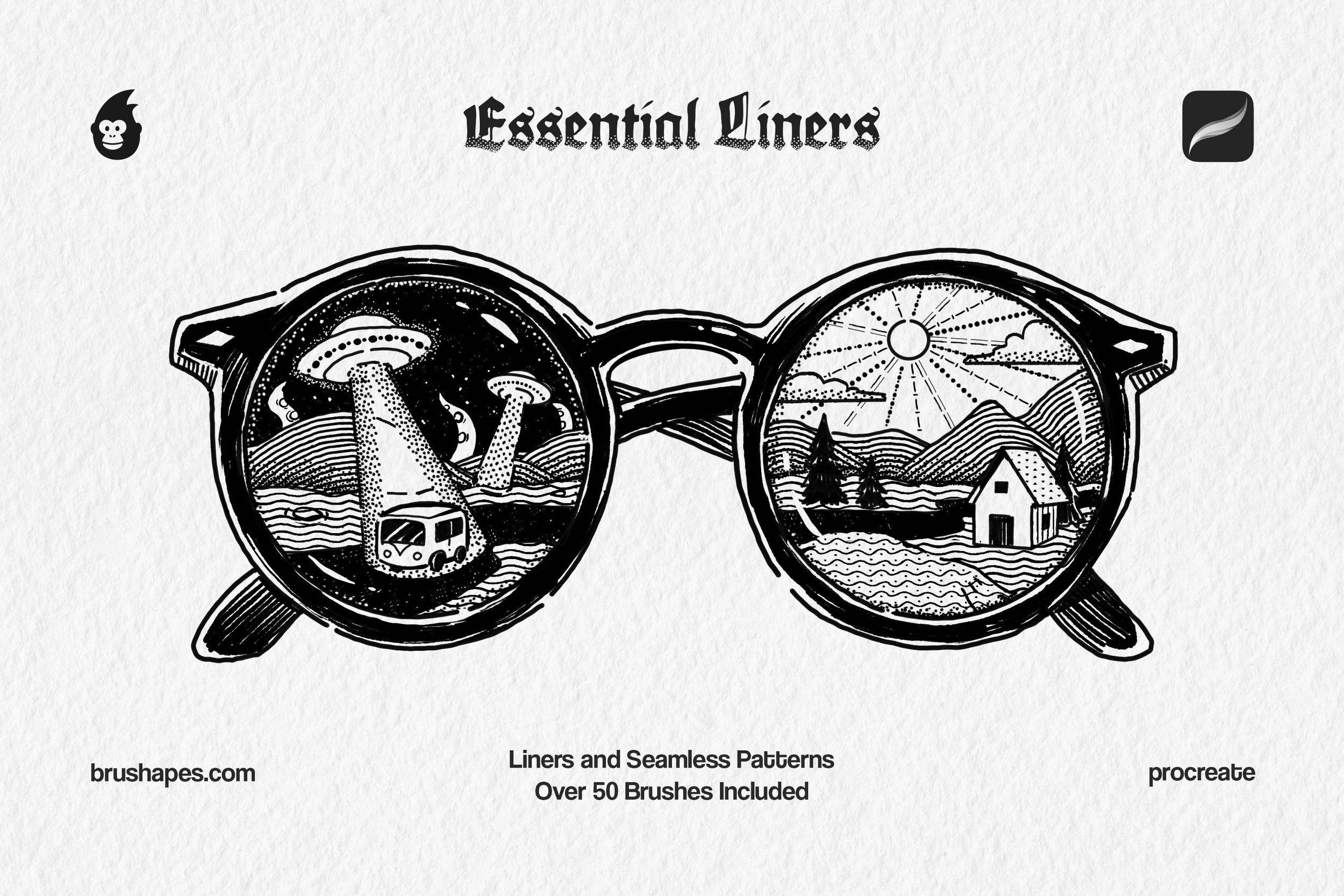
These Procreate tattoo brushes are the backbone of any technical tattooer's digital kit. They provide fundamental tools for the "Blueprint" stage of the design. At the same time, the liner brushes offer a weighted feel that pull steady, confident lines during the final lining.
This collection moves beyond a single-weight pen by providing a comprehensive tattoo brush set that varies from fineline brushes to pattern-making ones. With the help of ink liners and specialized stipple brushes, you'll maintain perfectly uniform dot-density without the wrist strain of manual tapping. The inclusion of pattern line brushes lets you pull complex, repeating textures in a single stroke, solving the problem of inconsistent spacing in large-scale geometric designs.
What’s Inside: 8 ink liner brushes, 18 seamless pattern brushes, 8 stipple brushes, 18 pattern line brushes.
Best for: Technical precision and clean stencil prep.
Styles: Old-school, fine line, micro-realism, blackwork, mandalas, neo-traditional, Japanese (Irezumi), new-school, trash polka, tribal, lettering.

Free Grim Shader Procreate Brushes
This one is perfect for artists who specialize in moody illustrations with lots of layers and complex shading. The Grim Shader tattoo brushes for Procreate provide a series of universal grain sizes to build up value from a subtle grey wash to intense, gritty saturation without losing the organic tooth of the texture. It quickly adds atmosphere and volume to prep sketches.
What’s Inside: 10 shader brushes.
Best for: Adding atmospheric depth and texture to sketches. Dark illustrative work where you need to communicate texture to the client
Styles: Traditional, blackwork, dotwork, neo-traditional, back & grey, dark surrealism, horror, bio-organic, floral & botanical.
Retro Halftone Procreate Brushes
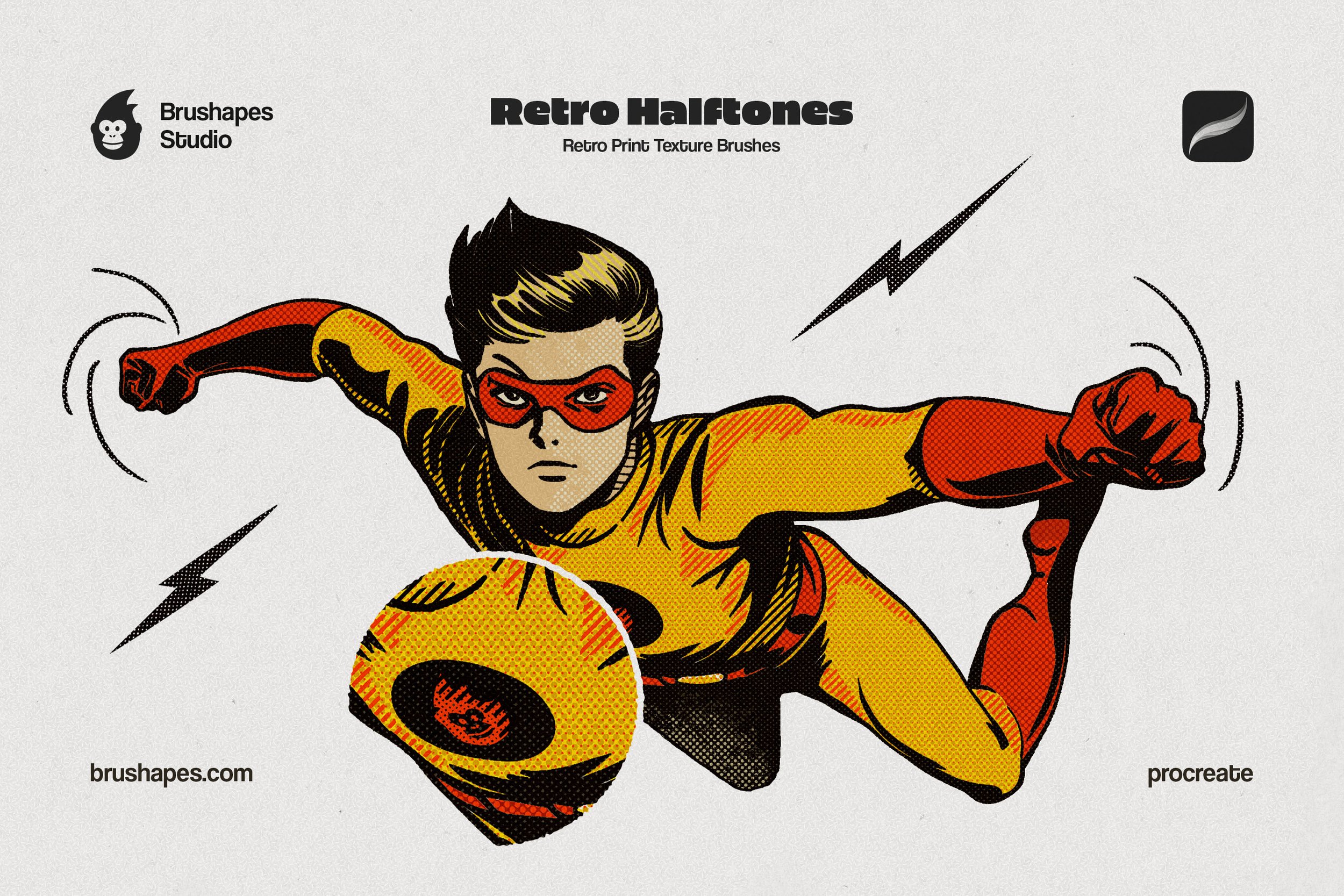
When designing for styles that require high-contrast visual communication (like Neo-Traditional or illustrative Blackwork), relying on standard grey washes doesn’t always hit the mark, and that’s the place where the diverse set of halftones steps in. For artists who want to incorporate a printed, comic-book aesthetic into their flash, these halftones provide a vintage edge. The collection of over 200 brushes lets you stylize your pieces with complex structural textures. They are perfectly spaced to ensure they don't "muddy up" once the ink expands slightly in the skin over time.
What’s Inside: 28 classic halftone dot brushes, 64 classic halftone line brushes, 88 halftone creative brushes, 24 halftone inverted creative brushes, 4 ink brushes, 2 JPG paper textures.
Best for: Creating high-impact pop art, comic book, and neo-trad style tattoos with maximum contrast.
Styles: Neo-traditional, comic style, newsprint, pop art, new school, dotwork, blackwork.
Ink Mania Procreate Brushes
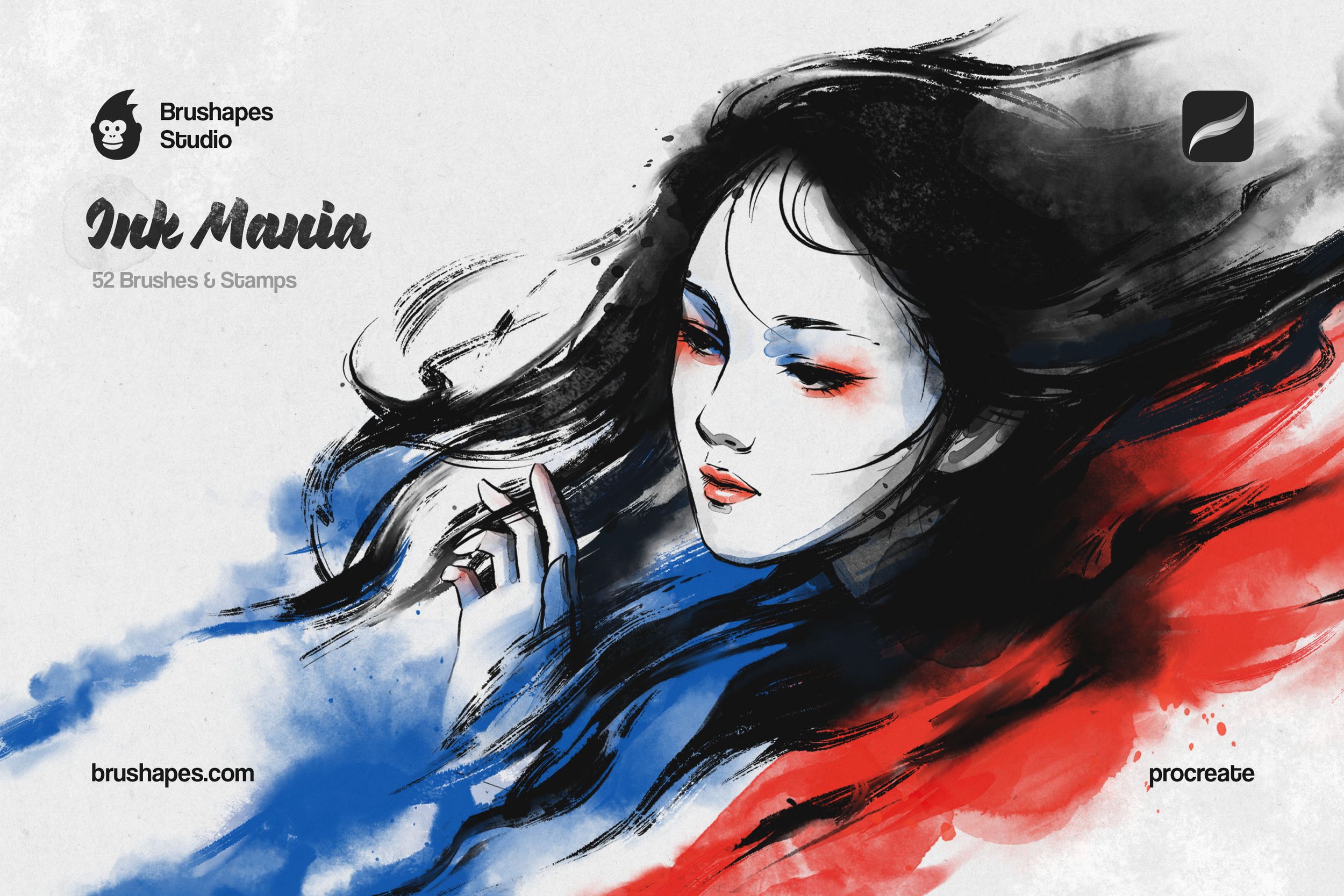
The Ink Mania collection is built for the artist (and clients, of course) who finds standard liners too "sterile" and want to take up the more fluid approach to build the character. These Procreate tattoo brushes solve the problem of too clean-looking strokes by introducing organic bleed and aesthetic harshness into the Procreate engine. For a tattooer, this means the digital flash will mimic the fluid, variable-weight look of a nib pen, set of brushes, and liquid acrylics.
What’s Inside: 12 ink pens, 16 ink brushes, 8 wet inks, 16 ink stamps, 4 JPG paper textures
Best for: Creating digital flash sheets that retain the soul of hand-painted art with complex, high-emotion strokes.
Styles: Japanese Sumi-e style, watercolor, traditional & neo-traditional, sketch-style, trash polka, script, floral & botanical.
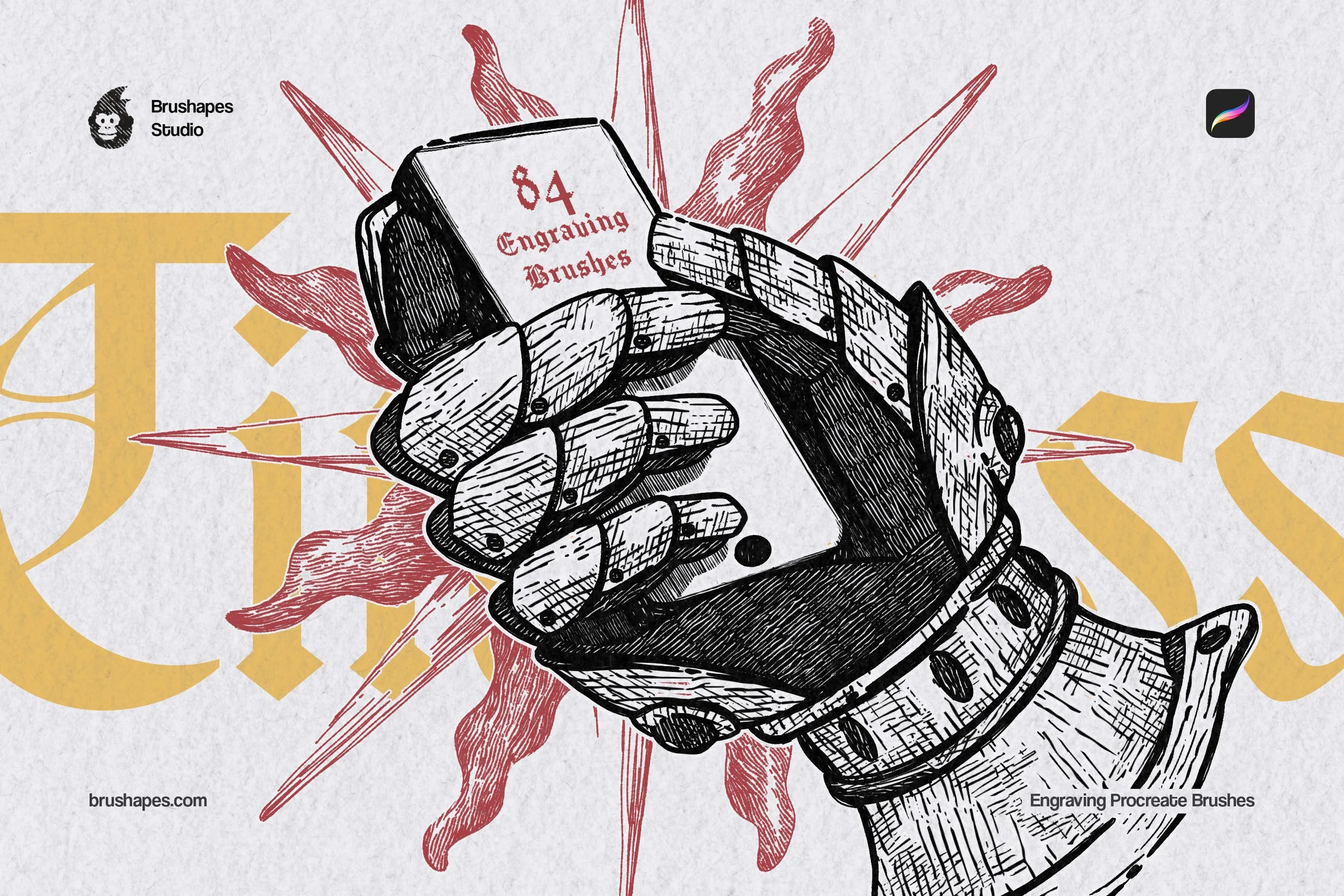
Timeless Engraving Procreate Brushes
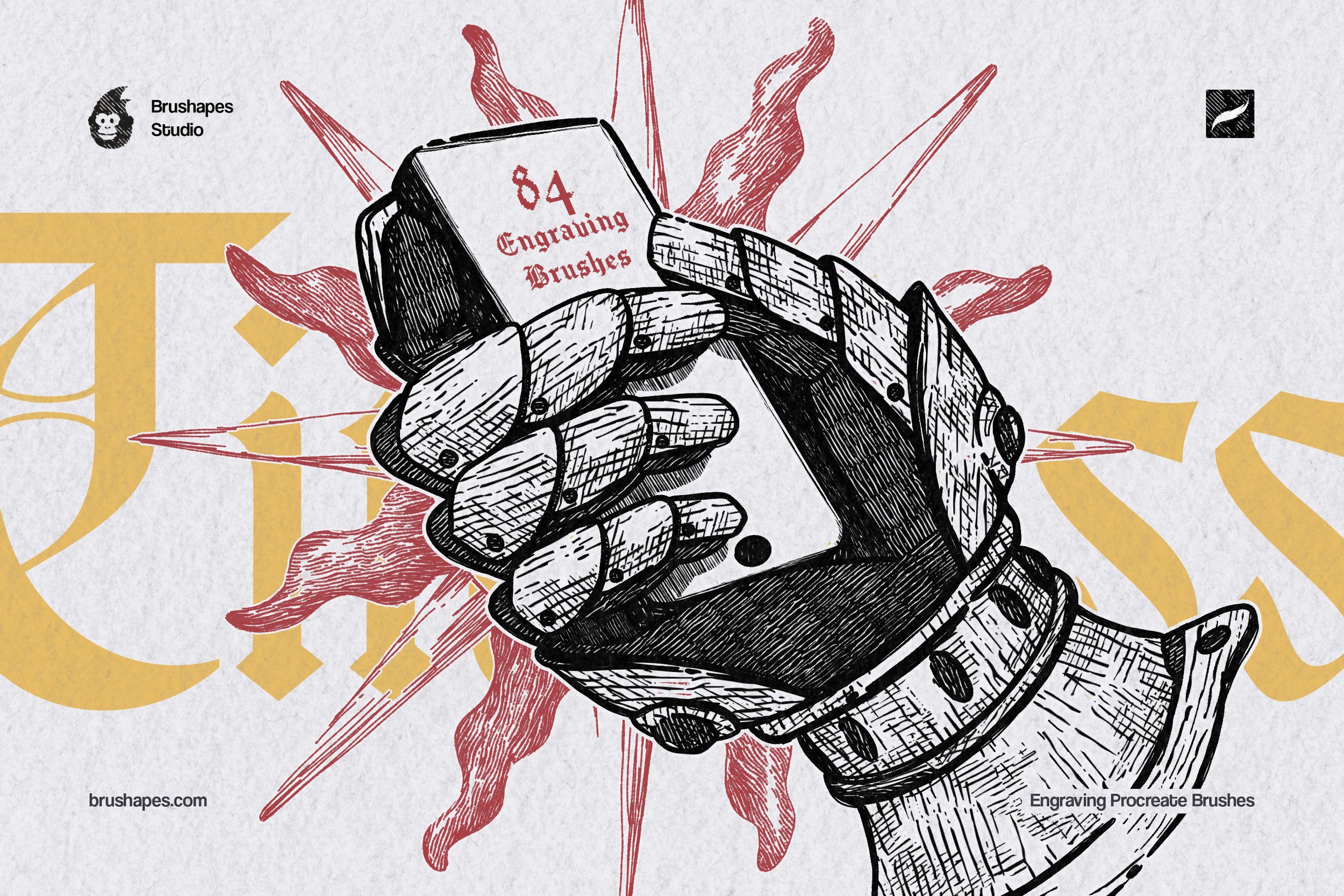
For intricate, detailed work, this tattoo brush set lets complex hatch marks during the sketch phase. Every brush provides a pre-calibrated line system that ensures the design stays consistent and doesn't become too busy for the actual tattoo.
The backbone of this brush pack is the 11 engraving line brushes, which are expanded into 44 directional variants: each brush comes in horizontal, vertical, and diagonal patterns. This solves the problem of "shaky" manual hatching, providing perfectly parallel lines that maintain their structural integrity even when printed as a small-scale stencil.
What’s Inside: 4 engraving liner brushes, 11 engraving line brushes (x4 options), 5 engraving wave brushes (x4 options), 16 engraving brushes.
Best for: Mapping out high-detail Woodblock or Etching style tattoos. It is the professional’s shortcut for creating complex shaded compositions.
Styles: Blackwork, etching, medieval illustrative, fine-line detailed, engraving, nautical & map tattoos, surrealism.
How to Set Up Procreate for Tattoo Sketching
To get the most out of your Procreate tattoo brushes, your technical setup must be as disciplined as your drawing. Always work on a canvas with a minimum of 300 DPI. So when you resize a design to fit a client’s forearm, the lines are crisp and don't pixelate — which is critical for a clean stencil.
Additionally, for perfect precision, keep the Canvas Metadata updated with the client's actual measurements — if the forearm is 25cm, your digital canvas should be 25cm. This 1:1 ratio is the way to guarantee the flow of the design matches the reality of the anatomy.
One of the most powerful tools for the tattooer is the Selection tool combined with Warp. When designing for limbs, you can take a flat design and adjust the "slant" or "curve" of a design to fit the client's specific anatomy. It helps to see how the composition of the piece interacts with the muscle structure.
Use the Reference Layer feature in Procreate to keep your linework on one layer while you experiment with shading and color on separate layers beneath it. That's how you can show the client multiple colorways or shading options in seconds.
Utilize the Hover feature on the Apple Pencil Pro to preview your brush size before you touch the glass. This lets you gauge exactly where a mag-shade will land without having to "undo" a mistake. Small tip, but it saves lots of unnecessary hustle.
Procreate Tips for Tattoo Artists
The shift from paper to the iPad can feel like hitting a wall if your traditional skills don't seem to translate to the glass. To flatten that learning curve, it helps to see a professional's mechanical setup in real-time. This walkthrough from Tattooing 101 covers 20 tattoo-oriented tips & tricks — from using Reference Layers, to adjusting Selection Thresholds so your color saturation sits tight against the stencil line.
License Notes
The Brushapes license is designed for professional artists. It covers all commercial outputs, meaning you can use them to create designs for paying tattoo clients, merchandise, and prints. However, the files themselves are protected — you cannot redistribute, sub-license, or sell the brush files to other artists. They are your personal tools for professional growth.
Under the standard license, you have full clearance to use our Procreate tattoo brushes for up to 500 units of any single end product. If your project scales beyond that volume, you will need to secure an extended license.
FAQ
-
Yes, as long as your iPad can run the latest version of Procreate. However, we highly recommend an iPad Pro or the latest Air models to take full advantage of the Apple Pencil’s pressure and tilt sensitivity.
-
While they will function with a finger or a basic stylus, a pressure-sensitive stylus like the Apple Pencil is essential for the "whip shading" and "tapered liner" effects to work correctly.
-
Absolutely. While they are optimized for tattoo art, their high-quality textures make them excellent for any form of digital illustration, particularly comic art and concept sketching.
-
They are more consistent. Digital stencils allow for perfect symmetry and easy resizing, which reduces the "prep time" in the shop and allows you to focus more on the actual tattoo.
-
Not necessarily the "drawing" part, but the revisions are. Being able to resize, warp, and re-color a design in seconds saves hours of redrawing and keeps the momentum high.
Content:
Featured Procreate Tattoo Brushes
Types of Tattoo Brushes in Procreate
Liners
Shading
Dotwork & Stipple
Blackwork & Solid Fill
Stencil & Transfer Prep
Top 5 Procreate Tattoo Brush Packs from Brushapes
How to Set Up Procreate for Tattoo Sketching
↓ Editor’s Picks
Everything real chalk gives you on an iPad, minus the squeak. 13 Procreate chalk brushes, a smudge tool for the thumb work, and four boards to ruin.