

Best Free Procreate Brushes (2026) — 14 Brush Sets for iPad Artists
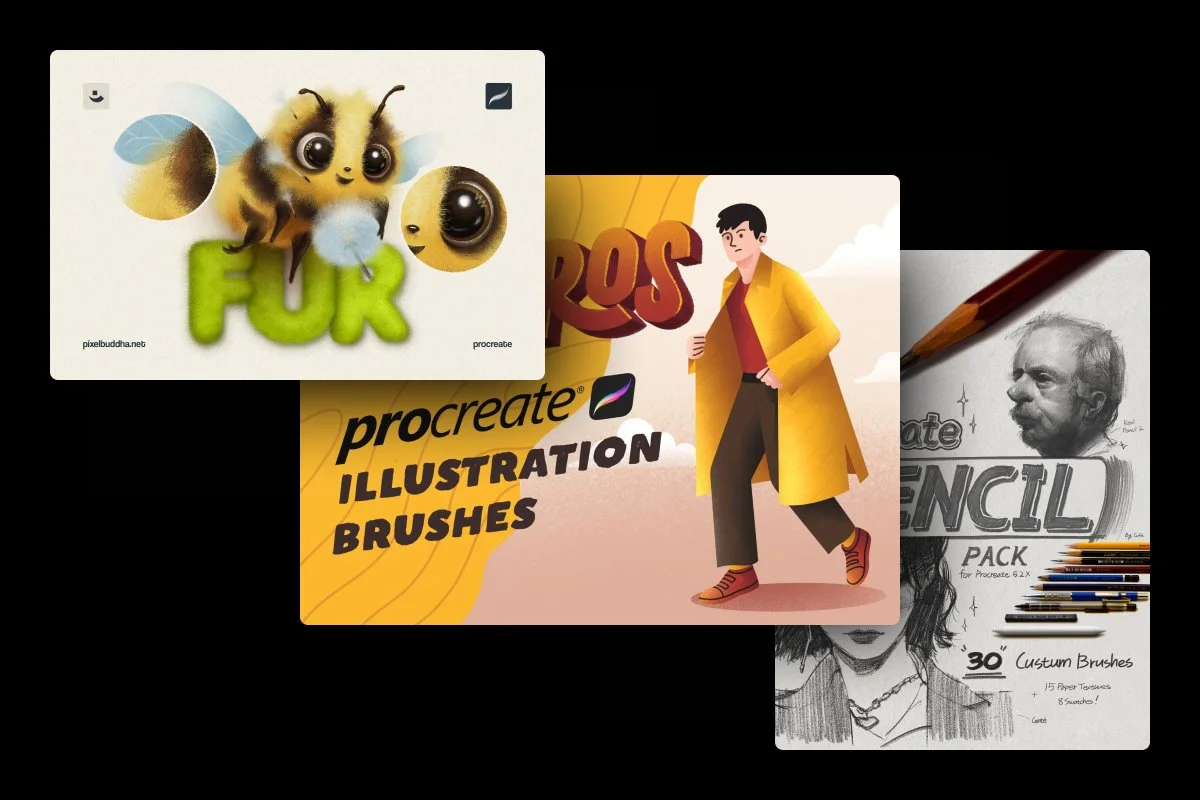
Discover the best free Procreate brushes in 2026: pencil, ink, manga, watercolor & texture packs. Installation steps and licensing notes included.
If you’ve been drawing on an iPad for any length of time, you know the Procreate ecosystem has evolved into a titan of the digital art world. We’re now at a point where free Procreate brushes can actually rival the physics and texture of the paid stuff, so I’ve hand-picked the ones that are actually worth a permanent spot in the sidebar. We’ve collected the high-utility freebies and paired them with premius brush packs to expand your artistic boundaries even further.
Top 6 Free Procreate Brush Sets
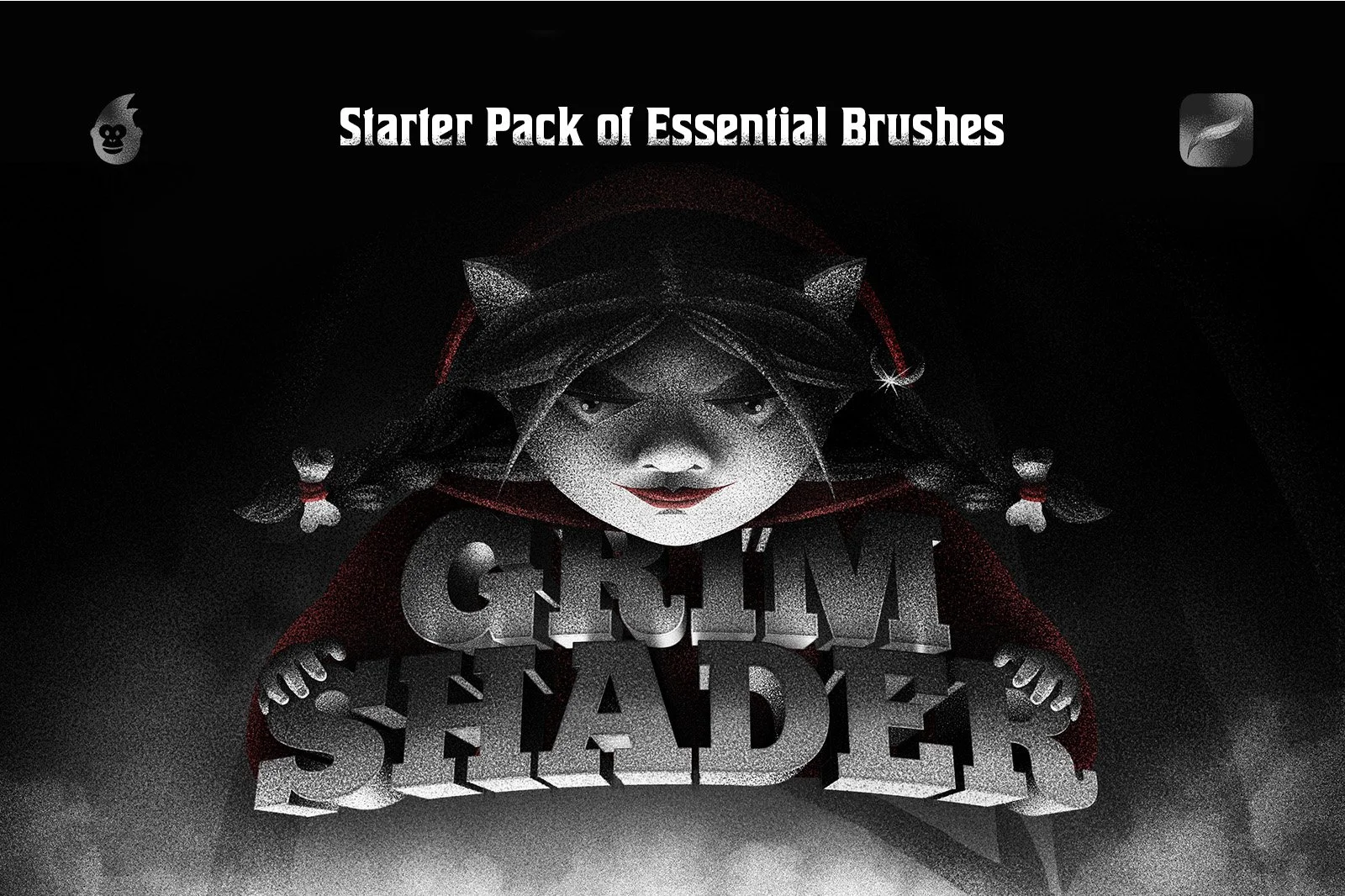
Free Shader Procreate Brushes
Use these when you need to transition away from the "too-clean" look of digital art and move toward the tactile aesthetics of charcoal or graphite. They function as a cohesive system of grain sizes, allowing you to establish atmospheric perspective by layering subtle textures in the background and gritty details in the foreground. The brushes are specifically engineered to build volume on flat shapes, making them a vital shortcut for creating 3D volume in character art or architectural sketches.
What’s Inside: 10 versatile shader brushes.
Best for: lo-fi illustrations, vintage posters, adding organic "tooth" to flat vector-style art.
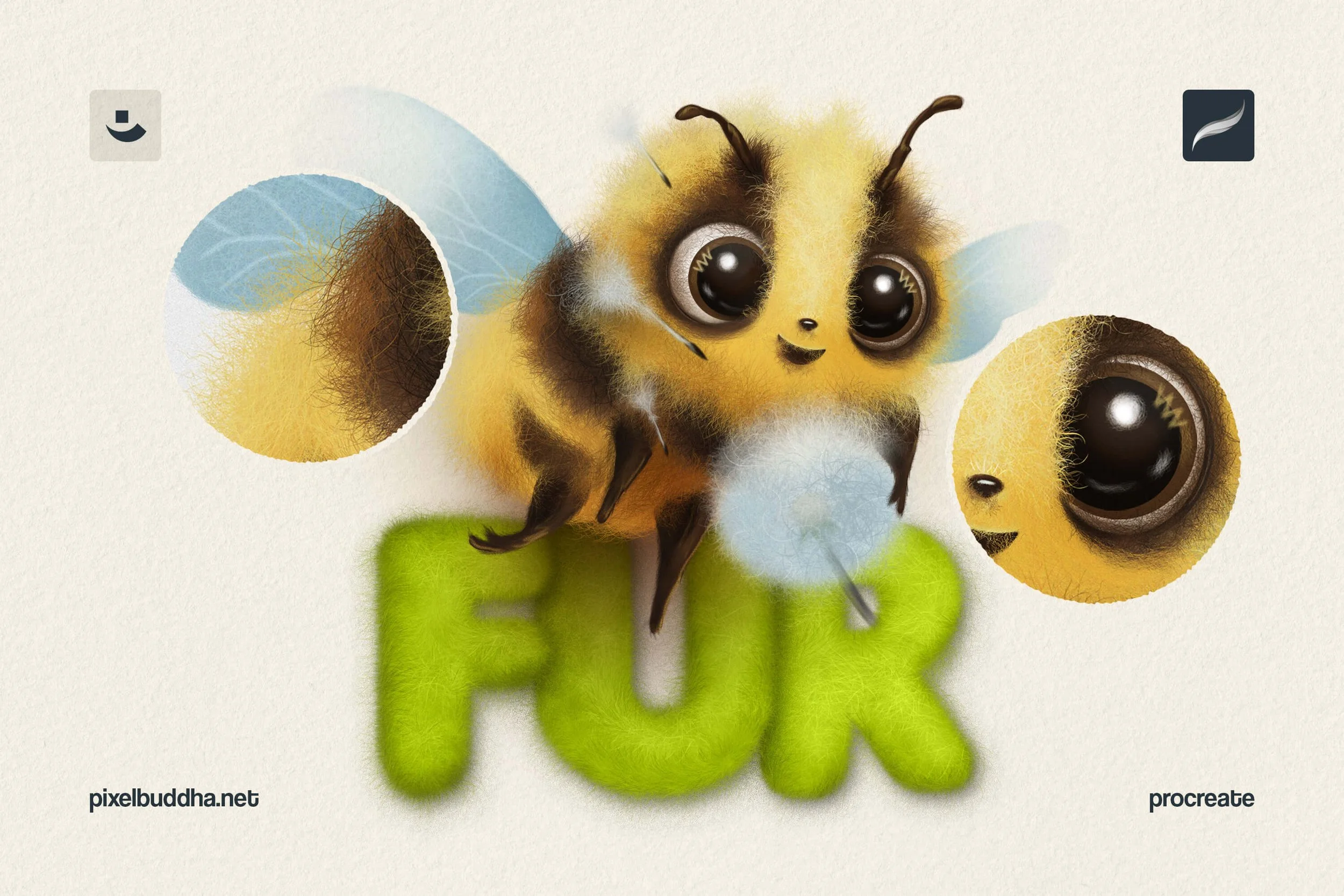
Free Fur Brushes for Procreate
Painting individual strands of hair is a relic of the past — these brushes do all the heavy lifting. They respond to the Apple Pencil's pressure, sweeping from thin, wispy strands to dense, high-volume coats in one motion. Each brush varies in fur direction, texture density, and hair type for a range of visual effects.
Despite the snuggly vibe, the set is a powerhouse for personal projects, concept art, fan art, prints, children’s book illustrations, and beyond. It’s the ultimate shortcut for creature design and pet portraits, but it also doubles as a unique texturing tool for experimental typography and even fashion illustration.
What’s Inside: 12 fur brushes, 2 paper textures (JPG).
Best for: creature design, pet portraits, and textile textures.
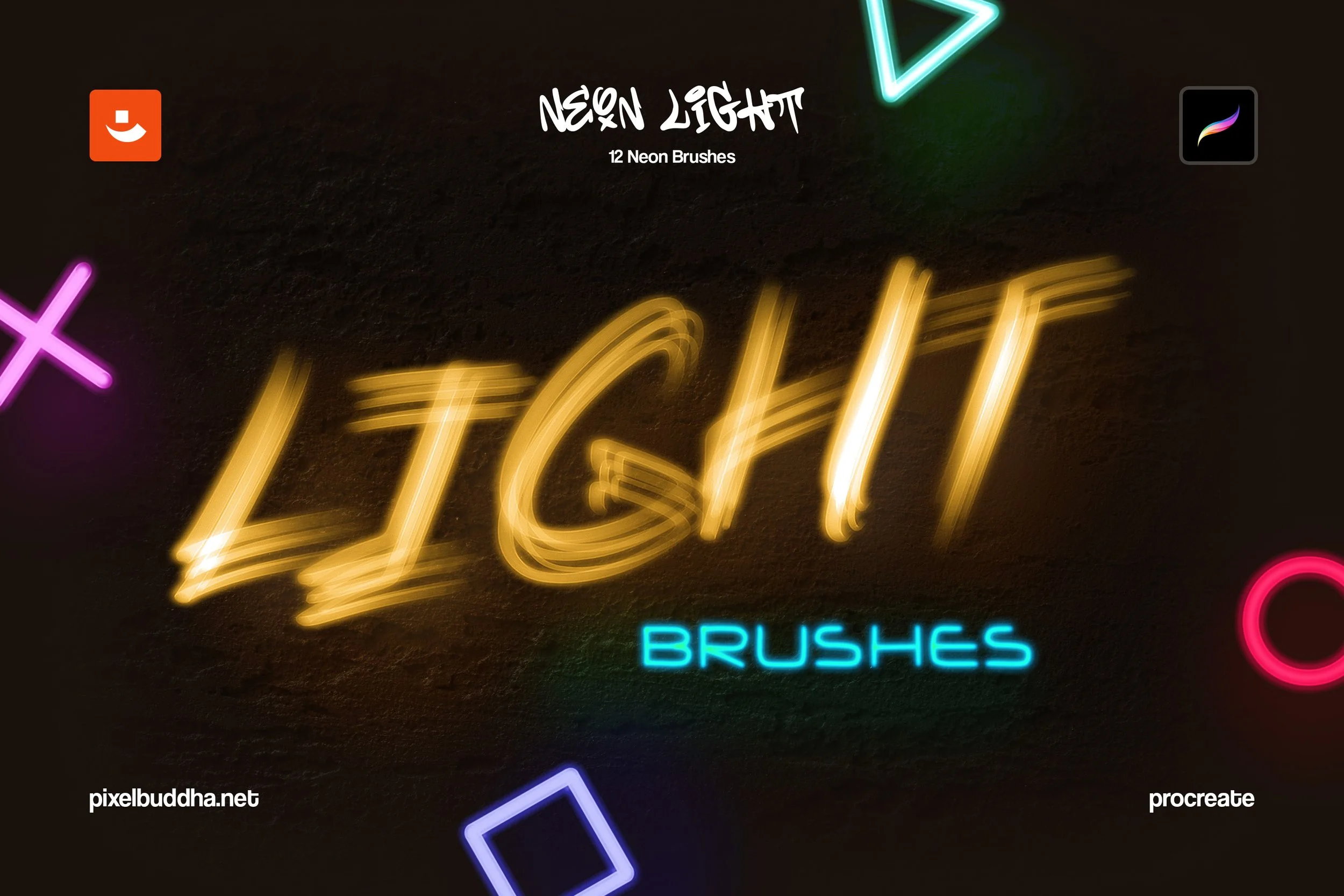
Free Neon Light Procreate Brushes
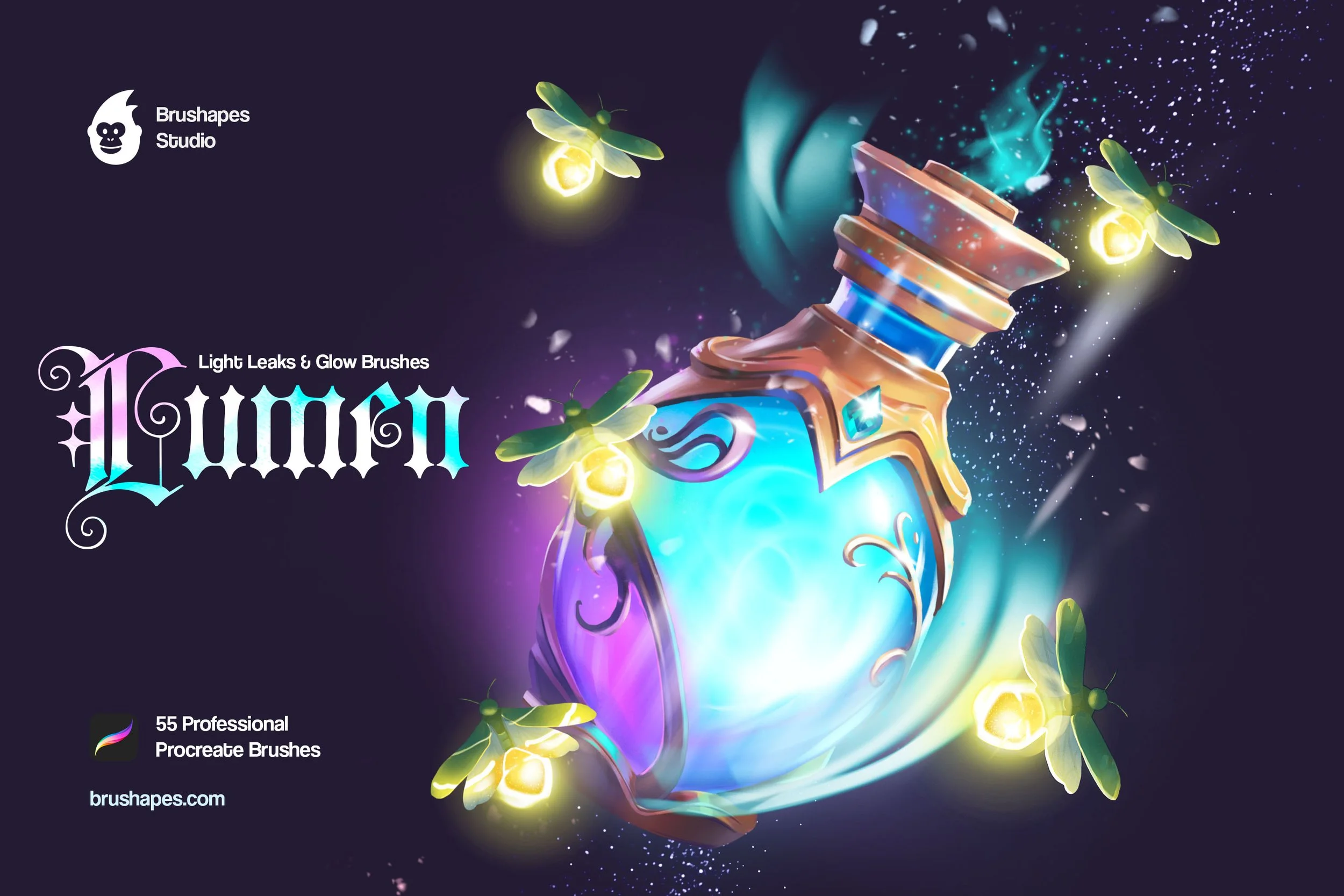
This neon toolkit simulates the physical properties of gas-filled glass tubes. It leaves behind manual layering of "outer glows" to make lines pop. Instead, there're multi-tube brushes and soft "bloom" effects for authentic glowing highlights in one go. With pressure-sensitive strokes, the set works well for everything from signboards, digital lettering, and synthwave album covers, to creating cyberpunk urban environments.
But let’s not limit this free Procreate brush pack to the painting glowing items itself: it also works well for adding glowing falloff, atmospheric light leaks, and nocturnal depth to any piece of concept art.
What’s Inside: 12 neon brushes.
Best for: cyberpunk aesthetic illustrations, adding lightleaks and soft glow, digital lettering.
Free Illustration Procreate Brushes
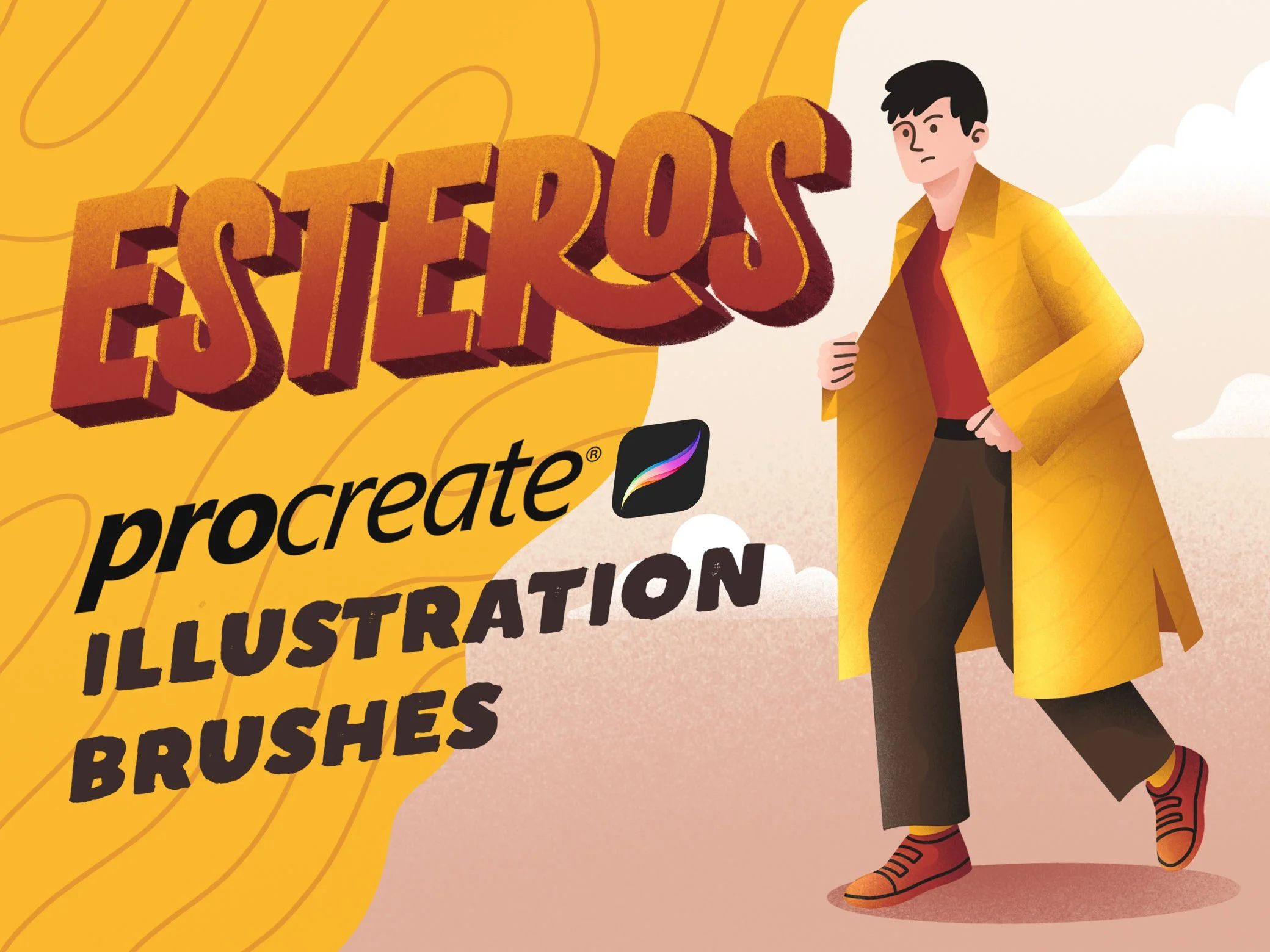
This set is a streamlined studio-in-a-box for anyone who needs to move from concept to a polished commercial asset. It eliminates the friction of switching sets by providing a cohesive production pipeline — you can jump from technical lining to complex pattern-filling using brushes that are visually calibrated to work together. It’s an ideal choice for UI/UX illustrators and designers who need to create clean, high-fidelity characters and icons that maintain a professional, "published" look across apps and websites.
What’s Inside: 10+ brushes
Best for: Editorial illustration, children’s book art, and character design.
Free Pattern Procreate Brushes
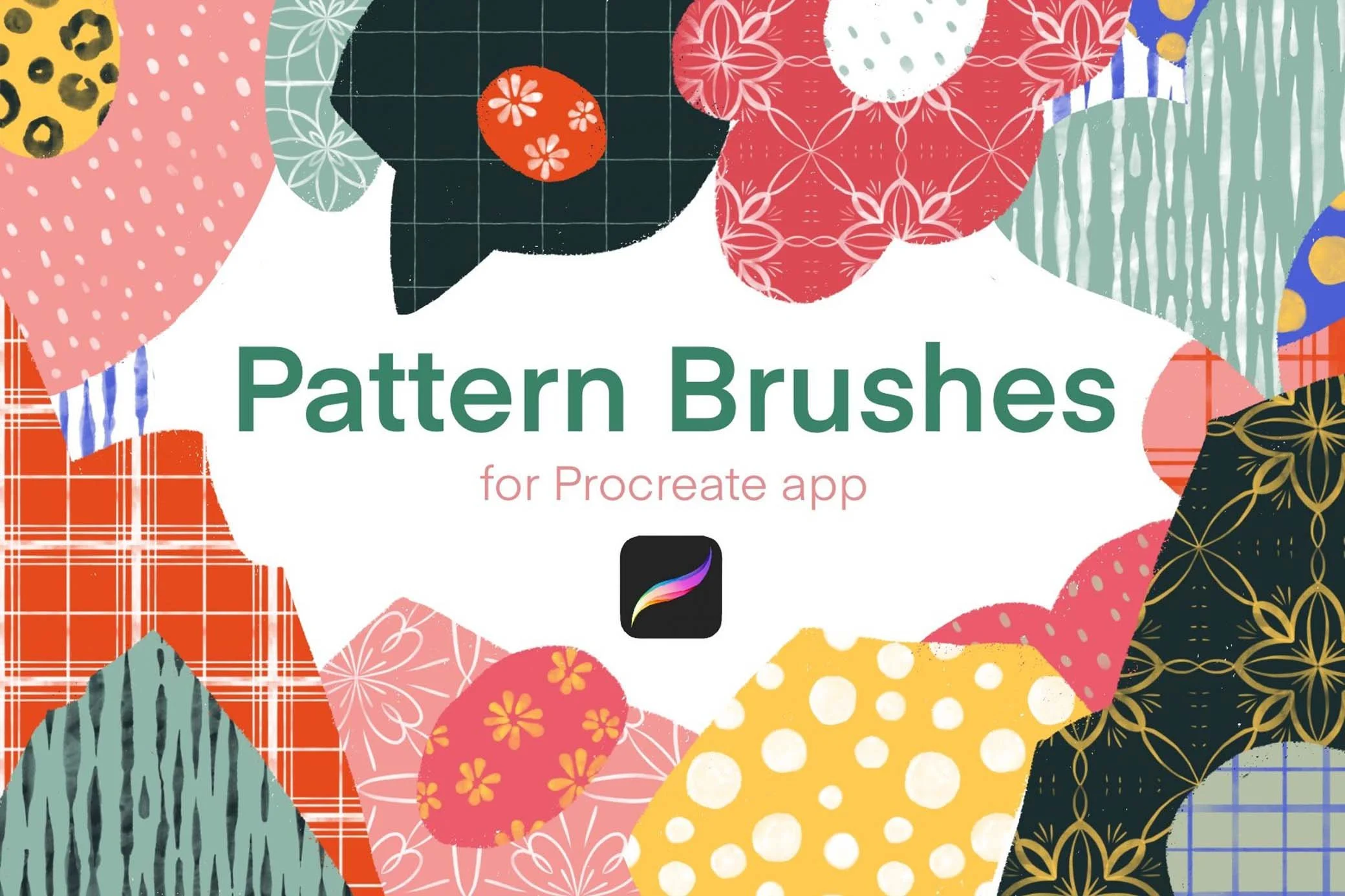
Rather than drawing textures manually, this free Procreate brush pack allows you to "paint" with seamless patterns. It transforms complex motifs into seamless brushes, so you can flood any shape with high-fidelity patterns like polka dots and cross-hatches with a single stroke. It’s a massive time-saver for textile design and fashion illustration. Plus, it functions as a powerful depth-builder for editorial layouts and poster art, where a quick pop of geometric texture can jazz up a flat background.
What’s Inside: 12 seamless patterns + invert option for each.
Best for: adding rapid detail to clothing, environmental background, or architectural elements.
Free Pencil Procreate Brushes
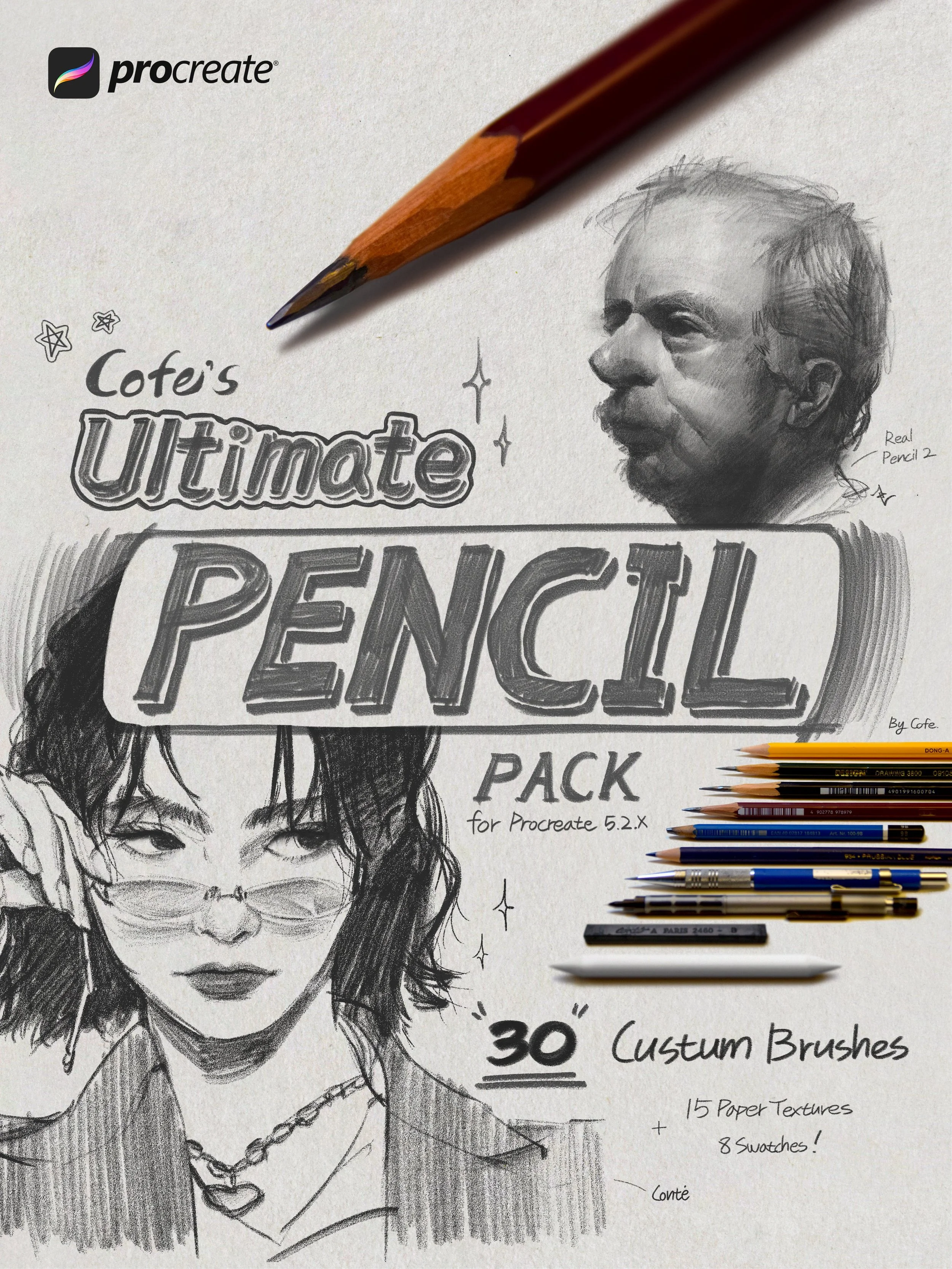
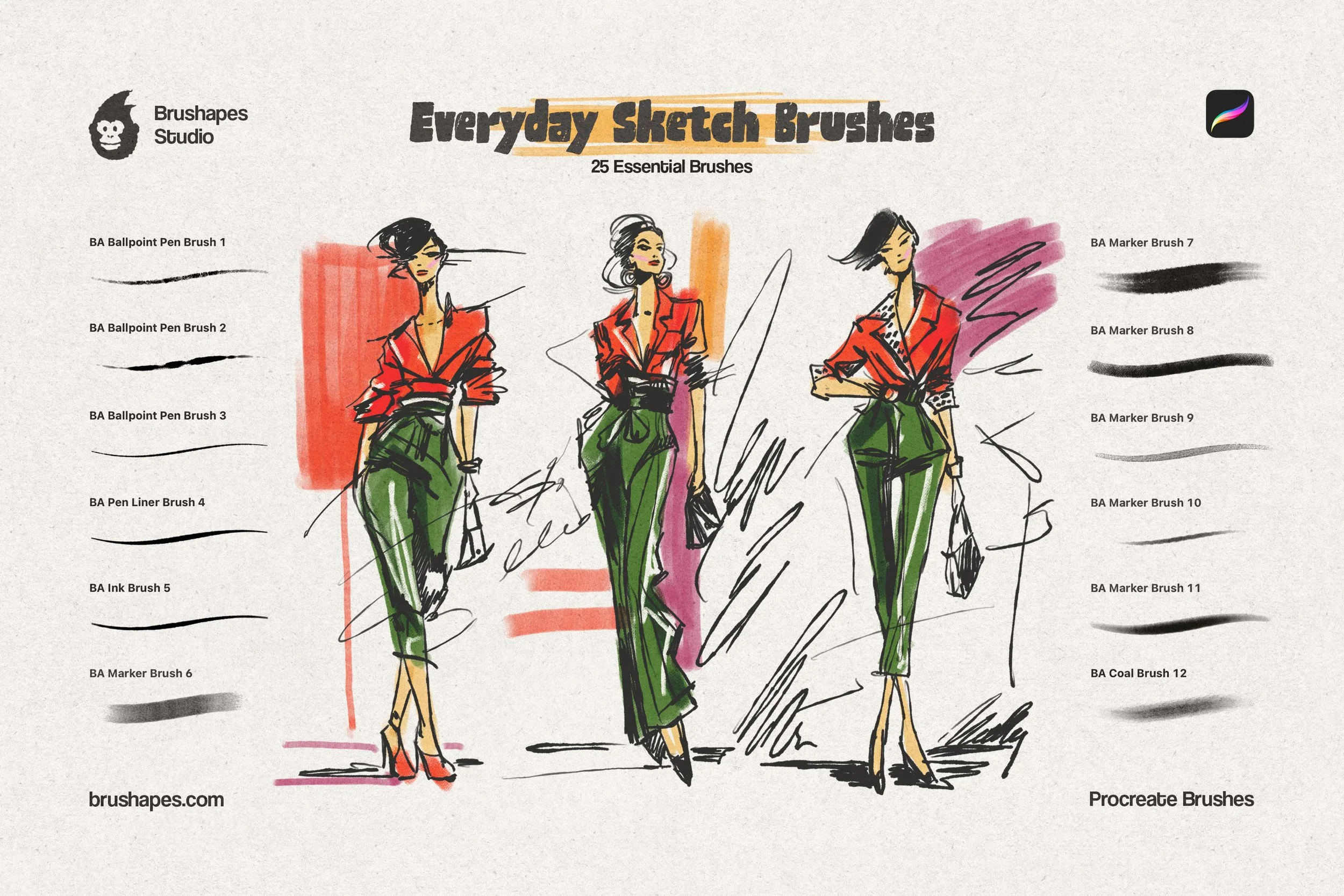
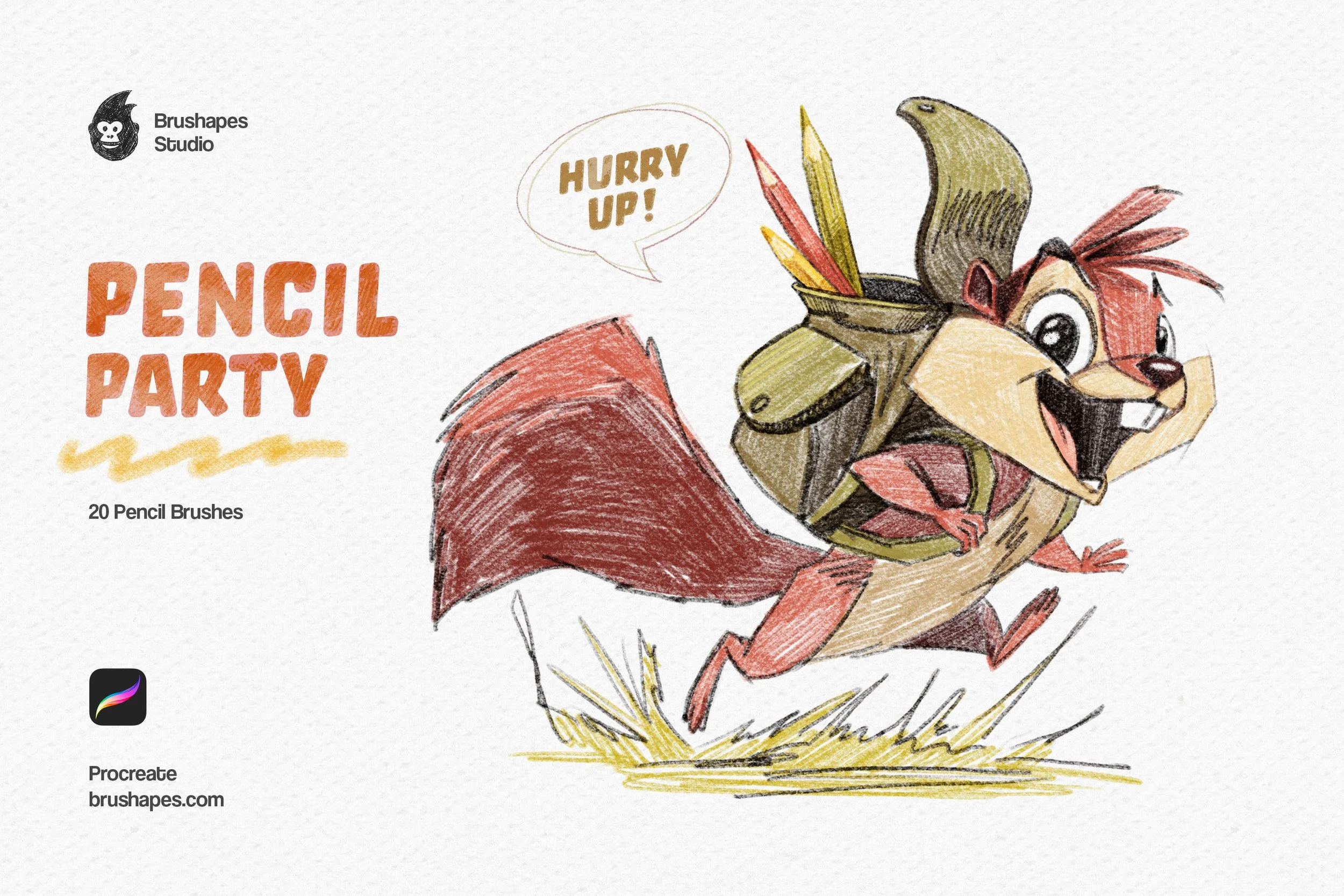
These free brushes for Procreate replicate the physical graphite, perfectly rendering everything from soft shading to the intense lines of a sharp pencil. It’s an essential toolkit for storyboarding and initial character drafting. It’s also a powerhouse for colored pencil illustrations, as each brush is calibrated for both monochrome sketching and colored pencil work. This set helps to create "sketchbook-style" digital journals, practice anatomical sketches, or add a raw, hand-drawn feel to clean editorial designs.
What’s Inside: 4 pencil brushes, finger smudge, eraser - hard, 3 paper textures.
Best for: Traditional sketching and fine-art studies.
Best Premium Procreate Brushes
We believe that as your projects scale, your toolkit should too. While free tools are an excellent playground for exploration and finding your style, we have curated an extensive "Toolbox" under our brand specifically to bridge the gap between hobbyist sketching and high-end commercial work.
Long gone is the age where digital art had to look "digital." These packs are chosen because they handle the technical labor — managing line stabilization for clean inking or simulating the way pigment actually pools on a wet surface — so you can spend less time menu-diving for the "Smudge" tool and more time actually drawing.
Halftone Procreate Brushes
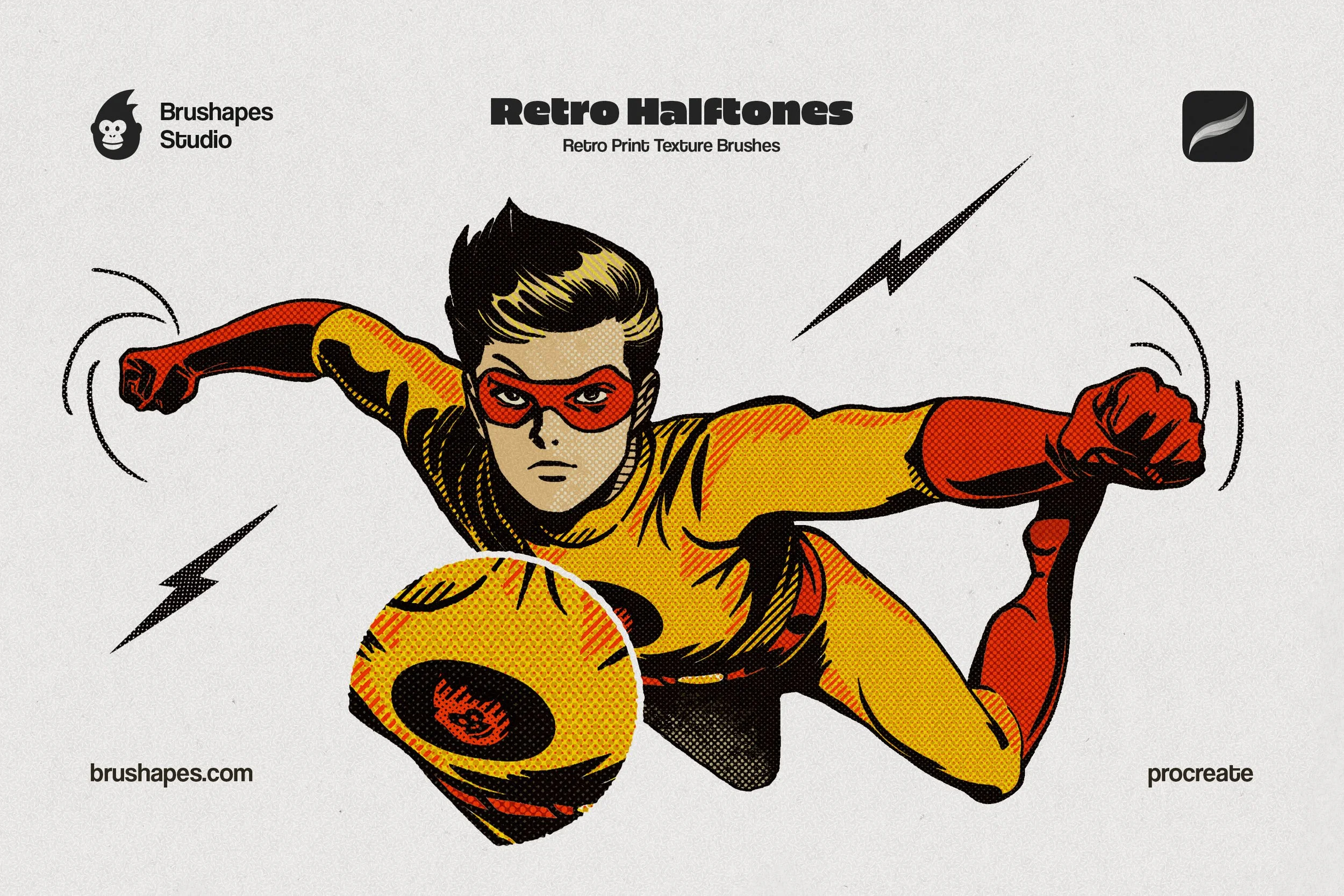
Authentically capturing the spirit of mid-century print doesn’t boil down to just throwing a dot pattern over an image. Definitely not. It’s about simulating the mechanical limitations of old movie posters and comic covers. Lines, dots, hatches, waves, checkers, blocker brushes — everything goes to the canvas. The brushes are built with pressure-sensitivity settings, allowing you to apply texture with a rough effect.
Use these when you need to break free from the flat digital colors — not only with vintage-style comic book shading, of course. In streetwear apparel design, they'll simulate screen-printing artifacts. For pop art and poster design, the sheer variety of "creative" halftones (including zigzags and waves) will build complex, vibrating backgrounds that standard dot patterns can't achieve.
What’s Inside:
28 classic halftone dot brushes
64 classic halftone line brushes
88 halftone creative brushes
24 halftone inverted creative brushes
4 ink brushes
2 JPG paper textures
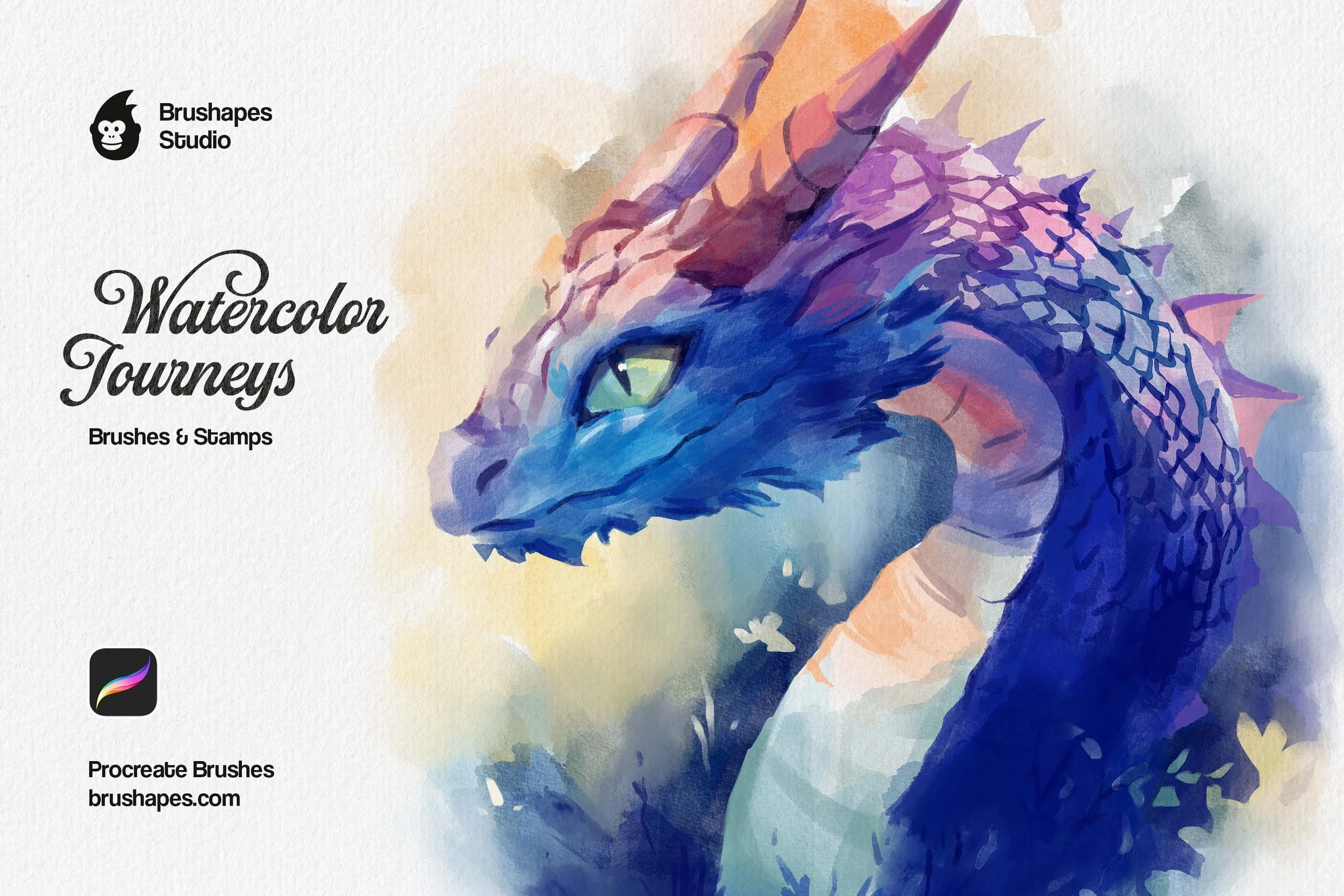
Watercolor Procreate Brushes
This pack takes the stage when a project calls for a "soft," organic soul: like children's book illustrations, delicate wedding stationery, or architectural concept sketches. Digital watercolor might feel too "static," but this set replicates the fluid physics of water hitting a grain-heavy surface. As you overlap strokes, the brushes simulate the real pigment behaviour. That's how you build depth through translucency rather than just opacity, making it much easier to achieve the "wet-on-wet" look.
If you are working on children’s book illustrations or wedding stationery, the included stamp brushes are particularly practical. They drop in realistic splatters and organic bloom shapes that would be tedious to paint by hand. As long as the set includes a dedicated watercolor color palette, you don't have to guess which values will layer best; the colors are pre-calibrated to maintain a "fresh-paint" look even when heavily layered.
What’s Inside:
30 watercolor artistic brushes
20 watercolor stamp brushes
Watercolor color palette
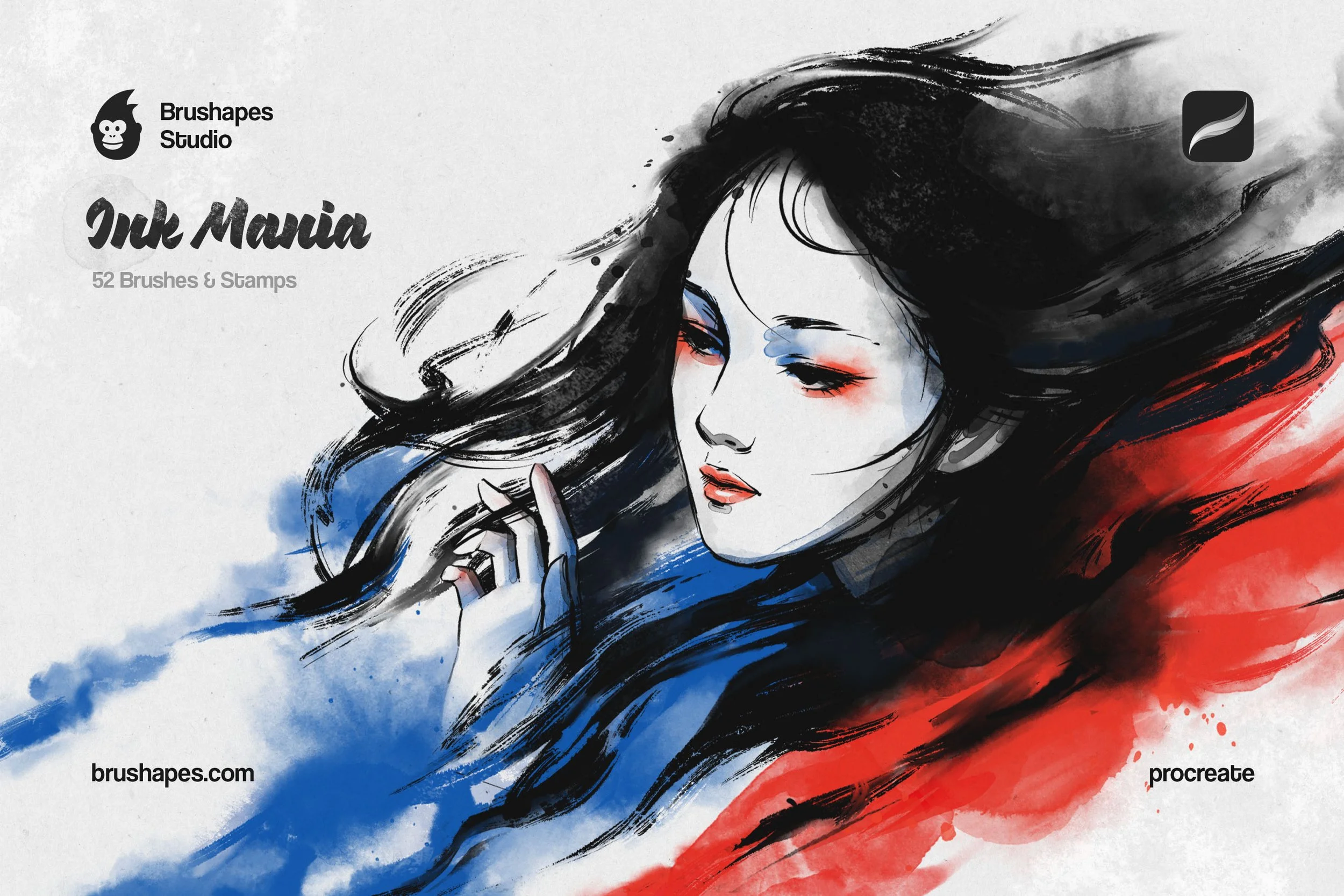
Ink Procreate Brushes
If you’ve ever struggled with digital ink going "soulless" or too smooth, this set becomes a practical corrective. It's inspired by traditional East Asian brushwork and delivers the "dry-brush" friction. For editorial illustrators, this allows for a lo-fi aesthetic where the line work performs like it was scanned from a physical sketchbook.
The set is effective for professional lettering and calligraphy, as the brushes capture the slight "bleed" and "tooth" that occur when ink hits paper fibers. Beyond standard outlines, the wet inks and wash stamps add tonal depth and "splatter" effects.
What’s Inside:
12 ink pens
16 ink brushes
8 wet inks
16 ink stamps
4 JPG paper textures
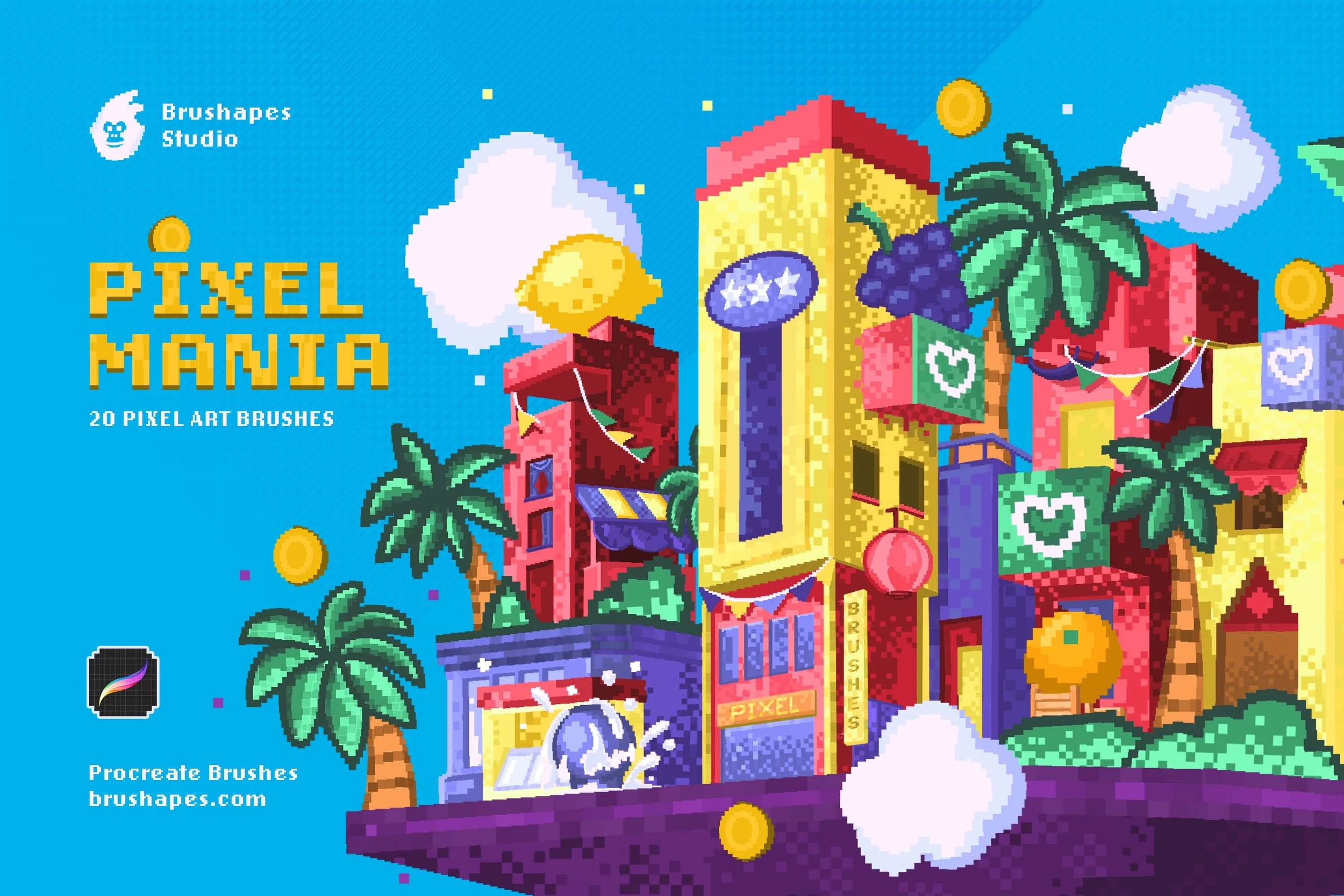
Pixel Procreate Brushes
Standard Procreate brushes are built to be smooth and anti-aliased, which is exactly what you don't want for pixel art. This set essentially reconfigures the software into a pixel-perfect editor for 16-bit sprites and isometric game assets. The brushes are locked to a strict grid, so that every stroke results in clean, square blocks without any blurry edges. The transparent pixel brushes are the real time-saver here — they apply "dithering" (the classic checkerboard shading seen in retro games) with a single touch.
Use them for indie game character art, 8-bit backgrounds, isometric tilesets, or Neo-Retro UI elements. The collection is a godsend for any consistent, "low-res" aesthetic meant to look native to a vintage console.
What’s Inside:
20 pixel art brushes (outlines, shaders, and patterns)
3 bitmap textures (PNG) for an extra layer of lo-fi grit
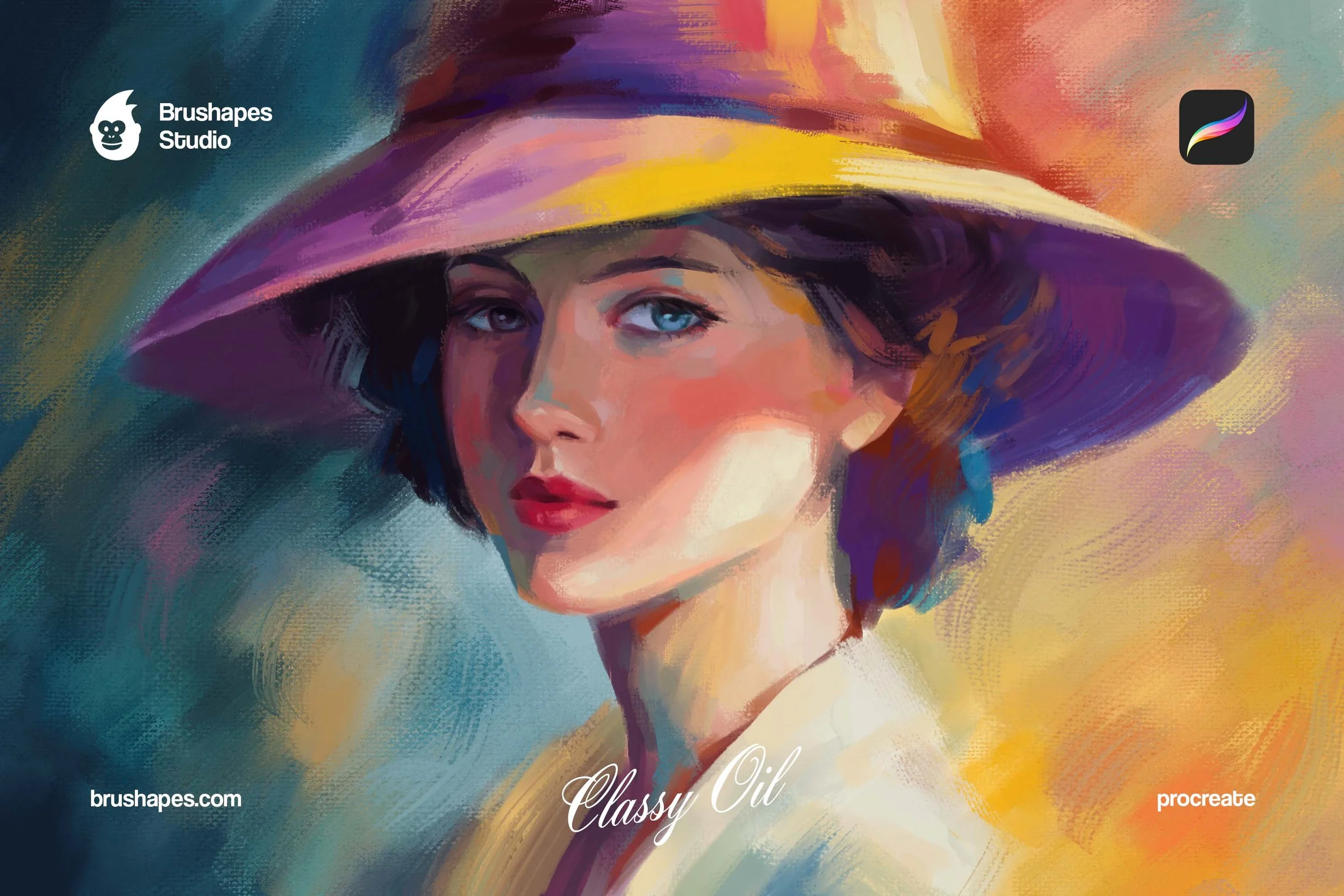
Oil Procreate Brushes
These brushes mimic the style of the old masters and replicate the physical drag of a bristle brush across a canvas. This lets you "push" and "pull" wet-looking pigment to create soft transitions without relying solely on the Smudge tool. The set includes varied textures, from translucent glazes to heavy dry brush strokes. It’s a perfect fit for high-end digital portraits and fine art studies, fantasy book covers, and visual development projects.
What’s Inside:
30 oil painting brushes;
4 paper textures (JPG).
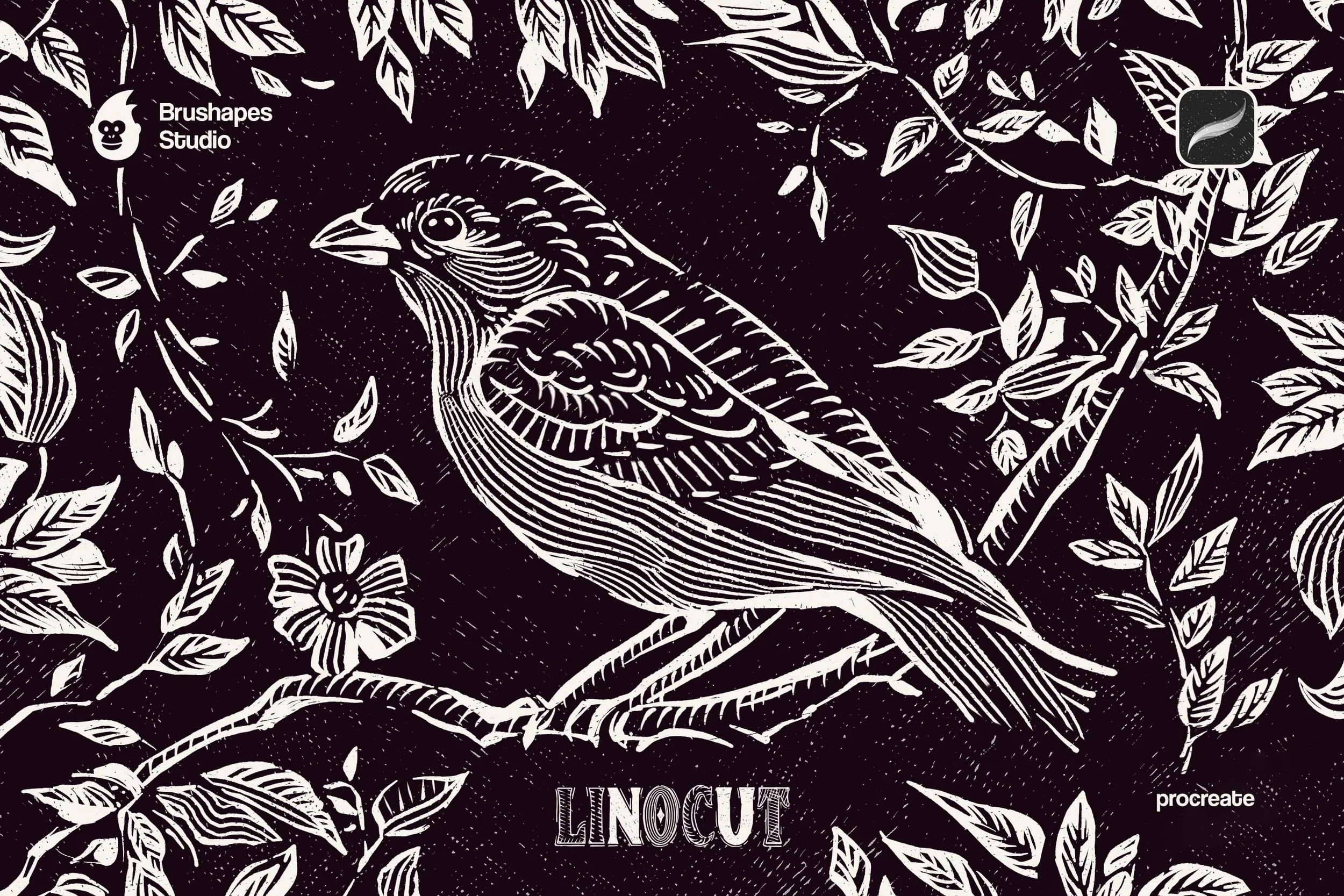
Linocut Procreate Brushes
These Procreate brushes are perfect for the “Handmade Movement," simulating the resistance of carving into linoleum. The standout feature of this collection is the calculated jitter and resistance as the brushes mimic the physical "catch" of a blade. This makes them the definitive tool for modern-primitive branding and folk-art illustrations.
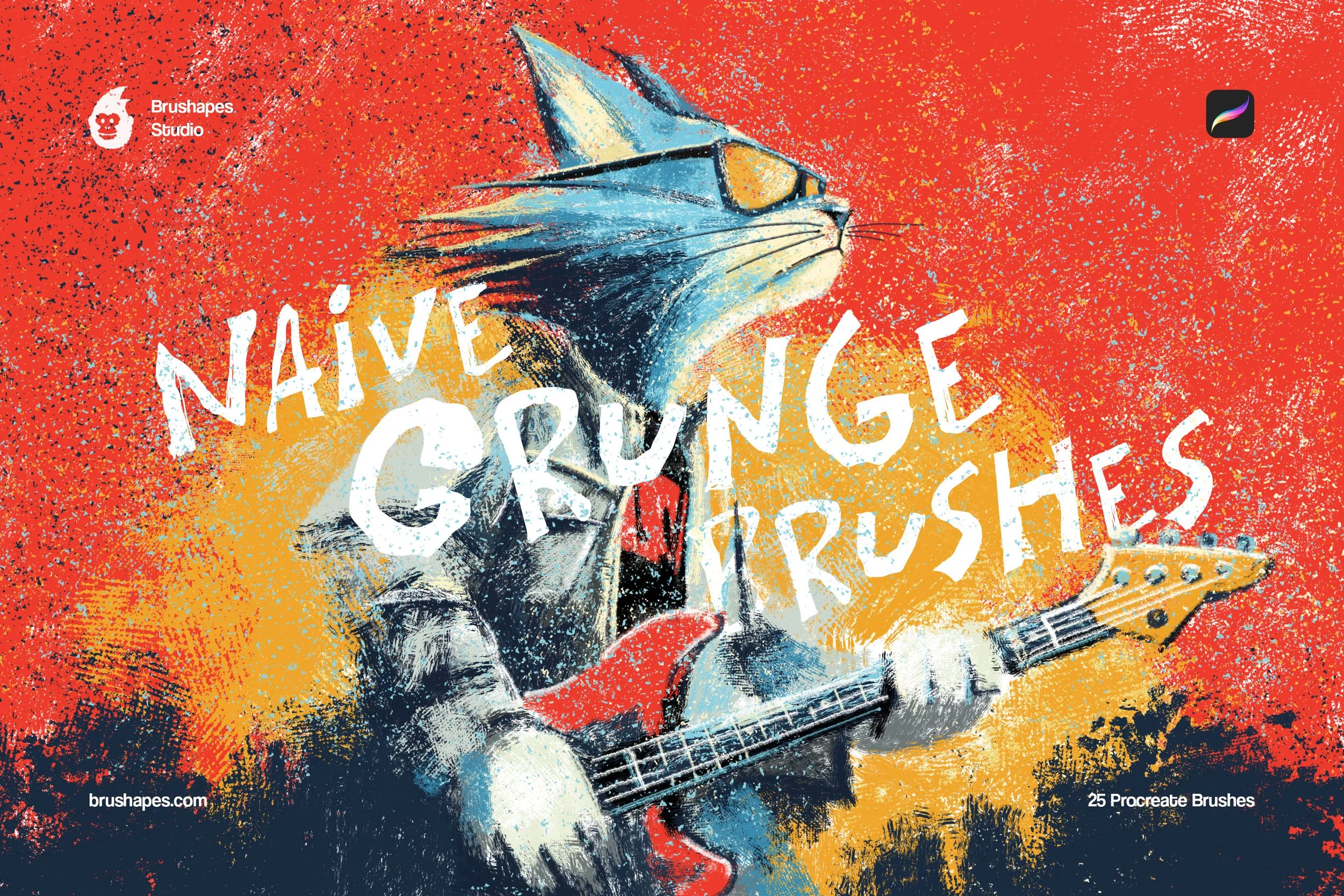
Instead of drawing lines, you use the chisel brushes to "carve" white space out of dark silhouettes, instantly achieving the high-contrast, jagged aesthetic of a traditional relief print. It’s also a high-utility shortcut for concert posters and editorial spots that need to break free from the "digital perfection" trap.
What’s Inside: 12 linocut brushes.
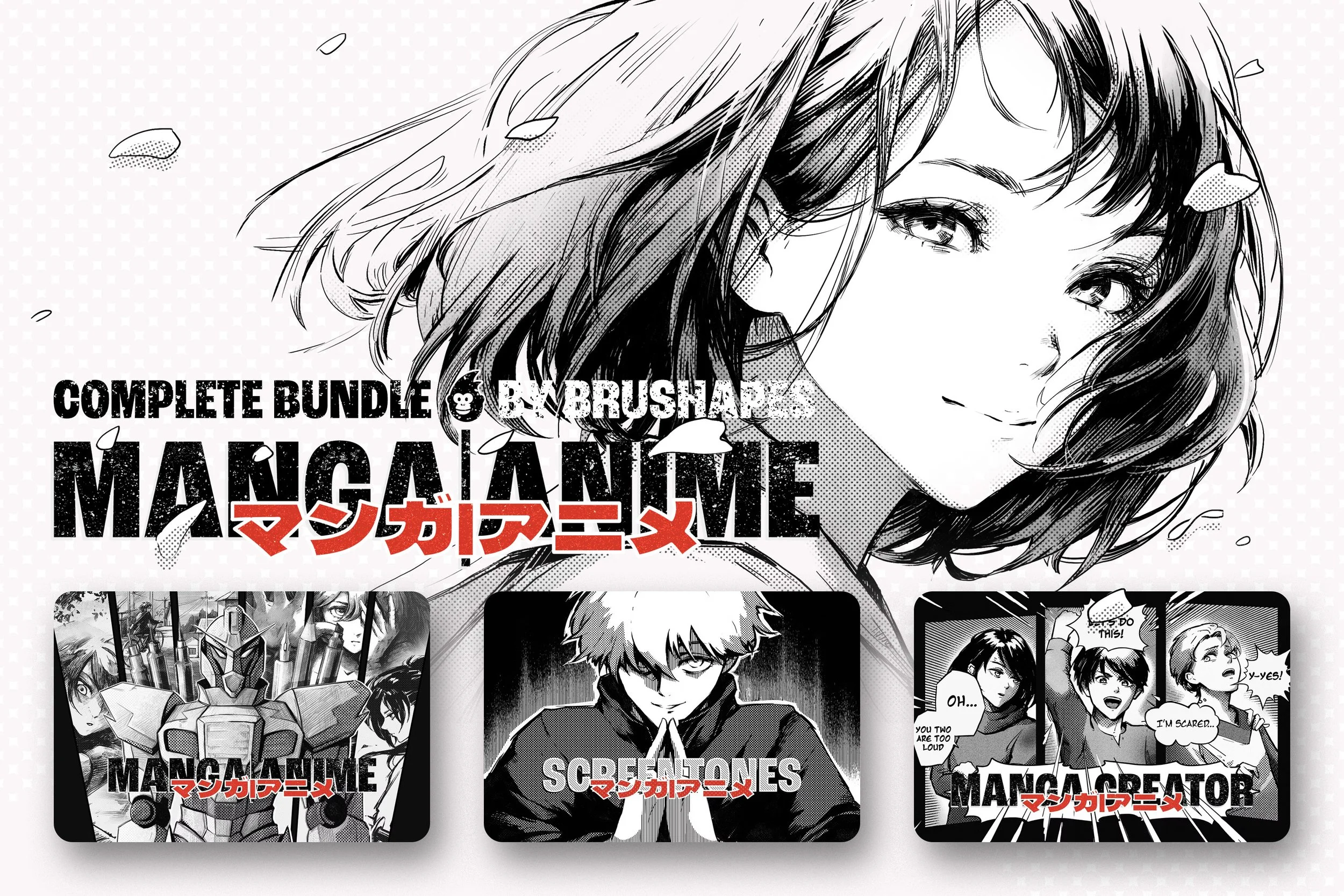
Manga & Anime Complete Procreate Brushes Bundle
This is a production-line set for manga, manhwa, Webtoon creation, and doujinshi-style line art. The toolbox is a game-changer for creators who need to maintain consistent line weight across hundreds of panels without the "wobble" that usually plagues digital inking.
For the background work, they can skip the tedious manual hatching as well. The seamless screentone brushes deliver professional-grade textures — dots, lines, and gradients — directly into the panels. The included frame and bubble brushes play like a dedicated layout department.
What’s Inside:
6 drawing brushes
45 halftone pattern brushes
21 line screentone pattern brushes
50 outline and filled bubble brushes
30 frame brushes
Transparent PNG assets
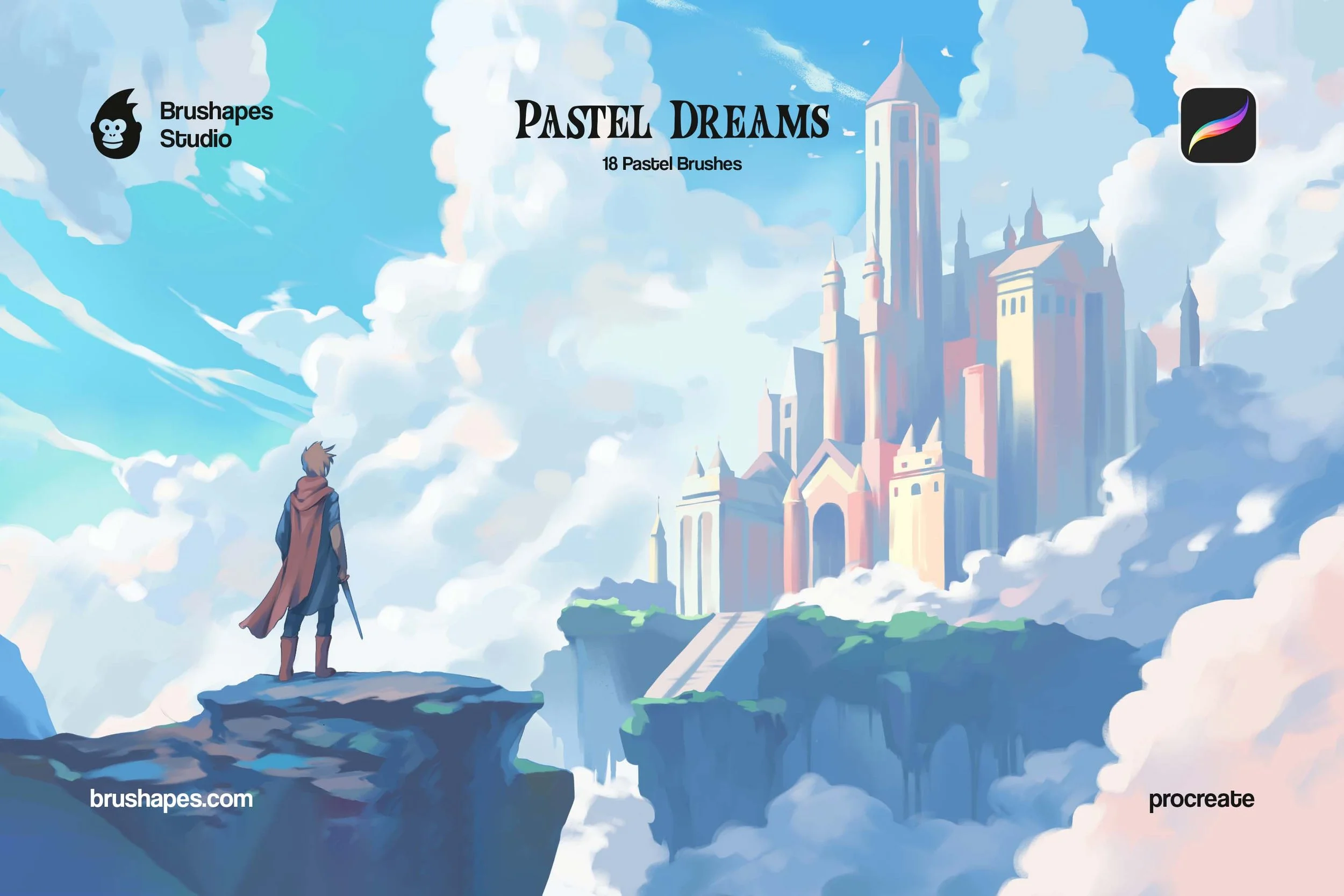
Pastel Procreate Brushes
This set is built for artists looking to blend a traditional pastel soul with the high-scale visuals of modern RPGs and animated films. The brushes move away from the "too-smooth" look of digital painting by introducing an airy texture. The physics here are tuned for blending, layering, and opacity experimentation, building from a light, hazy atmosphere to saturated, bold marks with varied pressure.
For game design and concept art, this toolkit is a practical choice for painting expansive, open-world landscapes where you need dreamy, soft color transitions. It works equally well for character design, giving skin tones and clothing a natural but not overly realistic look.
What’s inside:
18 Pastel Brushes and a color palette that suits pastels in the best way.
How to Install (2026 Guide)
Importing free Procreate brushes is pretty streamlined in the latest iPadOS, but the file types still matter.
Download: Save the .brush or .brushset file to your Files app (usually in the "Downloads" folder).
The Direct Method: Tap the file. If it’s a .brushset, iPadOS 19/20 will automatically launch Procreate and import the entire library to the top of your Brush menu.
The In-App Method: Open Procreate, tap the Brush icon, and hit the [+] sign. Tap Import and navigate to your file.
Drag and Drop: With Split View open, you can simply drag a brush file directly from the Files app into your Procreate Brush Library.
Can I use free Procreate brushes commercially?
The legal side of things isn't nearly as fun as painting, but it’s where some artists trip up. When you download free Procreate brushes, the "free" usually refers to the price, not the usage rights. If you’re looking to use freebies for commercial projects, you have to check the license agreement, because many creators offer to download free Procreate brushes for personal use only. They’re ok for your practice, but a total "no-go" for a paid client project. How to avoid pitfalls in that matter? Keep a separate folder in your brush library labeled "Commercial Safe" so you never accidentally use a restricted texture on a paid gig.
At our studio, we take a different approach. We believe that professional-grade tools should be accessible to everyone, which is why most of our "freebies" actually include a commercial license right out of the box. We want to see you succeed, with the help of our lovingly crafted tools. While there are some common-sense limitations — such as not being allowed to resell the brush files themselves or use them for massive, high-volume industrial productions (which is where the Extended License steps in) — our free sets are designed to be a legitimate part of your professional workflow. We’re proud to offer tools that don't just sit in your "practice" folder but actually help you get paid.
Licensing Cheat-Sheet:
Personal License: Most free brushes for Procreate found on popular platforms are for personal use. You can practice with them, but you cannot sell the resulting art.
Commercial License: Premium sets and some high-end freebies (like those from Pixelbuddha and Brushapes) allow you to sell your work, typically up to a certain number of units or for standard client projects.
Extended Commercial License: This is required for larger-scale productions. It covers high-volume projects like Print on Demand (POD), film, TV, streaming visuals, or cases where you need to embed assets into an app or game.
The "No Redistribution" Rule: Even if a brush is free, you cannot package it and sell it yourself. You are licensed to use the output (your art), not the digital code of the brush itself.
FAQ
-
Only download from reputable creators. Always check the file extension. Procreate brushes are strictly .brush, .brushset, or .abr (Photoshop) files. If a download asks you to run an .exe or .dmg file, delete it immediately — those are installers for Windows or Mac and have no business being in a Procreate workflow.
-
This is usually down to your Apple Pencil Pressure Curves. Many professional creators calibrate their brushes for a "heavy" or "light" hand. If your lines feel too thin or the opacity is lacking, head to Actions > Preferences > Pressure and Smoothing to adjust your global curve. Also, ensure your Apple Pencil tip isn't loose, as this can cause the sensor to skip grain details.
-
Yes! Procreate has natively supported .abr files. When you import a Photoshop brush, Procreate’s engine actually translates the texture and spacing into its own Brush Studio. While most work flawlessly, keep in mind that Photoshop brushes don't always utilize Procreate’s unique 3D tilt settings, so you might need to tweak the "Tilt" sliders manually.
-
Individual brushes won't lag your device, but massive .brushset files with high-resolution grain textures can eat up local storage and increase the file size of your .procreate documents. If you notice a "stutter" while drawing, it’s likely because the brush grain is a 4K texture and you’re working on an older iPad model with limited RAM.
-
In 2026, Procreate’s organizational tools are much more robust. You can now create nested groups by simply dragging one brush set on top of another. We suggest categorizing by "Task" (e.g., Sketching, Inking, Texturing) rather than by "Artist," as this speeds up your decision-making while you’re actually in the creative flow. And it may be useful to keep the personal use only & commercial safe brushes separate.
-
"Tiling" or "seaming" happens when a lower-quality free brush uses a grain source that isn't perfectly seamless. When you stroke over a large area, you'll see a visible grid pattern. All the brushes we’ve recommended in this guide have been vetted for seamless grain patterns, ensuring your textures look like one continuous surface rather than a repeated image.
-
While you can technically use your finger, these brushes are high-performance tools designed for pressure and tilt. Features like the "flick" of a G-pen or the "side-shading" of a graphite pencil rely on the hardware sensors in a stylus. If you’re using a third-party stylus, ensure it supports "Pressure Sensitivity" in the Procreate settings to get the most out of these sets.
-
As of the latest 2026 updates, the "infinite scroll" struggle is mostly over. You can now use the Brush Search bar at the top of the Brush Library to find tools by name. If you can’t remember the name but used the brush recently, check the "Recent" tab at the top of your list. For your absolute favorites, swipe left on the brush in the Recent tab and select "Pin" — this keeps your "workhorse" brushes at the top of the menu regardless of which set they actually belong to.
-
If you’ve just updated Procreate and your custom brushes seem to have vanished, don't panic — they’ve just been moved. Procreate now separates its native, co-created brushes into the Procreate Library, while all your imported and legacy brushes are housed in the Classic Library. To switch between them, tap the library title at the top of the brush menu and select "Back to Libraries" to see your full collection of sets.
-
Yes, but it’s no longer a manual export-import process. In the current version, you can toggle on "Store brushes in iCloud Drive" under Actions > Preferences. This automatically syncs your brush libraries, including your custom organizational folders, across any iPad signed into your Apple ID. Just keep an eye on your iCloud storage; if you collect a lot of "heavy" sets with 4K textures, they can fill up your cloud quota quickly.
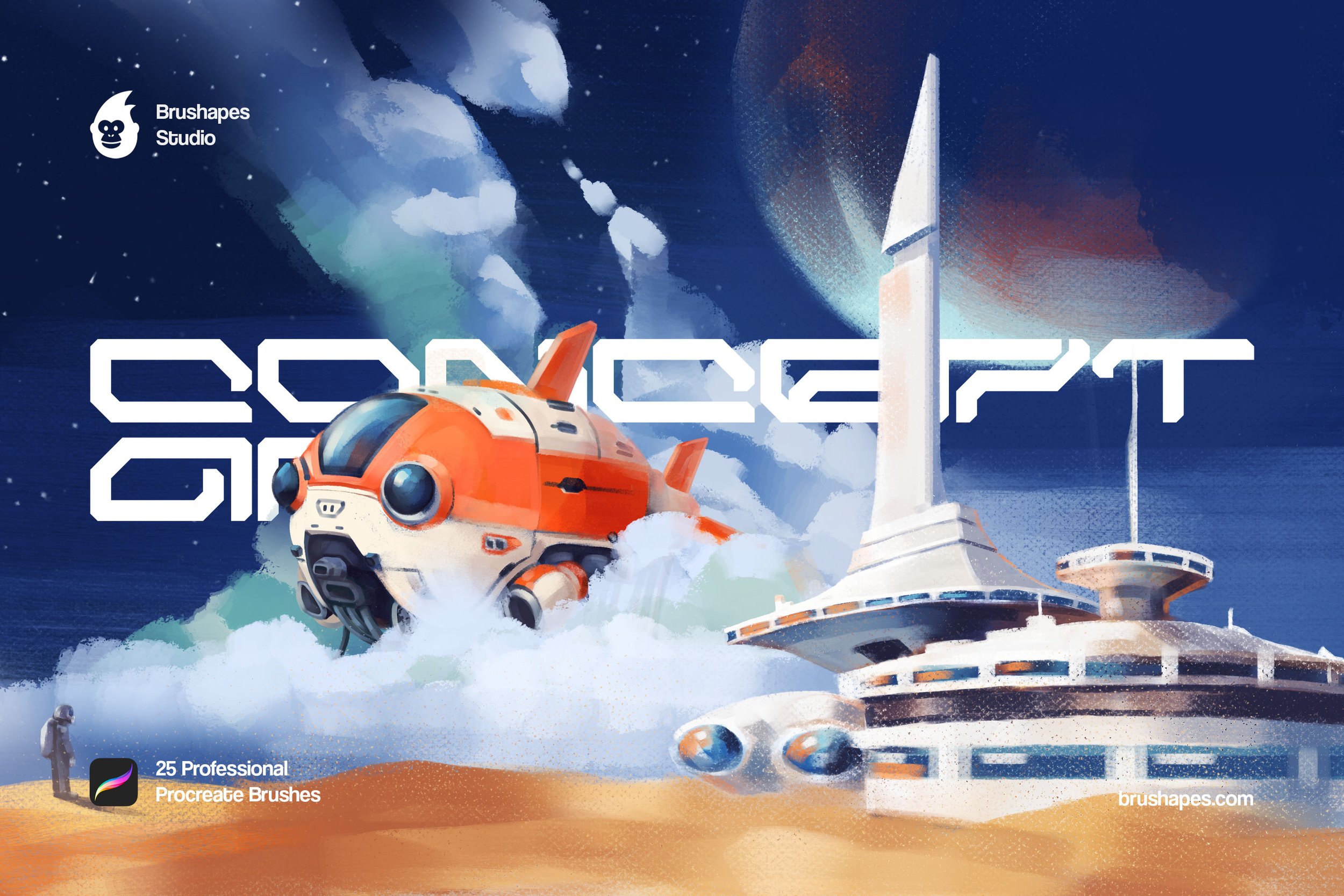
Everything real chalk gives you on an iPad, minus the squeak. 13 Procreate chalk brushes, a smudge tool for the thumb work, and four boards to ruin.